Hello, Turtle! Move and Turn
Day one of Python for Kids: meet the turtle, write real Python, and steer it around the screen — forward, back, and turning corners — all in your browser.
Summer coding for middle-schoolers — draw with Python and the turtle, right in the browser.
Day one of Python for Kids: meet the turtle, write real Python, and steer it around the screen — forward, back, and turning corners — all in your browser.
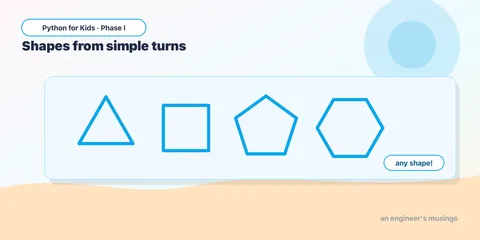
What do those turning numbers really mean? Learn the one simple rule that lets you draw a triangle, a pentagon, a hexagon — any shape you want.
Move without drawing, change colors and line thickness, and fill your shapes with bright color. Your drawings are about to come alive.
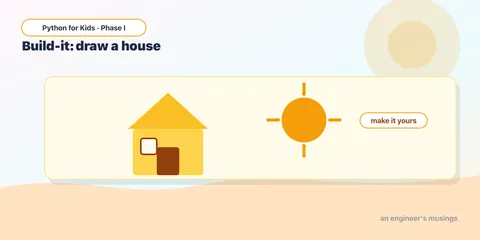
Your first real project! Put moves, turns, and colors together to build a house with a roof — then make it your own with a door, a window, and a sun.
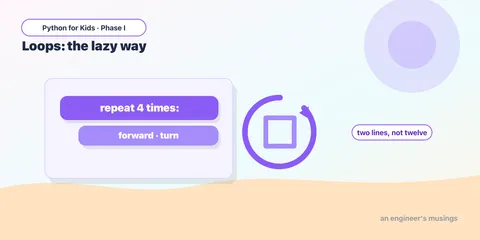
Why type the same lines over and over? Meet the loop — Python's way to repeat — and draw any shape in just two lines instead of a dozen.
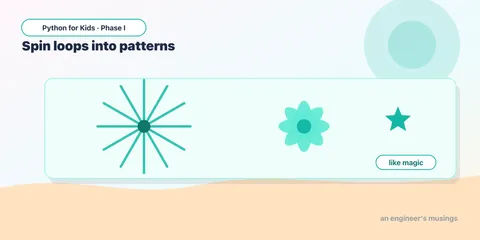
Repeat a shape while turning a little each time and watch stars, bursts, and flower-like patterns appear. This is where code starts to feel like magic.
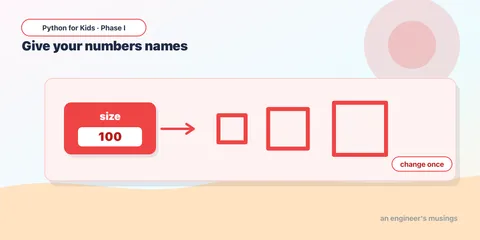
Store a number under a name and reuse it everywhere — change it once and your whole drawing updates. Then make a number grow inside a loop to draw a spiral.
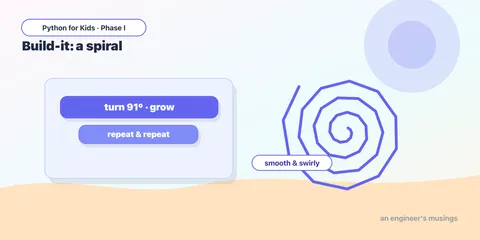
Project day! Combine loops and a growing variable into a smooth, colorful spiral — then turn the knobs to make a one-of-a-kind piece of art.
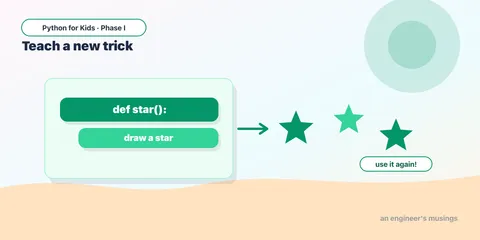
Give a drawing a name once, then use it again and again. Functions let you build your own commands — like teaching the turtle a brand-new trick.
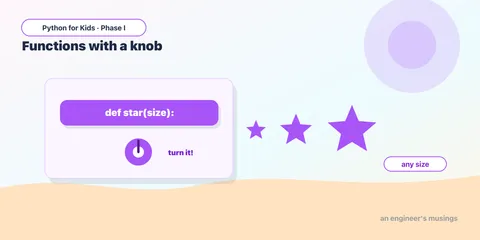
Give your functions a knob to turn. With parameters, one function can draw big shapes, small shapes, and any color — and a loop can call it with a different value each time.
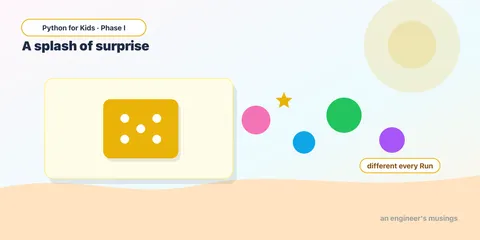
Make the computer surprise you. With random colors, sizes, and positions, your art comes out different every time you press Run — the secret behind generative art.
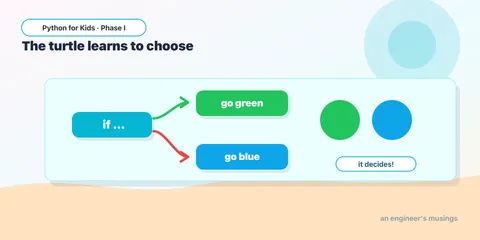
Teach the turtle to decide. With if and else, your program can choose between options — and combined with randomness, it can surprise you in bigger ways.
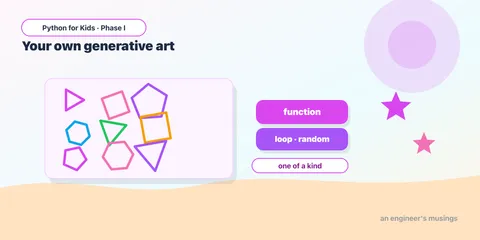
The big finish for Phase I. Combine functions, parameters, loops, randomness, and decisions into a one-of-a-kind generative artwork — then make it completely your own.