Functions: Teach the Turtle a New Trick
Give a drawing a name once, then use it again and again. Functions let you build your own commands — like teaching the turtle a brand-new trick.
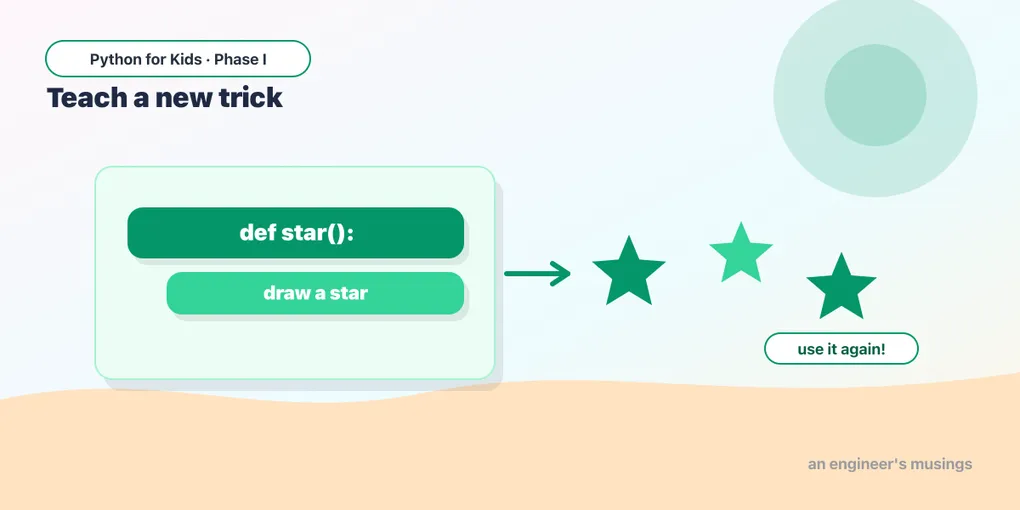
Welcome to Week 3 — the last week of Phase I, building toward your own art project. Today’s idea is one programmers use constantly: instead of writing the same drawing over and over, give it a name and reuse it. That’s a function — a trick you teach the turtle once and can use any time.
Naming a drawing
You create a function with def (“define”), a name you pick, and ():. The indented lines are what it does:
def square():
    for side in range(4):
        t.forward(60)
        t.right(90)
Writing that doesn’t draw anything — it just teaches the turtle what “square” means. To actually draw one, you call it by name:
That last line, square(), runs the trick. Just like t.forward(), but it’s a command you invented! (Notice the pattern from Lesson 1: defining is like writing; calling is like pressing Run. Nothing happens until you call it.)
Try it 🎯
- Add a second
square()on a new line. What happens? (It draws right on top of the first — same spot!) - Change the
60s inside the function to90. Both squares grow.
Place them around with goto
To draw squares in different spots, jump the turtle with t.goto(x, y) — x is left-right, y is up-down, and the middle of the screen is 0, 0. Lift the pen first so the jump doesn’t draw:
Three squares across the screen — and you described “square” only once. That’s the whole point of a function: write it one time, reuse it anywhere.
Predict it 🔮
This defines square but the drawing comes out blank. Why? Look closely at the last line:
(The function is defined but never called. # square is a comment, not a call — change it to square() and the square appears.)
Fix the bug 🐞
This triangle function is meant to draw a triangle, but a line that should be inside it isn’t indented, so it runs at the wrong time. Fix the indentation so both turtle lines are inside the loop:
(The t.right(120) needs to be indented to line up under t.forward(80), so it’s inside the for loop — otherwise the turtle only turns once, at the end.)
Mix it up 🎨
Write a star() function. Inside, loop 5 times: t.forward(120) and t.right(144). Then call it. (Remember the star from Lesson 6!)
Your mission 🚀
Invent your own shape function, then use it three times in different spots with goto. Fill in the function body and add the calls:
What you learned today
def name():teaches the turtle a new trick;name()runs it.- Defining is not the same as calling — nothing happens until you call.
- Functions let you write a drawing once and reuse it anywhere.
t.goto(x, y)jumps the turtle to a spot (center is0, 0).
Right now your function always draws the same size. Next time, you’ll give it an input so one function can draw big ones, small ones, and everything between. 🐢
Comments