Functions That Take Inputs
Give your functions a knob to turn. With parameters, one function can draw big shapes, small shapes, and any color — and a loop can call it with a different value each time.
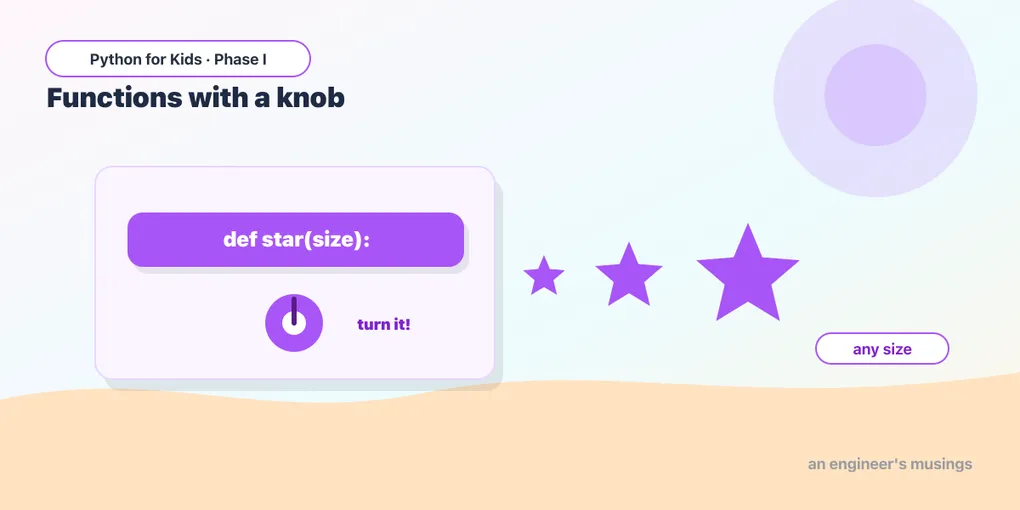
Last time you taught the turtle a trick with def square(): and used it again and again. But it always drew the same size square. Today you give your functions a knob — an input you can change every time you call them. That’s called a parameter, and it makes functions enormously more powerful.
A function with a knob
Put a name inside the parentheses, and use it inside the function. Here, size is the knob:
The 40 in square(40) becomes size inside the function. Want a different size? Just change the number you pass in.
Try it 🎯
- Change
square(40)tosquare(120). Big square! - Below it, add
square(25). (It draws on top — we’ll spread them out next.)
One function, many sizes
Now place a few different sizes around the screen with goto:
Same square function, three different sizes. One trick, endless variety.
Predict it 🔮
What do you think square(0) draws? And square(-50)? Guess, then try each. (0 draws nothing — a zero-size square; a negative number makes the turtle go the other way!)
Two knobs: size and color
A function can take more than one parameter. Separate them with a comma. Here square takes a size and a color:
Now each call says how big and what color. The order matters: the first number is size, the second is color.
The big combo: a loop that turns the knob
Here’s where it clicks. A loop can call your function with a different value each time. This draws a row of growing dots — the loop changes the size on every call:
Five dots, each bigger than the last, all from one dot function called in a loop. Function + parameter + loop together — that’s real programming power.
Fix the bug 🐞
This square is supposed to take a size, but the call forgot to pass one, so it crashes. Give the call a number:
(A function with a parameter needs a value when you call it. Change square() to square(70).)
Your mission 🚀
Write a triangle(size, color) function (3 sides, turn 120, filled with the color), then call it twice with different sizes and colors:
What you learned today
- A parameter is an input to a function:
def square(size):. - Call it with a value:
square(40)— change the value, change the result. - Functions can take several parameters:
square(size, color). - A loop can call a function with a different value each time — combining everything you know.
Next time we add surprise: randomness, so your art comes out different every single time you press Run. 🐢
Comments