Build-It Project: A Spiral Masterpiece
Project day! Combine loops and a growing variable into a smooth, colorful spiral — then turn the knobs to make a one-of-a-kind piece of art.
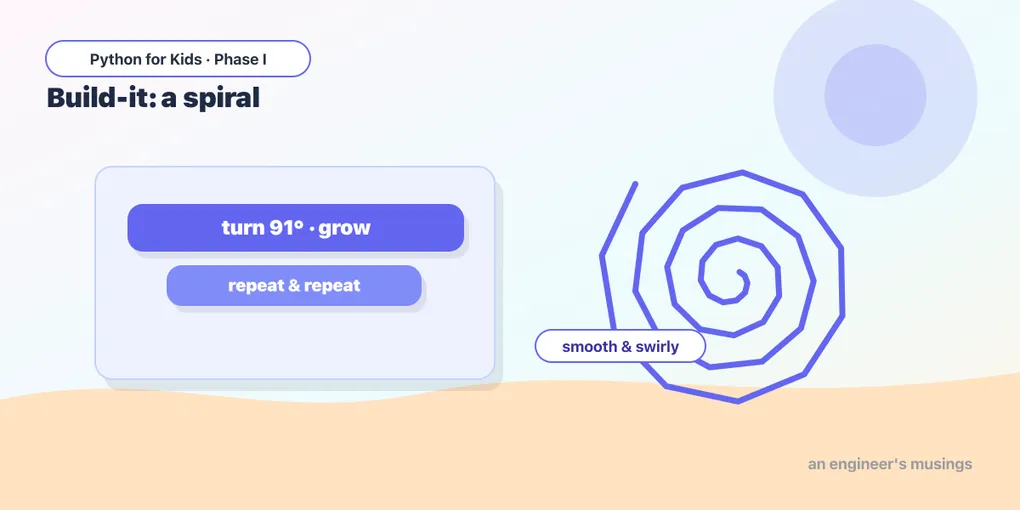
Time to put Week 2 together. You know loops (repeat) and variables (a number that can grow). Combine them and you get spirals. And with one tiny twist, they go from boxy to beautifully smooth.
The one-degree trick
A growing spiral that turns 90 makes square corners. But turn 91 instead, just one degree more, and the shape never quite closes, so it slowly rotates as it grows. Run this:
That gentle, swirling spiral comes from one small change: 91 instead of 90. Programming is full of moments like this. A tiny tweak, a totally different result.
Predict it 🔮
Before you change it: what do you think t.right(120) would do instead of 91? More points or fewer? Try it and see. (It makes a triangular swirl — fewer, sharper arms.)
Add color
Two finishing touches:
t.pencolor("teal")— pick a color you like.t.pensize(2)— a thin line looks elegant for spirals.
Three to try 🎨
Each of these changes just a number or two from the spiral above. Run them and watch how different they feel:
- Tight coil:
t.right(91),length = length + 1 - Triangle swirl:
t.right(121),length = length + 3 - Star-ish:
t.right(144),length = length + 4
Your masterpiece 🚀
This is your canvas. Start from any spiral above and turn the knobs. There’s no wrong answer:
- The angle:
61,89,91,120,144. Each makes a different spiral. - The growth:
length = length + 1(tight) up to+ 5(loose). - The count:
range(120)— bigger or smaller. - The look: your favorite
pencolorand apensize.
If a spiral grows past the edge of the canvas, lower the range number or the growth — that keeps it on screen.
Found a combination you love? That’s your art. You made it with code.
What you learned this week
- Loops repeat and variables can grow; together they make spirals.
- A one-degree change (
91not90) turns a boxy spiral into a smooth one. - Great art often comes from experimenting with the numbers.
That’s Week 2 done. Look how far you’ve come: from one straight line to swirling, colorful spirals. Next week you’ll learn to give your drawings names (functions), add surprise with randomness, and make the turtle decide things, building to a final art project that’s completely your own. 🐢
Comments