Variables: Give Your Numbers Names
Store a number under a name and reuse it everywhere — change it once and your whole drawing updates. Then make a number grow inside a loop to draw a spiral.
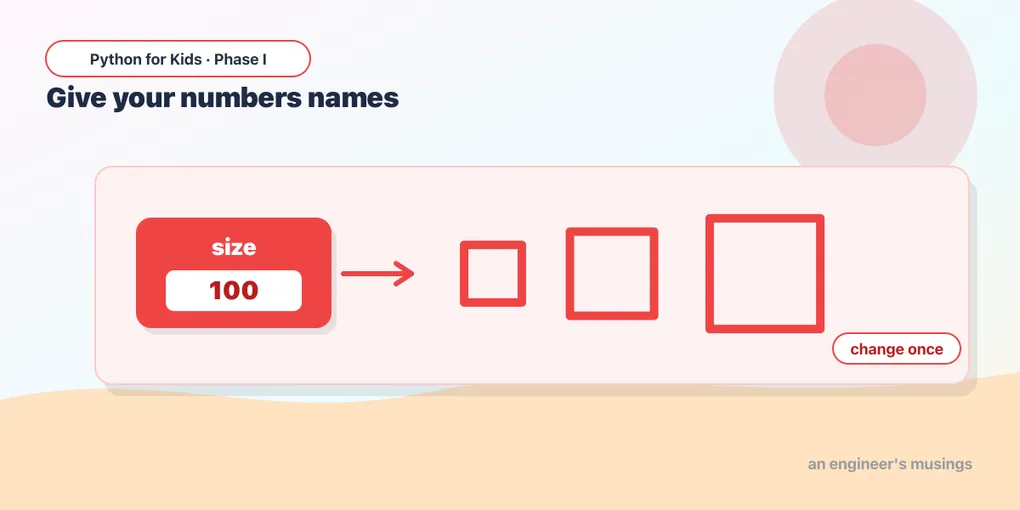
You’ve been typing numbers like 100 all over your code. To make a whole drawing bigger, you’d have to hunt down every 100 and change each one. There’s a better way: give the number a name. That’s a variable.
A box with a name
A variable is a labeled box that holds a value:
size = 100Now size means 100. Anywhere you’d type the number, use the name instead. Here’s a square that uses size:
Try it 🎯
- Change only the first line to
size = 200. The whole square grows from one edit! - Try
size = 50. One change, everything updates. - Add a second variable
turn = 90and uset.right(turn). Then changeturnto120andrange(4)torange(3)— a triangle, all from named numbers.
That’s the power of a name: change it in one place, and everywhere that uses it follows.
Variables can change
A variable can be updated while the program runs. This line means “take whatever size is now, add 20, and put the answer back in the box”:
size = size + 20It looks odd at first (how can size equal size + 20?). Read it right-to-left: compute size + 20, then store the result back in size.
Make a spiral
Now the fun part. Start with a short line, draw it, turn, and make the line a little longer each time through the loop. The drawing spirals outward:
Every loop, length grows by 5, so each side is longer than the last — a square spiral! This is impossible with a fixed number. You need a variable that changes.
Try it 🎯
- Change
t.right(90)tot.right(120). A triangle spiral! - Change
length = length + 5to+ 2(grows slowly) or+ 10(grows fast). - Change
range(40)torange(25)for a smaller spiral.
Predict it 🔮
What happens if you change the growth line to length = length + 0 (add nothing)? Guess, then try. (It never grows — so it just draws the same square over and over in place.)
Fix the bug 🐞
This is meant to be a growing spiral, but it just draws one square. The growth line is missing. Add it so each side gets longer:
(Add length = length + 5 as the last line inside the loop, indented to match.)
Mix it up 🎨
Change the turn to 91 instead of 90 in your growing spiral. Just one degree more, and the square spiral becomes a smooth, swirling one. (That’s a sneak peek at the next lesson!)
Your mission 🚀
Build a spiral that’s yours. Start from the growing spiral and choose: the turn (90, 120, 144…), the growth amount (+ 1 to + 10), and the number of steps (range(...)). Find a combination you love:
What you learned today
- A variable stores a value under a name:
size = 100. - Use the name anywhere; change it once to update everything.
name = name + nmakes a variable grow — which is how you draw spirals.
Next time is a project: you’ll combine loops and a growing variable into a colorful spiral masterpiece you can show off. 🐢
Comments