Spinning Loops into Patterns
Repeat a shape while turning a little each time and watch stars, bursts, and flower-like patterns appear. This is where code starts to feel like magic.
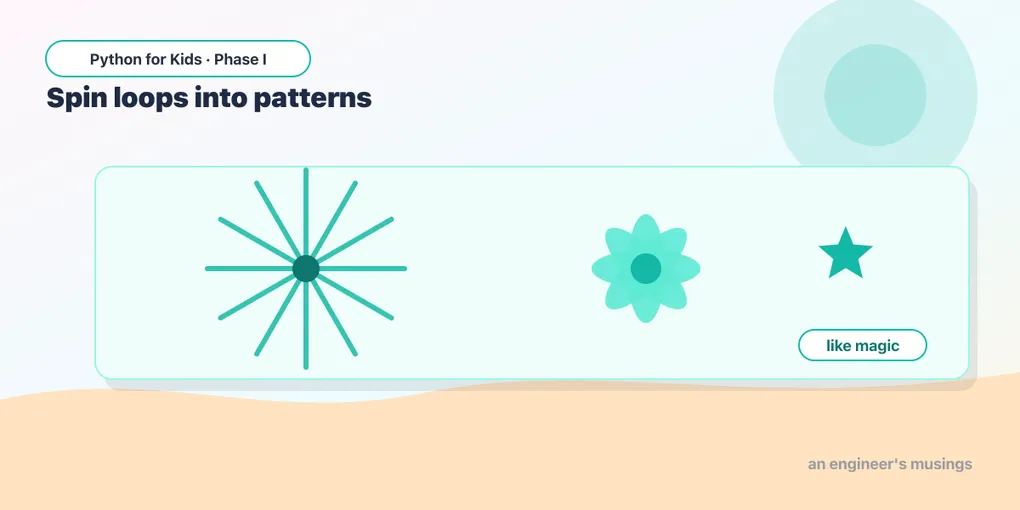
Last time, loops drew neat shapes. Today they make patterns — the kind that look like they took hours but are really just a few lines. The trick: repeat something, but turn a little between each repeat.
A star from one loop
Draw a long line, turn 144, repeat 5 times. Watch:
A five-pointed star! You didn’t tell it to draw a star — it appeared from “go forward, turn 144, repeat.” Small rules, surprising results.
Try it 🎯
- Change
144to170. Different star. - Change to
100. Try160. - Change
range(5)torange(9)withright(160)for a many-pointed burst.
A burst of lines
Draw a line out and back, turn a tiny bit, over and over — a sunburst:
36 lines, each turned 10 from the last (36 × 10 = 360, a full circle of lines).
Predict it 🔮
What if you change range(36)/right(10) to range(12)/right(30)? Fewer lines, but do they still spread all the way around? Guess, then try it. (Yes — 12 × 30 still equals 360.)
A loop inside a loop
Here’s the showstopper. What if each repeat draws a whole square, and we turn a bit between squares? That needs a loop inside a loop — one to draw the square, one to spin it around:
Read the indentation like nested boxes: the inner loop (more indented) draws one square; the outer loop runs that 12 times, turning 30 between each. A beautiful rosette in six lines.
Try it 🎯
- Change
range(12)torange(18)andt.right(30)tot.right(20). - Change the square’s
forward(80)to60. - Bold idea: change the inner loop to draw a triangle (
range(3),right(120)) instead of a square.
Fix the bug 🐞
This is meant to be a rosette, but the last turn got left out of the loop, so every square lands on top of the last one. Add the missing turn so the squares spin around. (Hint: it needs a t.right(30) inside the outer loop, after the inner loop.)
(Add t.right(30) as the last line, indented to match for side — so it’s inside the outer loop but outside the inner one.)
Mix it up 🎨
Take the star at the top and wrap it in an outer loop that turns a little each time. Tiny changes, totally different art. Try this and then tweak every number:
Your mission 🚀
Invent your own pattern. Start from any example above and change the numbers until you get something you like. Try changing: the shape (square/triangle/star), how many times it spins, the turn between spins, the size, and the color. Save the numbers that made your favorite!
What you learned today
- Repeat a shape while turning between repeats to make patterns.
- Tiny changes to the numbers make wildly different art.
- A loop inside a loop (nesting) repeats a whole shape many times.
- Indentation decides what’s inside which loop.
Right now you change a pattern by editing numbers in lots of places. Next time, variables let you change one number and update the whole drawing at once. 🐢
Comments