Capstone: Your Own Generative Art
The big finish for Phase I. Combine functions, parameters, loops, randomness, and decisions into a one-of-a-kind generative artwork — then make it completely your own.
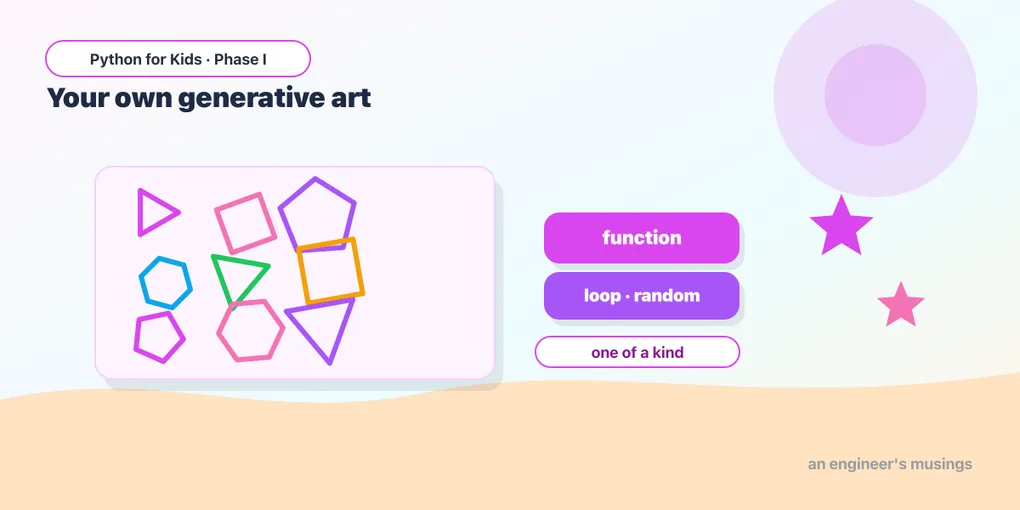
You made it to the end of Phase I! Look at everything you can do now: move and turn, use color, loop, store values in variables, write your own functions with inputs, roll the dice with randomness, and make decisions with if. Today you put all of it into one project — a piece of generative art, where you write the rules and the computer creates something unique every time.
The plan
Generative art is three ideas you already know, stacked together:
- A function (with parameters) that draws one “stamp.”
- A loop that stamps it many times.
- Randomness +
ifso every stamp is a little different.
Here’s a complete starting piece — a field of random circles and squares in random colors, sizes, and spots. Press Run a few times; it’s different every time:
Read it top to bottom and you’ll recognize every piece: the stamp function with parameters (where, how big, what color, which shape), the loop that calls it 25 times, the random choices, and the if that picks circle or square. That’s the whole summer so far, in one program.
Read it, then change one thing 🎯
Before going wild, change just one thing at a time and Run:
- Change
range(25)torange(60). More stamps. - Change
random.randint(8, 35)torandom.randint(20, 50). Bigger stamps. - Swap the
colorslist for your own favorites.
Make it yours 🚀
A capstone should be yours. Start from the piece above and take it somewhere. Some directions:
- A theme: all circles (bubbles), or all tiny dots (stars in a night sky), or all squares (confetti).
- Your palette: pastels, or just blues, or rainbow.
- A third shape: add a
"triangle"option with anelif(3 sides, turn 120). - A twist: turn the turtle a random amount before each stamp, or use your Week-2 spiral code inside
stampinstead of a circle.
Three project ideas 🎨
If you want a goal, try building one of these (all just tweaks of the code above):
- Night sky: small white/gold circles on the upper half, plus one big yellow moon.
- Bubble pop: only circles, sizes from 5 to 60, all shades of blue.
- Confetti party: only squares, every color, lots of them.
Show it off
When you land on a version you love, you’ve made something no one else has — written entirely by you, in real Python. Take a screenshot. Show a parent, a friend, a sibling. You earned it.
What you learned in Phase I
In three weeks you went from a single straight line to generative art. You now know:
- Drawing: forward, backward, turning, pen up/down, color, fill, circles, rectangles.
- Loops to repeat, and nested loops for patterns.
- Variables to store and grow numbers.
- Functions (with parameters) to name, reuse, and customize your own drawings.
- Randomness and
ifdecisions to make programs that surprise you.
Those aren’t “kid” ideas — they’re the real building blocks every programmer uses, in every language.
What’s next
In Phase II, you’ll put the turtle down and pick up words, numbers, and logic — building things that talk back: quizzes, a chatbot, a secret-code maker, and word games. Then in Phase III, you’ll graduate to the same tools real programmers and data scientists use, exploring real data and a first taste of AI.
For now: be proud. You’re a programmer. 🐢🎉
Comments