Making Choices with if
Teach the turtle to decide. With if and else, your program can choose between options — and combined with randomness, it can surprise you in bigger ways.
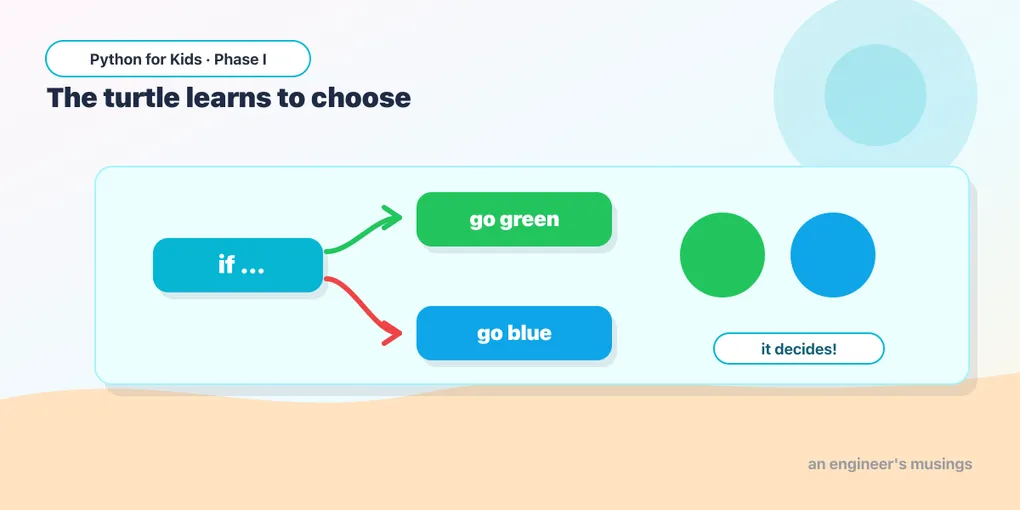
So far your programs run every line, no matter what. But real programs make decisions: if this, do that, otherwise do something else. Today the turtle learns to choose — and when you mix choices with randomness, things get exciting.
if and else
The shape of a decision in Python:
if something_is_true:
    # do this
else:
    # otherwise do this
Let’s flip a coin. random.random() gives a number between 0 and 1; if it’s under 0.5, go red, otherwise blue. Run it a few times:
Sometimes red, sometimes blue — the turtle decided, based on the coin flip. The lines under if run only when the test is true; the lines under else run only when it’s false.
Try it 🎯
- Change the two colors to your favorites.
- Change
0.5to0.8— now it picks the first color much more often. (Higher number = more likely to be true.) - Change
0.5to0.1— now the first color is rare.
Comparing things
The test can compare numbers, too. == means “is equal to”, > means “greater than”, < means “less than”:
A big roll draws a big green circle; a small roll draws a small orange one. Run it a few times and watch the roll decide.
Choosing what to draw
A decision can pick the shape, not just the color. Here we randomly choose “circle” or “square” each time through a loop, and if decides which to draw:
A scattered mix of circles and squares, decided one at a time. Read the if as: “if the random shape came out ‘circle’, draw a circle; otherwise, draw a square.”
More than two choices: elif
Need a third option? elif (short for “else if”) adds another branch:
Predict it 🔮
In the code above, if pick comes out "green", which lines run? (Just the elif branch — Python checks each test in order and runs the first one that’s true, then skips the rest.)
Fix the bug 🐞
This should draw a big circle when the roll is over 5, but it always draws small. Look at the comparison:
(The test says roll < 5 (less than), but we want bigger rolls to make the big circle. Change it to roll > 5.)
Your mission 🚀
Make a scatter of three different shapes. Start from the circle/square scatter above, change the choice list to ["circle", "square", "triangle"], and add an elif branch that draws a triangle (3 sides, turn 120).
What you learned today
if/elselet a program choose between paths.- Tests can compare with
==,>,<;elifadds more choices. - Python runs the first matching branch and skips the rest.
- Choices + randomness = drawings that surprise you in big ways.
You now have every tool you need: shapes, loops, variables, functions, randomness, and decisions. Next time is the capstone — you’ll combine them into generative art that’s entirely your own. 🐢
Comments