Looping Through Data
March a loop through a whole list — print every item, add them all up, count the ones you care about, find the biggest. This is what data analysis is made of.
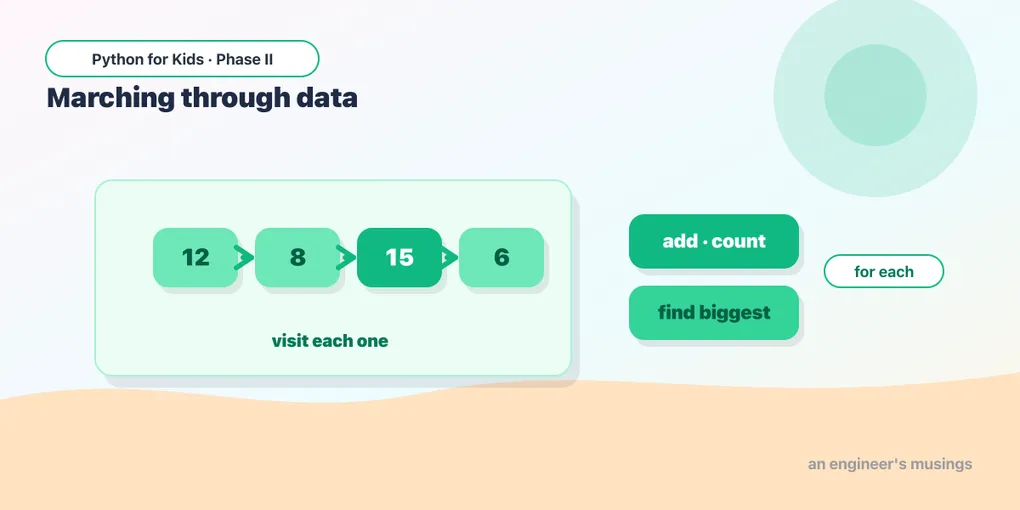
You can store a whole list of data now. Today you learn to process it — walk through every item and do something with each. Adding up scores, counting how many pass, finding the highest: these are exactly the moves real data scientists make (and exactly what you’ll keep doing as your programs grow).
for-each: visit every item
A for loop can march straight through a list, handing you one item at a time. No index numbers needed:
Read it as: “for each name in friends, print a greeting.” The loop runs once per item, and name is whatever item it’s on. It prints three greetings without you ever writing [0], [1], [2].
Try it 🎯
Make a list of numbers and print each one doubled (number * 2).
Adding them all up
To total a list, start a variable at 0 and add each item as you go — the growing-variable trick again:
total starts at 0, grows by each score, and at the end holds the sum. Divide by len(scores) and you’ve computed the average. You just analyzed data!
Counting the ones you care about
Combine a loop with an if to count items that match a condition:
This pattern — loop, test each item, count the matches — answers questions like “how many students passed?” or “how many days were rainy?”
Finding the biggest
Keep track of the best seen so far, updating whenever you find something bigger:
Try it 🎯
Change it to find the smallest. (Hint: start best at a big number like 1000, and flip the test to <.)
Predict it 🔮
What does total end up as? Trace the loop adding each item:
(10 — it adds 1, then 2, then 3, then 4: 1+2+3+4 = 10.)
Fix the bug 🐞
This tries to total the list, but it always prints 0. Look at where total = 0 is — it’s resetting every time through the loop:
(total = 0 is inside the loop, so it resets each time and only the last item survives. Move total = 0 above the loop, so it’s set once.)
Your mission 🚀
You have a list of daily temperatures. Loop through it to print each one, then report the average and how many days were warm (over 20):
What you learned today
for item in list:visits every item in a list, one at a time.- Totaling, averaging, counting matches, and finding the biggest all use a variable that updates inside the loop.
- Set up that variable before the loop, not inside it.
- These are the core moves of working with data — you’ll use them throughout.
Next time: dictionaries, a way to label your data (like “Ada → 90”) so you can look things up by name instead of by position. 🏷️
Comments