Lists: Holding Many Things
One variable can hold a whole collection. Meet the list — store many values, grab them by position, add new ones — the start of working with real data.
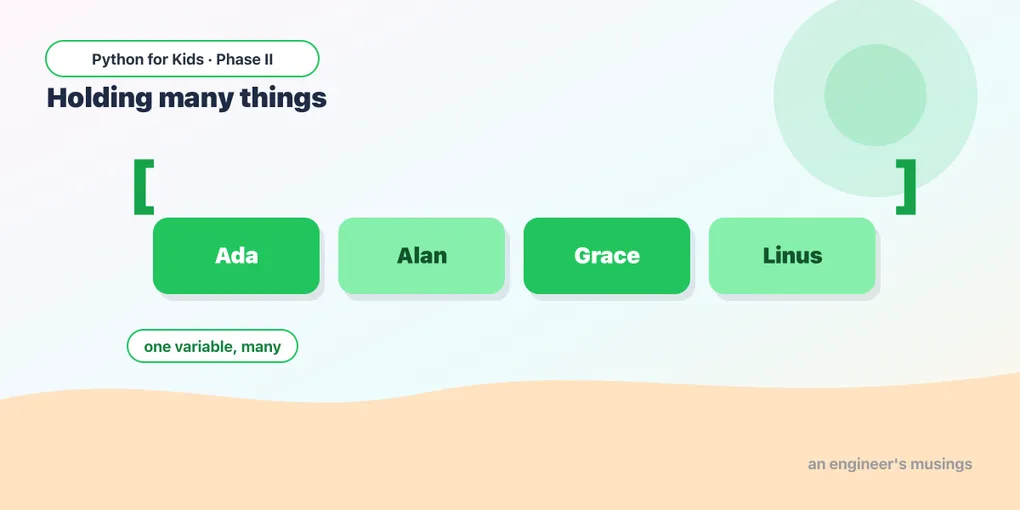
So far each variable held one thing — one name, one number. But what if you have a whole class of names, or a week of temperatures? You could make name1, name2, name3… but that’s miserable. Python has a better way: a list, which holds many values in one variable. Lists are how programs handle collections, so you’ll lean on them constantly from here on — every game juggles lists of objects.
Making a list
Put values inside square brackets [ ], separated by commas:
len(...) works on lists too — it tells you how many items are inside. A list can hold strings just as well:
Grabbing one item by position
Each item has a position number, called an index — and here’s the surprise: counting starts at 0, not 1. So the first item is [0]:
friends[0] is "Ada", friends[1] is "Linus". This zero-based counting trips up everyone at first — the first item is number 0.
Try it 🎯
- Make a list of your three favorite foods and print the second one (
[1]). - Print the last one. (In a 3-item list, that’s index
2.)
Adding to a list
A list can grow. .append(...) adds a new item to the end:
You can start with an empty list [] and build it up:
Is it in there?
The in keyword checks whether a value is in a list — True or False:
Predict it 🔮
What does this print? Remember where counting starts:
(It prints green — index 1 is the second item, because index 0 is red.)
Fix the bug 🐞
This tries to print the third item but crashes with an “index out of range” error. There are 3 items, so the valid indexes are 0, 1, 2:
(There’s no index 3 — the items are at 0, 1, 2. The third item is pets[2].)
Your mission 🚀
Build a “top 3” list: start with an empty list, append your three favorite movies (or games, or songs), then print the whole list and how many are in it:
What you learned today
- A list holds many values:
[90, 85, 100]or["Ada", "Linus"]. len(list)counts items; indexes start at 0, so the first item is[0]..append(x)adds an item to the end.value in listchecks membership (True/False).
A list is great, but right now you have to read items one by one. Next time, a loop will march through an entire list for you — and that’s where data really comes to life. 🔁
Comments