Dictionaries: Labels for Your Data
Lists keep data in order; dictionaries label it. Store 'Ada → 90', look things up by name, and loop through labeled data — a key skill for real datasets.
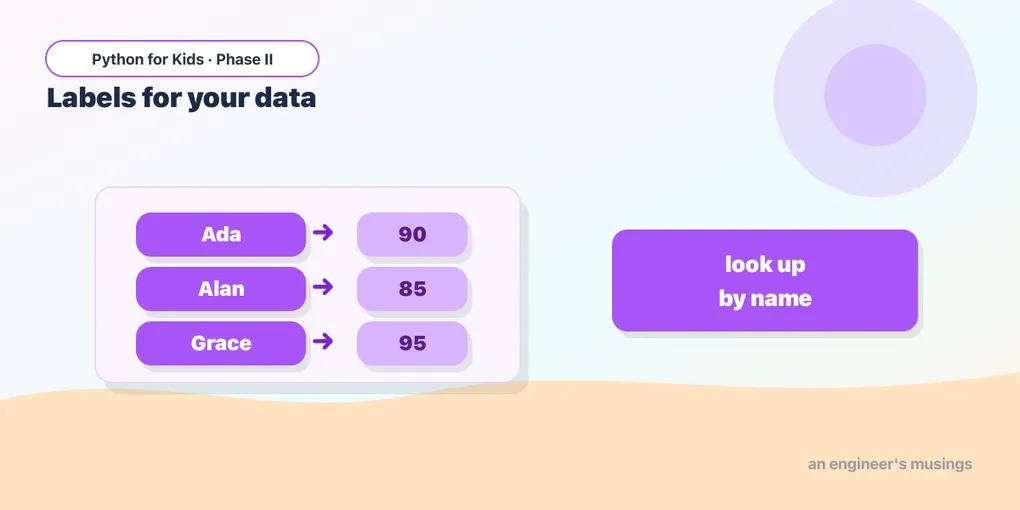
A list keeps data in order, and you grab items by position (scores[0]). But often you want to look things up by name: what’s Ada’s score? what’s the capital of France? For that, Python has a dictionary — it stores labels paired with values. Real datasets are full of labeled data, so this one pays off later (and games use them too).
Making a dictionary
Use curly braces { }, with each entry written as label: value (the label is called a key):
Think of it like a real dictionary: you look up a word (the key) to get its meaning (the value).
Looking things up
Use square brackets with the key (not a position) to get its value:
Try it 🎯
Make a dictionary of three countries and their capitals ("France": "Paris", …) and print one of them.
Adding and changing entries
Assign to a new key to add it; assign to an existing key to change it:
Checking and looping
in checks whether a key exists. And a for loop walks through the keys, so you can visit every entry:
The loop gives you each key (name), and scores[name] gets that person’s value. This is how you process a whole labeled dataset — exactly the shape of data you’ll meet later on.
Predict it 🔮
What does this print? Look up the key carefully:
(It prints 2 — the value labeled "banana". With dictionaries you look up by the key’s name, not a number.)
Fix the bug 🐞
This crashes with a “KeyError” — it’s asking for a key that isn’t in the dictionary. Look at the spelling/capitals:
(Keys are exact: the dictionary has "Ada" (capital A), but the code asks for "ada". Match it: ages["Ada"].)
Your mission 🚀
Build a “pet age” dictionary: store three pets and their ages, add one more with assignment, then loop through and print each pet with its age:
What you learned today
- A dictionary stores
key: valuepairs in{ }— labels for your data. - Look up by key:
scores["Ada"]; add or change withscores["Sam"] = 75. key in dictchecks for a key;for key in dict:loops through them.- Lists are ordered by position; dictionaries are labeled by key. You’ll use both constantly with real data.
Next time we level up functions — making them return an answer you can use, not just print it. 🎁
Comments