Making Decisions with if
Now your program can choose. Use if, elif, and else to do different things depending on the answer to a yes/no question.
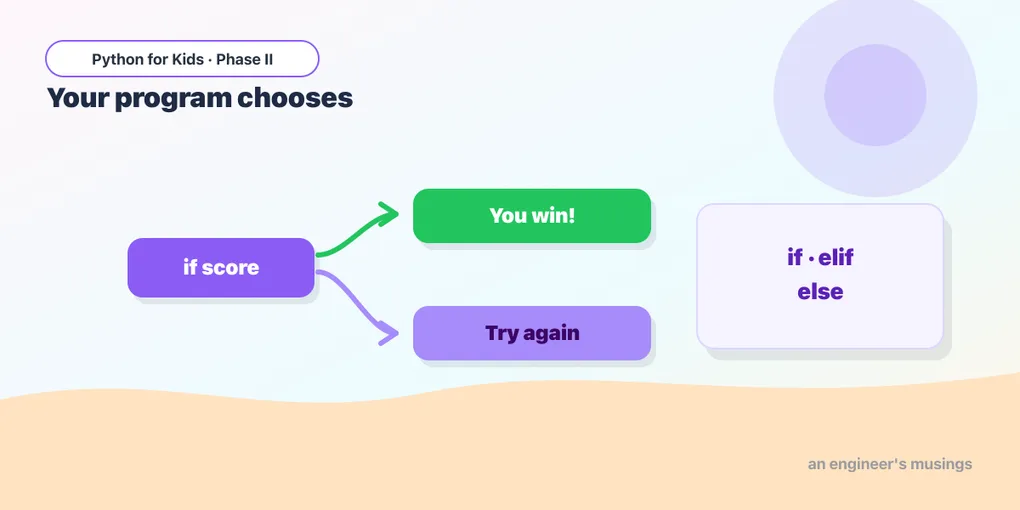
Last time you learned to ask yes/no questions. Today your program acts on the answers. if is how a program chooses what to do — the single idea that turns a list of steps into something that feels smart. (You saw if with the turtle in Phase I; here it really comes alive with text and input.)
The shape of a decision
if some_question_is_true:
    # do this
else:
    # otherwise do this
The test goes after if, ending with a colon. The indented lines run only when the test is True; the else lines run when it’s False.
Try it 🎯
- Change
ageto9and Run. Different branch! - Change the cutoff
>= 13to>= 16.
Deciding from the user’s answer
Combine if with input. Remember to convert to a number with int when comparing numbers:
More than two paths: elif
For several options, add elif (“else if”) branches. Python checks them top to bottom and runs the first one that’s True:
Order matters: a score of 95 matches the very first test and stops there.
Checking words
Tests can compare strings. Use .lower() so capitals don’t matter:
Try it 🎯
Add an elif for the answer "maybe".
Predict it 🔮
A score of 85 runs which branch? Trace it top to bottom before you Run:
(It prints B. The first test (>= 90) is False, the second (>= 80) is True, so it runs that branch and skips the rest.)
Fix the bug 🐞
This should say “Pass” for 50 or more, but everyone gets “Fail.” Look closely at the comparison direction:
(The test is backwards. To pass with 50+, use if score >= 50:.)
Your mission 🚀
Write a “weather advisor”: ask the temperature (a number), then print advice — a coat below 10, a jacket from 10 to 20, and “T-shirt weather!” above 20. Use if, elif, and else:
What you learned today
ifruns code only when a test is True;elsecovers the other case.elifadds more paths; Python runs the first matching one.- Convert input with
int(...)for number tests; use.lower()for word tests. - Indentation marks what belongs to each branch.
Next time is a project: you’ll combine input, if, and a score variable to build a real quiz game. 🎮
Comments