Build-It Project: A Quiz Game
Put input, if, and a score together to build a real quiz game that asks questions, checks answers, keeps score, and tells the player how they did.
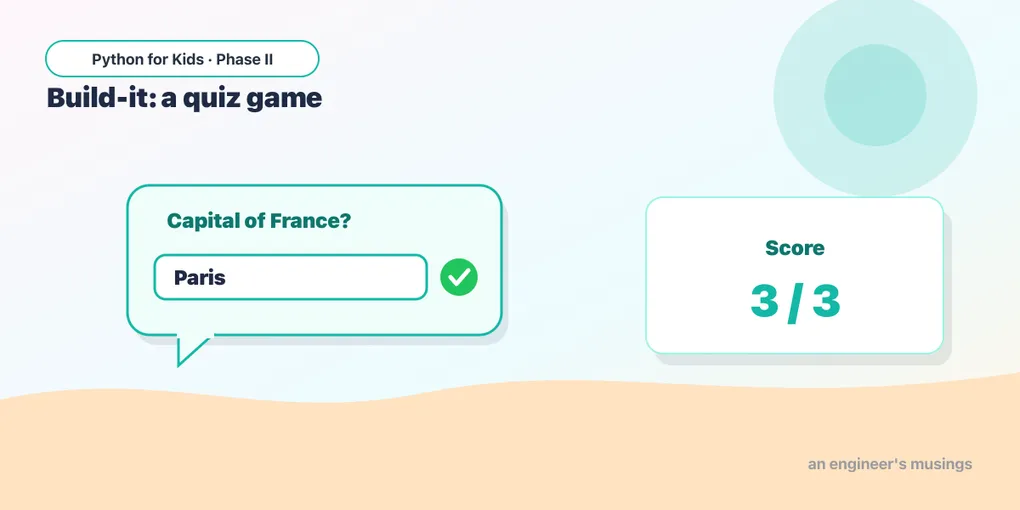
Time to build something real with everything from Phase II so far. A quiz game is just three ideas working together: ask a question (input), check the answer (if), and keep a running score (a variable). Let’s build it one piece at a time.
Step 1: one question
Ask a question and respond to the answer:
We use .lower() so “Paris”, “PARIS”, and “paris” all count. Smart move — players type all sorts of ways.
Step 2: keep score
A score variable starts at 0 and goes up by 1 for each correct answer:
score = score + 1 means “add one to the score” — exactly the growing-variable trick from Phase I, now counting points.
Step 3: more questions
Add more questions, each adding to the same score. Here’s a full three-question quiz:
Three boxes pop up in turn, the score climbs with each right answer, and the program reports the total at the end. That’s a real game!
Step 4: a personalized ending
Use an if on the final score to give different endings:
Make it your own 🚀
Build your quiz. Start from the three-question version and:
- Replace the questions with ones about your favorite topic (animals, sports, games, space).
- Add a fourth or fifth question.
- Add the score-based ending from Step 4 so the player gets a fun message.
- Bonus: at the very start, ask the player’s name and greet them:
name = input("What's your name? ").
What you learned
- A quiz combines input (ask), if (check), and a score variable (count).
score = score + 1adds a point..lower()makes word answers forgiving of capitals.- A final
if/elif/elsegives a personalized ending.
You just built an interactive game! Next time you’ll learn while loops, so a program can repeat — like letting the player guess again and again until they get it right. 🔁
Comments