Clean Text and Extract Patterns
A supplier label, a field name and a product code all arrive as strings, but each needs a different operation.
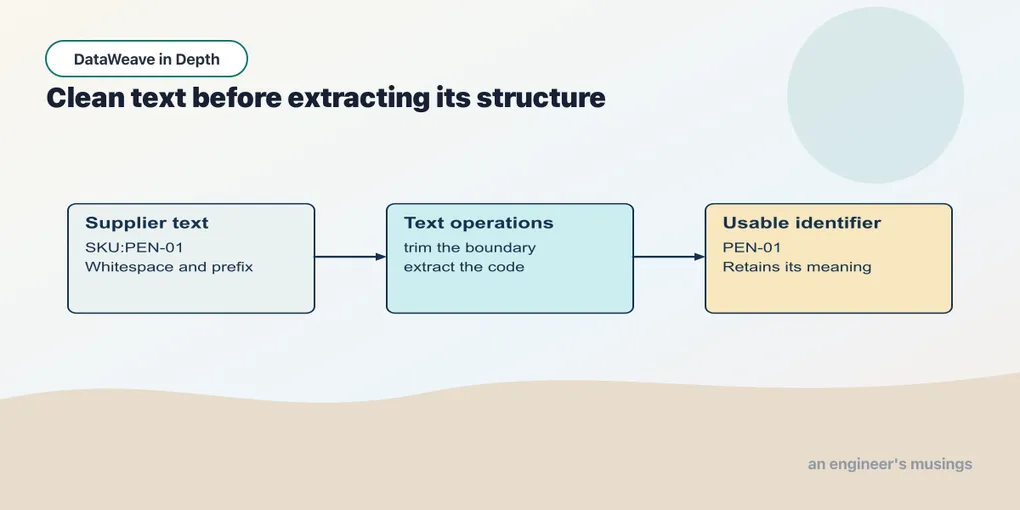
A supplier label, a field name and a product code all arrive as strings, but each needs a different operation. Start with a helper that names the job. Use a regular expression when the structure to recognize is more specific than a delimiter.
Strings
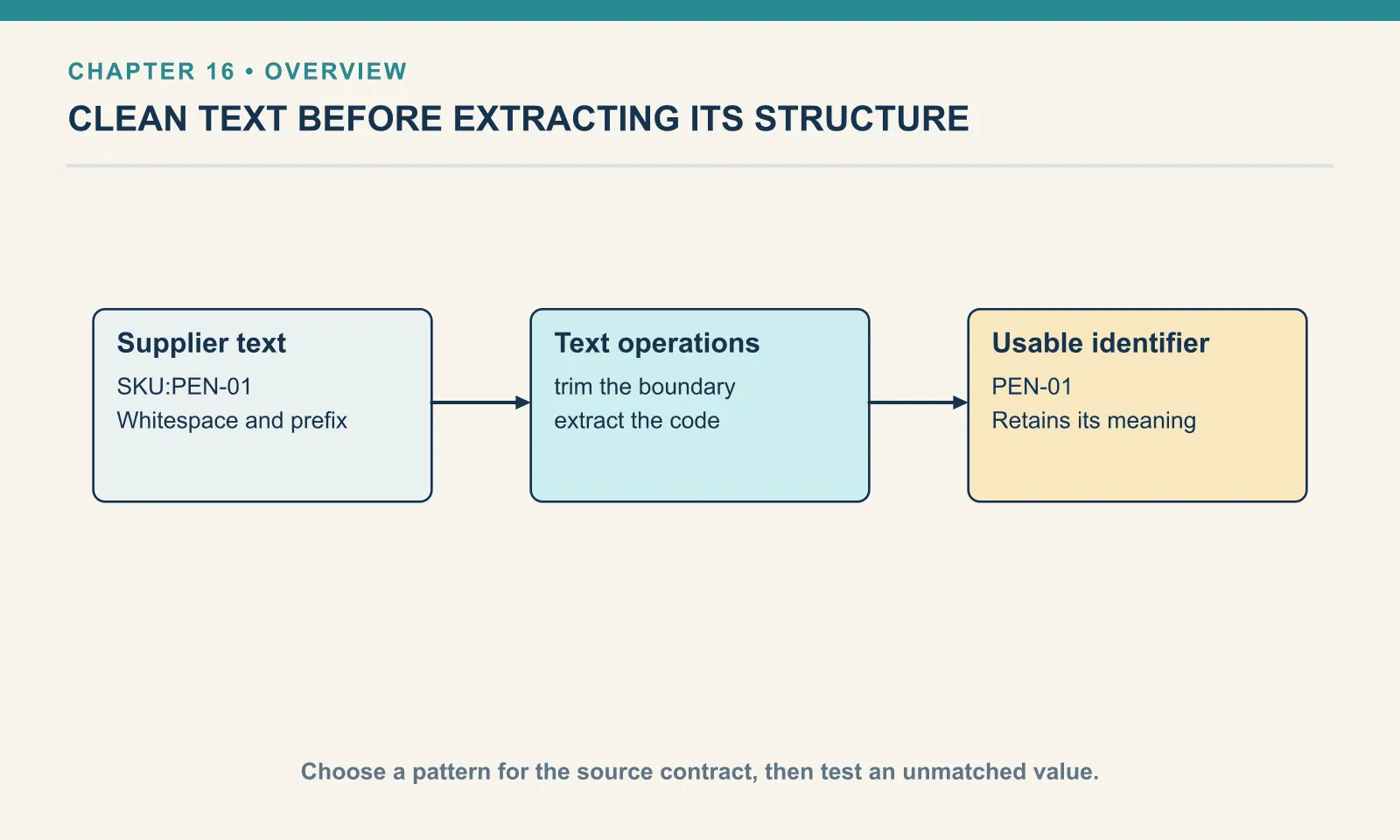
dw::core::Strings covers jobs that can otherwise become chains of splitBy and indexing. These five calls turn raw labels, field names and codes into usable text:
Example 136 — Clean labels and identifiers.
Input payload — order.json:
{ "orderId": "A-1001", "customer": "Dana", "coupon": null, "tags": ["gift", null, "rush"],
  "items": [
    { "sku": "PEN-01", "price": 2.5, "qty": 4, "note": null },
    { "sku": "PAD-22", "price": 6.0, "qty": 2 },
    { "sku": "CLP-08", "price": 1.0, "qty": 10 }
  ] }
%dw 2.0
import capitalize, camelize, substringAfter, pluralize, leftPad from dw::core::Strings
output application/json
---
{
title: capitalize("premium gift wrap"),
field: camelize("shipping_address"),
code: substringAfter("SKU:AC-1099", ":"),
label: pluralize("box"),
padded: "42" leftPad 6
}{
"title": "Premium Gift Wrap",
"field": "shippingAddress",
"code": "AC-1099",
"label": "boxes",
"padded": " 42"
}These calls each name the text operation they perform. capitalize title-cases every word, while camelize converts a snake-cased field name to lower camel case. substringAfter extracts everything after the first delimiter, avoiding manual splitting and indexing. pluralize applies English rules to produce boxes, and the infix leftPad places the string on the left and its required width on the right. That argument order matters in the next example.
Swapping the operands changes which value gets padded. Infix passes the left operand as the first argument, and chapter 3’s coercions let 6 leftPad "42" run without a type error: it pads the digit six to a width of forty-two (the operand-order exercise has the output). When the result looks wrong, compare the operand order with the function’s signature.
Where the word boundaries are
capitalize and camelize recognise different word boundaries. Their outputs show which separators each function changes:
Example 137 — Inspect string boundaries.
Use order.json as payload, as above.
%dw 2.0
import * from dw::core::Strings
output application/json
---
{
  underscore:  capitalize("unit_price"),
  hyphen:      capitalize("usb-c hub"),
  camelSpace:  camelize("unit price"),
  camelUnder:  camelize("unit_price"),
  camelDash:   camelize("unit-price"),
  dasherized:  dasherize("Unit Price"),
  underscored: underscore("unitPrice"),
  singular:    singularize("boxes"),
  pluralIrreg: pluralize("child"),
  pluralS:     pluralize("status"),
  afterMissing: substringAfter("AC-1099", ":"),
  afterLast:   substringAfterLast("A-1001-PEN-01", "-"),
  before:      substringBefore("SKU:AC-1099", ":"),
  padLonger:   "1234567" leftPad 6,
  rightPad:    "42" rightPad 6,
  padChar:     leftPad("42", 6, "0"),
  clipped:     "premium gift wrap" withMaxSize 7,
  blank:       isBlank("   "),
  rep:         repeat("-", 5)
}
{
"underscore": "Unit Price",
"hyphen": "Usb C Hub",
"camelSpace": "unit price",
"camelUnder": "unitPrice",
"camelDash": "unit-price",
"dasherized": "unit-price",
"underscored": "unit_price",
"singular": "box",
"pluralIrreg": "children",
"pluralS": "statuses",
"afterMissing": "",
"afterLast": "01",
"before": "SKU",
"padLonger": "1234567",
"rightPad": "42 ",
"padChar": "000042",
"clipped": "premium",
"blank": true,
"rep": "-----"
}The first five lines explain why the two naming functions are not interchangeable. capitalize treats underscores, hyphens and spaces all as word breaks and replaces them with spaces. unit_price becomes Unit Price; usb-c hub becomes Usb C Hub, which is not what a product label wants but is at least consistent. camelize splits on underscores only. Give it unit price or unit-price and it hands the string back untouched — the kind of no-op that survives every test written against snake-cased fixtures. If a source sends hyphenated keys, the route to camel case is underscore first, then camelize.
Missing delimiters and overlong strings have their own boundary behaviour. substringAfter with a delimiter that is not there returns "", not null and not the original string, so a missing colon quietly produces an empty code. substringAfterLast is the one for A-1001-PEN-01, where the first hyphen is the wrong one. And leftPad on a string already longer than the width does not truncate; withMaxSize is the function that clips.
What the module does with null
Dana’s order has coupon: null, and chapter 2’s missing-key rule means a selector on an absent key gives null too. So a string function is going to receive null sooner or later. capitalize(payload.coupon), substringAfter(payload.coupon, ":") and payload.coupon leftPad 6 all return null; isBlank(payload.coupon) returns true. No error anywhere. The transforming functions take null and hand null straight back. That is deliberate. It means a chain of string calls on a missing field runs to completion and writes null into the output — the same quiet failure chapter 13 showed for an unseeded reduce. If the consumer cannot take a null there, the fix belongs on the selector, with chapter 4’s default, not on the string function.
Example 138 — Interpolate a value into text.
%dw 2.0
output application/json
var id = "A-1001"
---
{ label: "Order $(id)", literalPrice: "\$6.00" }
Result:
{
  "label": "Order A-1001",
  "literalPrice": "$6.00"
}
$(id) embeds the value of an expression in a string. The backslash in \$6.00 escapes a dollar sign that should remain literal text in the source. A dollar sign read from an input document is already data and needs no source-code escape.
Keep interpolation distinct from the $ callback shorthand. They use the same character in different syntactic positions; the explicit parenthesized expression makes the string form easier to read.
Regex, the DataWeave way
Regular expressions are not a module. The literals are written between slashes, /like this/, and the operators are in dw::Core. matches returns a Boolean, replace … with substitutes, and scan returns every match as an array: the whole match first, then the capture groups. The differences show up when a pattern matches only part of a value, or nothing at all:
Example 139 — Match, scan and split with patterns.
Use order.json as payload, as above.
%dw 2.0
output application/json
var sku = "AC-1099-XL"
---
{
  wholeString:   "AC-1099" matches /\d+/,
  anchoredFull:  "AC-1099" matches /[A-Z]+-\d+/,
  containsInstead: "AC-1099" contains /\d+/,
  matchGroups:   sku match /([A-Z]+)-(\d+)-(\w+)/,
  matchNothing:  "nope" match /(\d+)/,
  scanAll:       "PEN-01, PAD-22, CLP-08" scan /[A-Z]+-\d+/,
  scanNothing:   "nope" scan /\d+/,
  splitRegex:    "a, b,c ,d" splitBy /\s*,\s*/
}
{
"wholeString": false,
"anchoredFull": true,
"containsInstead": true,
"matchGroups": [
"AC-1099-XL",
"AC",
"1099",
"XL"
],
"matchNothing": [
],
"scanAll": [
[
"PEN-01"
],
[
"PAD-22"
],
[
"CLP-08"
]
],
"scanNothing": [
],
"splitRegex": [
"a",
"b",
"c",
"d"
]
}matches requires the pattern to cover the whole string. /\d+/ against AC-1099 is false despite the digits; a pattern that covers the whole value needs no explicit anchors. For a match anywhere in the string, use contains, which accepts a regex as well as a string.
The result shape matters when extracting data. match (no es) returns a flat array containing the whole match followed by its groups, or an empty array when nothing matches. Selecting (s match /(\d+)/)[1] from that empty result gives null; a default can supply "n/a". scan returns an array per match, even without capture groups, so its one-element inner arrays are expected. These forms take a code such as AC-1099-XL apart without a chain of substringBefore and substringAfter. For delimiter cleanup, splitBy also accepts a regex, as the varying spaces in a, b,c ,d demonstrate.
The back-reference that is not there
A replacement string using Java-style $1 and $2 back-references does not work here. This attempt exposes how DataWeave interprets it:
Example 140 — Try a dollar-one replacement string.
Use order.json as payload, as above.
%dw 2.0
output application/json
---
{ dollarOne: "AC-1099" replace /(\d+)/ with "[$1]" }
[ERROR] Error while executing the script:
[ERROR] You called the function 'Append' with these arguments:
1: String ("[")
2: Array (["1099", "1099"])
But it expects arguments of these types:
1: String
2: String
Trace:
at toBeReplaced (Unknown)
at dw::Core::with (line: 3153, column: 82)
at 140-replace-dollar-one::replace (line: 4, column: 40)
at 140-replace-dollar-one::with (line: 4, column: 24)
at 140-replace-dollar-one::main (line: 4, column: 40) at:
Unknown locationRead the two arguments in the message: a string "[" and the array ["1099", "1099"]. The replacement string is really a lambda over the match, $ inside it is the match array (whole match, then the group), and a bare $ in a string interpolates. So "[$1]" became "[" joined to the array joined to "1]", and ++ has no overload for a string and an array. The replacement is a function of the match, and the string form is only sugar for one. The three forms that do work:
Example 141 — Build replacement text from a match.
Use order.json as payload, as above.
%dw 2.0
output application/json
---
{
  lambdaGroup:  "AC-1099" replace /(\d+)/ with ((m) -> "[" ++ m[1] ++ "]"),
  lambdaFull:   "PEN-01, PAD-22" replace /[A-Z]+/ with ((m) -> lower(m[0])),
  interpolated: "AC-1099" replace /(\d+)/ with "[$($[1])]",
  literal:      "AC-1099" replace /(\d+)/ with "[]"
}
{
"lambdaGroup": "AC-[1099]",
"lambdaFull": "pen-01, pad-22",
"interpolated": "AC-[1099]",
"literal": "AC-[]"
}The lambda receives the same array match returns, so m[0] is the whole match and m[1] the first group. "[$($[1])]" is the same lambda written as an interpolated string, with $ as the match array. Name the parameter when the replacement is more than a few characters; $($[1]) is correct and nobody enjoys reading it.
A regex that does not compile fails at the literal:
Example 142 — Reject an incomplete regular expression.
Use order.json as payload, as above.
%dw 2.0
output application/json
---
{ bad: "AC-1099" matches /(\d+/ }
[ERROR] Error while executing the script:
[ERROR] Invalid Regex: Unclosed group near index 4
(\d+
4| { bad: "AC-1099" matches /(\d+/ }
^^^^^^
Location:
142-regex-fails (line: 4, column:26)That is the wording of Java’s regex engine. The Java features I tried all work: a lookahead (?=1), named groups (?<family>…), the \b word boundary and the (?i) case flag. match returns named groups positionally, like any other group. Other patterns still need a compile-and-match check, particularly ones moved from a different regex engine.
Regex patterns
case matches /regex/ tests the value against a regular expression. On the right-hand side, $[0] holds the whole match; $[1], $[2] and so on hold the capture groups. That lets you validate a SKU and pull it apart in one step:
Example 143 — Match cases with regular expressions.
Input payload — order.json:
{
  "orderId": "A-1001",
  "customer": "Dana",
  "status": "shipped",
  "coupon": null,
  "notes": "",
  "tags": ["gift", null, "rush"],
  "total": 32,
  "items": [
    { "sku": "PEN-01", "price": 2.5, "qty": 4 },
    { "sku": "PAD-22", "price": 6.0, "qty": 2 },
    { "sku": "CLP-08", "price": 1.0, "qty": 10 }
  ]
}
%dw 2.0
output application/json
---
(payload.items.sku ++ ["pen-1", "X-9999"]) map (sku) -> sku match {
case matches /^([A-Z]{3})-(\d{2})$/ -> { sku: sku, family: $[1], number: $[2] as Number }
else -> { sku: sku, error: "unrecognized format" }
}[
{
"sku": "PEN-01",
"family": "PEN",
"number": 1
},
{
"sku": "PAD-22",
"family": "PAD",
"number": 22
},
{
"sku": "CLP-08",
"family": "CLP",
"number": 8
},
{
"sku": "pen-1",
"error": "unrecognized format"
},
{
"sku": "X-9999",
"error": "unrecognized format"
}
]Note that the lambda names its parameter sku rather than using $. Inside the case, $ is the match result, so a positional $ for the item would be shadowed exactly where you need it. This is the nested-callback scope rule from chapter 9: the moment a lambda contains another $, name the outer one.
There are two matches in the language, and they are not the same tool. case matches is a pattern inside match. The standalone matches operator returns a plain Boolean, and its sibling match — the operator, not the block — returns the groups as an array:
Example 144 — Check whether a pattern matches.
Use order.json as payload, as above.
%dw 2.0
output application/json
---
{
  asBoolean: payload.items[0].sku matches /^[A-Z]{3}-\d{2}$/,
  asGroups:  payload.items[0].sku match /^([A-Z]{3})-(\d{2})$/
}
{
"asBoolean": true,
"asGroups": [
"PEN-01",
"PEN",
"01"
]
}Use matches in a filter predicate, and the match block when the branches differ.
Exercises
Take the SKUs apart. For each line on A-1001, produce the family (PEN), the number as a Number, and the raw match result. Run it. Why does 08 come out as 8, and what would you use if the consumer wanted the two-character form back?
Show answer
Example 145 — Extract SKU components.
Use order.json as payload, as above.
%dw 2.0
import substringBefore, substringAfter from dw::core::Strings
output application/json
---
payload.items map (item) -> {
  family: substringBefore(item.sku, "-"),
  number: substringAfter(item.sku, "-") as Number,
  parts:  item.sku match /([A-Z]+)-(\d+)/
}
[
{
"family": "PEN",
"number": 1,
"parts": [
"PEN-01",
"PEN",
"01"
]
},
{
"family": "PAD",
"number": 22,
"parts": [
"PAD-22",
"PAD",
"22"
]
},
{
"family": "CLP",
"number": 8,
"parts": [
"CLP-08",
"CLP",
"08"
]
}
]as Number parses 08 to the number eight, and a number has no leading zero. To get 08 back, format it on the way out with as String { format: "00" }, or keep the group from match, which is still the string "08".
The pad that padded the wrong thing. Run { c: 6 leftPad "42" } and explain the output. What would a language without implicit coercion have done instead?
Show answer
{
  "c": "                                         6"
}
Infix passes the left operand as the first argument, so this is leftPad(6, "42"). The number 6 was coerced to the string "6" and "42" to the number 42, and the result is the character 6 padded to width forty-two. A language without implicit coercion would have refused the call with a type error; DataWeave ran it and gave a well-formed wrong answer.
A pattern that matches an ordinary SKU also needs a nonmatching fixture. Check both the decision and the extracted shape: a Boolean, a flat list of capture groups and a list of matches serve different callers.
Comments