Build-it: Catch the Falling Stars
Your first complete game — a basket you slide left and right to catch stars falling from the sky, with a score, three lives, and a real Game Over screen, built from everything you've learned.
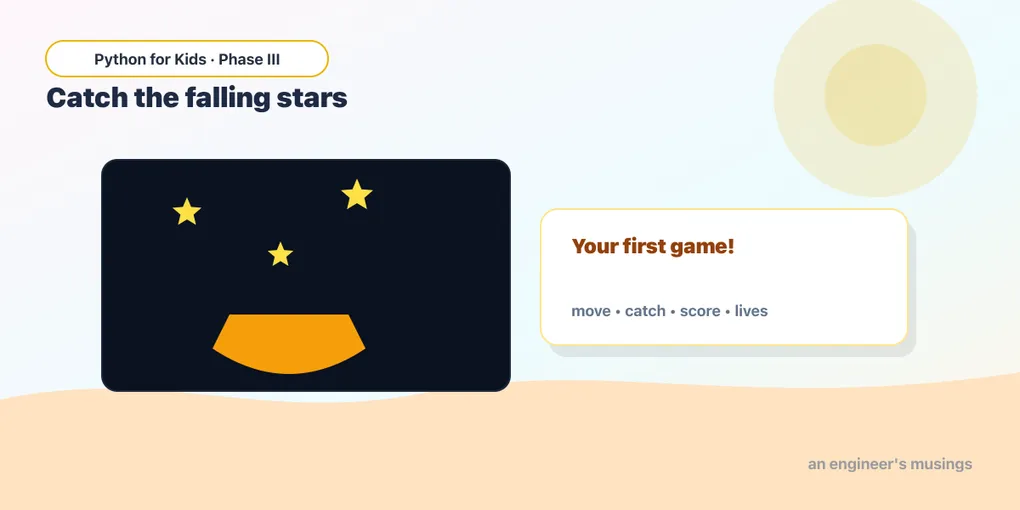
This is the big one. Today you build a whole game — start to finish, all the way to “Game Over” — using everything from the last six lessons. No new big ideas: just you, gluing pieces you already know into something real you can play and show off.
Here’s the game: stars fall from the top of the sky. You slide a basket along the bottom with the arrow keys. Catch a star and you score a point — miss it and it slips past, costing you a life. You start with three lives. Lose them all and it’s Game Over. Let’s build it one piece at a time, then run the finished thing.
The plan
A game this size is just a stack of things you’ve already done:
- A basket at the bottom you move left and right (lesson 5 — arrow keys).
- A star that falls — its
ygrows a little every frame (lesson 4 — movement). - Catch it —
colliderectbetween basket and star (lesson 6). - Respawn the star at the top with a random
x(lesson 6 —random.randint). - A score and lives, shown as text (lesson 7 —
str()and fonts). - A Game Over screen when lives hit zero.
We’ll keep just one star falling at a time — when it’s caught or missed, the same star jumps back to the top and falls again. (A whole sky of stars at once is the very next lesson!)
Building the pieces
The basket
The basket is a Rect near the bottom that slides left and right:
basket = pg.Rect(170, 360, 70, 20)It starts 170 across, 360 down (near the bottom of our 400-tall screen), 70 wide and 20 tall — a nice wide basket. The arrow keys change basket.x, and we keep it from sliding off the edges, just like your mission in lesson 6.
The falling star
The star is also a Rect — a small one. The whole trick to making it fall is one line, every frame:
star.y = star.y + 4Up means a small y, down means a big y, so adding to y sends it downward. The 4 is its speed.
Respawning at the top
When the star reaches the bottom or gets caught, we send it back to the top at a fresh random spot across:
star.y = -20
star.x = random.randint(0, 370)
We start it at -20 (just above the screen) so it drifts in from the very top.
The finished game
Here it is — the whole thing, ready to play. Click the screen, press ▶ Run, and use the left and right arrows (or the on-screen ◀ ▶ buttons) to catch the falling stars:
Runs on Skulpt + pygame4skulpt — in your browser, nothing installed.
You did it — that’s a complete game! Stars rain down, your basket slides to catch them, the score climbs, and missing one costs a life. Run out of lives and the big red GAME OVER appears with your final score.
Reading your own game
Walk the parts — you’ve seen every one before:
- Setup, before the loop: two fonts (a normal one and a
big_fontfor the Game Over text), thebasketandstarRects, andscore = 0,lives = 3. - Move the basket: left/right arrows change
basket.x; the twoifchecks keep it pinned between the walls (using.leftand.right, your trick from lesson 6). - Only play while alive: everything that makes the star fall lives inside
if lives > 0:. When lives hit zero, the star stops moving and the game freezes — that’s what makes “Game Over” feel like a real ending. - Fall:
star.y = star.y + 4each frame. - Catch:
basket.colliderect(star)→ score up, star back to the top. - Miss:
if star.top > 400:(the star’s top edge dropped past the bottom of the screen) → a life lost, star back to the top. - Draw: background, star, basket, then the text on top. The Game Over message only draws
if lives == 0.
Every single piece is something you built in an earlier lesson. That’s how real games are made — small pieces you already understand, stacked together.
Try it 🎯
Tweak your game and Run after each change:
- Harder: make the stars fall faster — change
star.y = star.y + 4to+ 7. - Easier: make the basket wider — change the
70inbasket = pg.Rect(170, 360, 70, 20)to120. - More chances: start with five lives — change
lives = 3tolives = 5. - New look: make the falling stars pink — change the star’s color
(245, 200, 60)to(255, 120, 200).
Your mission 🚀
Make the game speed up as you get good! Right now the star always falls at speed 4. Add a speed variable that starts at 4, use it for the fall (star.y = star.y + speed), and bump it up a little every few catches. Hint — one simple way:
if score % 5 == 0:
speed = speed + 1(score % 5 == 0 is true every fifth point.) Put that right after you score a catch. Now the longer you survive, the faster the stars come!
What you learned today
- A complete game is just earlier pieces stacked: a moving player, a falling object, collisions, random respawns, a score, and text — all in one loop.
- Lives are a number that counts down; gate the action behind
if lives > 0:and show the ending withif lives == 0:. - An object that “respawns” is just one you move back to the start instead of making a new one.
- You can read and play your own game now — every line maps to something you already knew.
Right now there’s only one star falling at a time. But real arcade games have whole skies full of them. Next time you’ll learn to manage lists of game objects — many stars, many enemies, many anything — all at once.
Next: A Whole Swarm 🎮
Comments