Talking to the Computer
Phase II begins! Put down the turtle and pick up words. Make the computer print messages, ask you questions, and remember your answers.
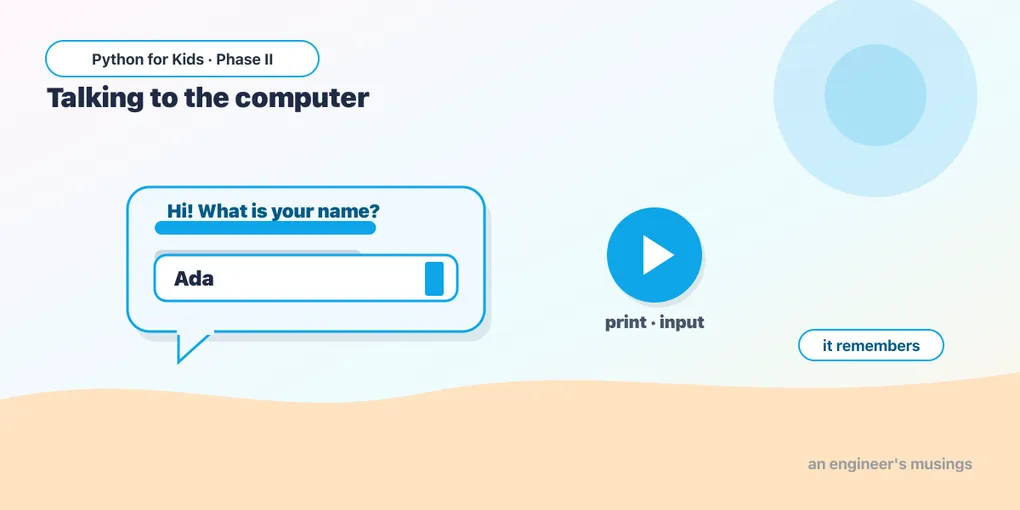
Welcome to Phase II! In Phase I you taught the turtle to draw. Now you’ll teach the computer to talk — to print messages, ask questions, and remember what you tell it. No more pictures for a while; we’re working with words and logic, the foundation for the games, data, and AI projects coming in later phases.
The editors here look a little different: instead of a drawing, you get a text box showing what your program says. Same idea — write code, press ▶ Run.
Printing a message
print(...) tells the computer to say something. Whatever you put in the quotes shows up in the box:
That’s the traditional first program every coder writes. You’re officially in the club now.
You can print as many lines as you like — they appear in order, just like turtle instructions did:
Try it 🎯
- Change the message to something about you.
- Add a fourth
print(...)line. - Print an empty line with
print()(no words) between two messages.
Remembering things in variables
You met variables in Phase I (like size = 100). They hold words too. Put text in quotes; it’s called a string:
Notice the comma in print("Hello,", name). It prints the word Hello, then the value of name, with a space between. Commas let you mix fixed text with variables.
Asking the user a question
Here’s the fun part. input(...) shows your question, waits for the person to type an answer, and hands it back. We store the answer in a variable:
When you press Run, a box pops up — type your name, press OK, and watch the program greet you. The computer is having a tiny conversation.
Try it 🎯
- Change the question.
- Ask a second question (like a favorite color) and print that back too.
A silly story (Mad Libs)
Ask for a few words, then drop them into a sentence:
Three boxes pop up, and the computer builds a goofy sentence from your words. Run it again with different words for a different story.
Predict it 🔮
What does this print? Guess before you Run. (Hint: look closely — are there quotes around name?)
(It prints the word name, not Sam! With quotes, "name" is just text. Without quotes, name means the variable. Change print("name") to print(name).)
Fix the bug 🐞
This should greet the user, but it crashes. The print is trying to use a variable that was never created (look at the spelling):
(persn is a typo — it should be person, the variable we made. Fix the spelling.)
Your mission 🚀
Write a short program that asks the user for two things (say, their name and their favorite hobby), then prints a friendly two-line message using both answers:
What you learned today
print(...)makes the computer say something.- A string is text in quotes; variables can hold strings.
- Commas in
printmix fixed text with variables. input(...)asks a question and gives back what the user types.
Next time we dig into words themselves — making them LOUD, measuring how long they are, and gluing them together. 🗨️
Comments