Build One Response
Construct a JSON object, follow nested selectors and calculate a single line before working with arrays.
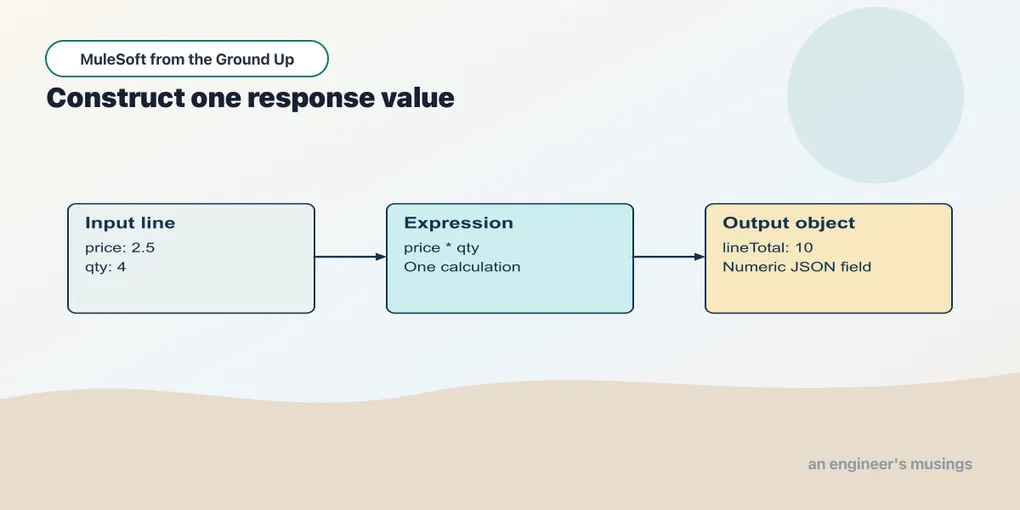
The order API receives Dana’s request as JSON. The systems downstream want different field names and values in a shape they understand. A connector can send the request, but it cannot decide that the website’s sku means the warehouse’s productCode — that translation is application logic. Returning a single identifier showed us where one value came from; an API usually returns an object with several fields, and DataWeave is where we construct that object and say where each field’s value comes from.
Stop chapter 2’s runtime. Open book/checkpoints/03-one-response from the ACB examples, then open src/main/mule/app.xml in the canvas. This checkpoint adds three POST endpoints that each work on one object. Start with /header; the calculations come afterward.
Build a response from an order header
The input for this example contains only the information we need:
{
  "orderId": "A-1001",
  "customer": {"id": "C-42", "name": "Dana"}
}
Example 005 — Read an order header
- Open Flow List in the canvas toolbar and select
read-order-header. - Select Listener and inspect its path,
/header. - Select Transform Message. In General, the target is Payload and the source is Inline Script.
- Replace the inline script with the following DataWeave. Start at
%dw; do not include Markdown backticks or add another#[...]wrapper.
%dw 2.0
  output application/json
  ---
  {reference: payload.orderId, buyer: payload.customer.name}
The first two lines are the script header. %dw 2.0 declares the language version. output application/json selects JSON for the result. The line --- separates the header from the body expression.
The body is an object expression. reference is the name we choose for an output field; payload.orderId supplies its value. The next field, buyer, reads name inside the input’s customer object. A colon separates each output key from its value, and a comma separates the two pairs.
The result is:
{"reference":"A-1001","buyer":"Dana"}The output keys do not have to match the input keys. We have deliberately renamed orderId to reference for this response. That is a transformation of the representation, not a change to the business order’s identity. Every value in an object like this should have a clear source — here the inbound request, later a verified lookup result or an explicit application policy — and the object expression is where that choice becomes visible to a reviewer.
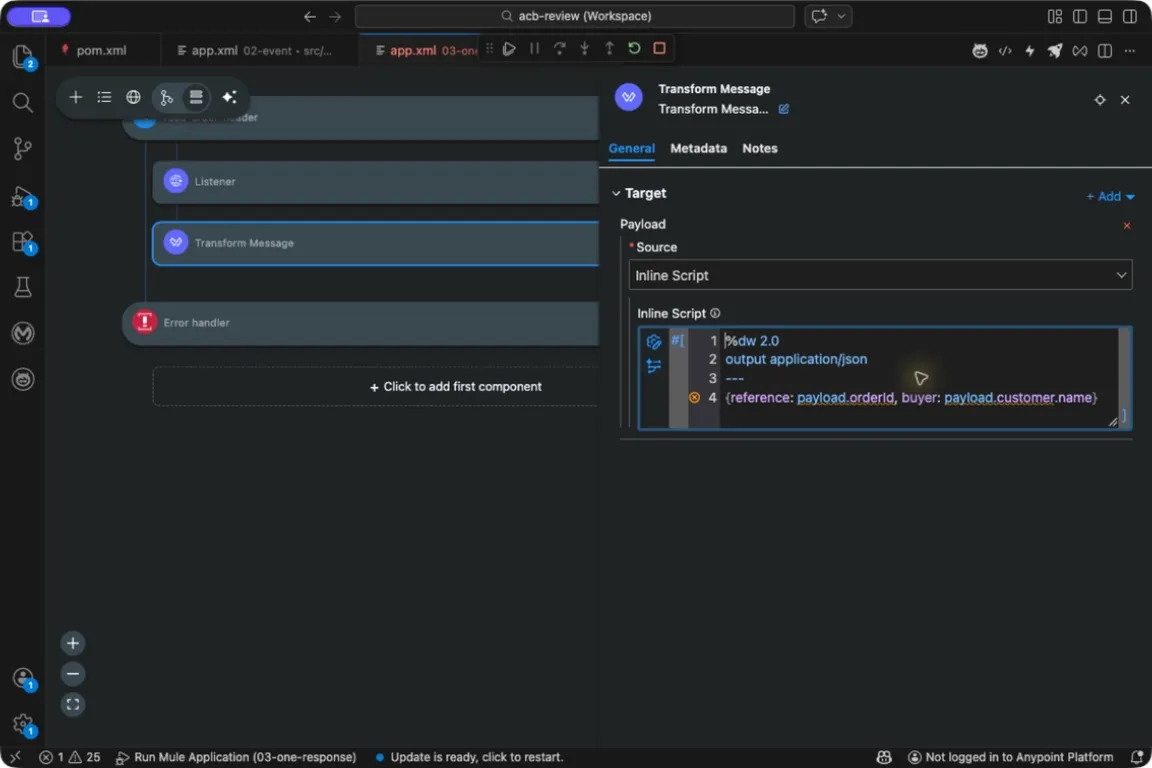
Write the transformation in the component’s script editor. The surrounding Mule configuration is maintained by ACB.
Start Run Mule Application from Run and Debug and wait for deployment. For subsequent edits, click Save and Hot-deploy to Local Runtime and wait for redeployment. Send the input:
curl --include -H 'Content-Type: application/json' \
  --data '{
    "orderId":"A-1001",
    "customer":{"id":"C-42","name":"Dana"}
  }' \
  http://127.0.0.1:18881/header
Expect status 200 and the two-field JSON response above. JSON whitespace and field display order are not the point of this check; the names and values are.
The request sets Content-Type: application/json. The content type matters more than it looks: the text {"orderId":"A-1001"} can be JSON content, or simply a string containing characters that resemble JSON, and the reader needs a media type to tell those apart — a JSON-looking sequence of bytes sent as another media type is not a useful way to test this selector lesson.
Calculate one line
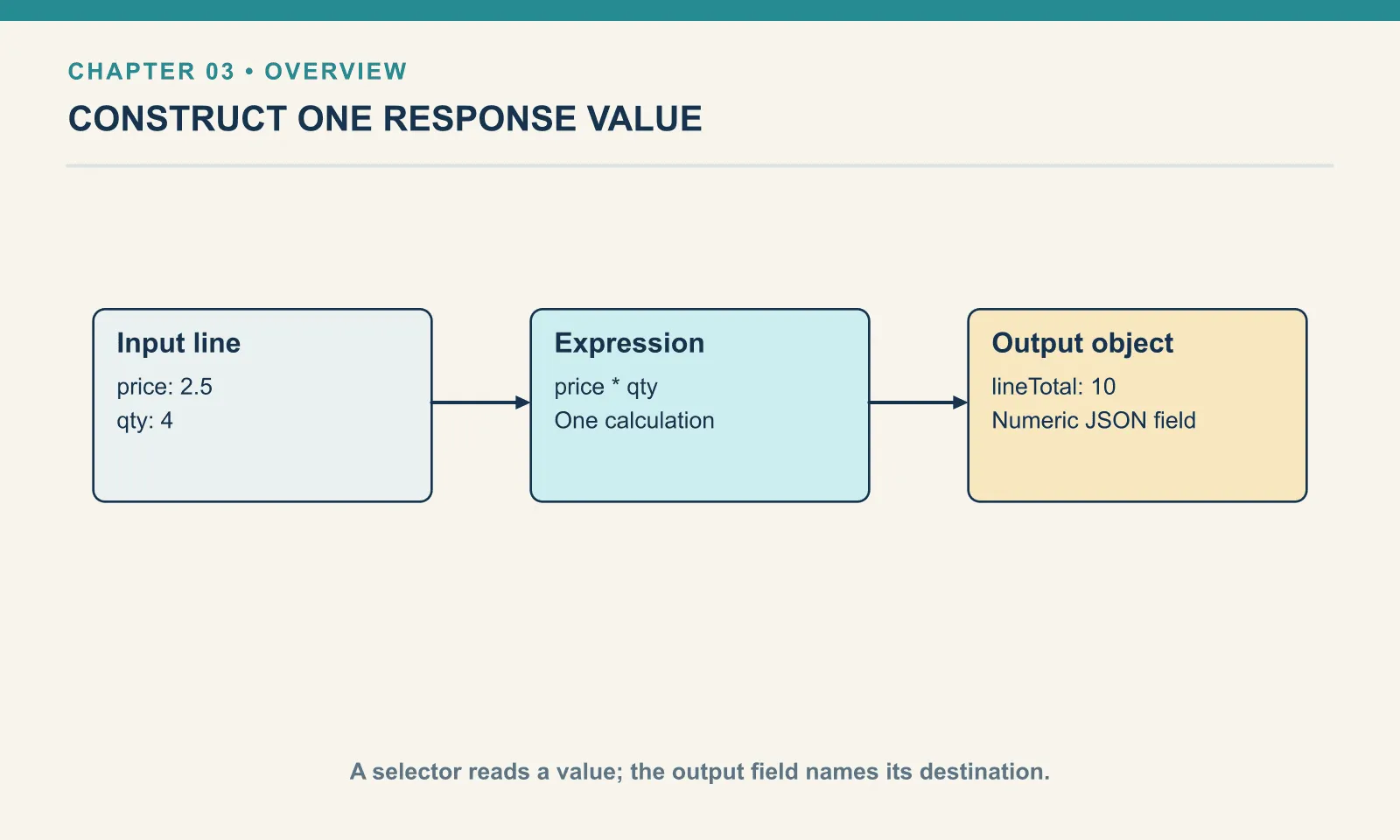
An order line contains a price and a quantity. Before calculating a whole order, use just one line:
{
  "sku": "PEN-01",
  "price": 2.5,
  "qty": 4
}
Example 006 — Calculate one line
Use Flow List → calculate-line, then select Transform Message. Its Payload → Inline Script field contains this calculation:
%dw 2.0
  output application/json
  ---
  {lineTotal: payload.price * payload.qty}
payload.price selects the number 2.5 and payload.qty selects 4. Multiplication produces 10, which becomes the value of lineTotal:
{"lineTotal":10}There is one expression supplying the result object. DataWeave does not need a statement that creates an empty object followed by assignments to fill its fields. The object expression already states the value to produce.
The input includes a SKU, but this script does not select it. Unselected input fields are not automatically copied into a constructed output object. Add sku: payload.sku if the response contract needs the SKU as well.
Save and hot-deploy if you changed the script, then send:
curl --include -H 'Content-Type: application/json' \
  --data '{"sku":"PEN-01","price":2.5,"qty":4}' \
  http://127.0.0.1:18881/line
Expect status 200 and {"lineTotal":10}. The endpoint for this example is /line. Its arithmetic is a calculation exercise with a supplied price. Later, the intake API will look up prices itself rather than allow a caller to choose the amount to charge.
Convert text deliberately
{
  "sku": "PEN-01",
  "price": "2.5",
  "qty": 4
}
Example 007 — Convert a supplier price
Use Flow List → convert-line-price and open Transform Message. Compare its inline script with the previous flow:
%dw 2.0
  output application/json
  ---
  {lineTotal: (payload.price as Number) * payload.qty}
The only input change is the quoted price. JSON represents "2.5" as a string and 2.5 as a number. as Number asks DataWeave to convert the selected string to a numeric value before multiplication. The parentheses show which part is converted.
Call this flow with a string price:
curl --include -H 'Content-Type: application/json' \
  --data '{"sku":"PEN-01","price":"2.5","qty":4}' \
  http://127.0.0.1:18881/line/text
For this input, /line/text returns the same numeric line total, 10. That result does not make all strings numeric. Replace the price with "unknown" and the conversion cannot produce the number the multiplication needs — which is the behavior you want, because a loud failure is better than a quietly zero-priced line. Error handling, a few chapters on, gives such failures a deliberate public response.
DataWeave also attempts some implicit conversions when an operation requires another type. Writing the conversion here makes the source contract visible: this supplier sends a textual price, and the calculation needs a number. The companion DataWeave book investigates implicit coercion in more depth. You can understand this flow from its explicit conversion alone.
Missing is a different question from zero
If the input lacks customer.name, a simple selector does not invent a customer name. A missing object key selects null rather than failing, which is helpful for a genuinely optional field and dangerous for a misspelled required one: payload.cutsomer.name does not prove the customer omitted a name, it may prove the script misspelled the path. A missing price is likewise not automatically a valid zero-price item. Choosing a default is a business decision. Later validation will decide which missing fields should reject a command; for now, compare the actual input with the fields each script reads.
Keep the input, script and result open together. When a result is wrong, first check the selector and source type, then the calculation. Changing the JSON output writer will not repair selecting the wrong field.
If the editor reports missing input fields
On the pinned build, these schema-free HTTP examples can show design-time messages such as PropertyNotDefined or Expecting Type: Number, but got: Null. ACB has not been given an input shape that establishes those fields. The runtime receives the JSON you send, so compare the actual request, selectors and response together. Do not assume every diagnostic is harmless: a misspelled selector or a missing price also needs fixing. Input metadata and runtime validation answer different questions; these examples establish behavior with the explicit requests above.
From the extracted examples’ root, run python3 book/run.py verify 03 while the app is running. Its four HTTP checks cover the retained greeting and these three endpoints.
Try it
1. Keep the identity. In read-order-header, edit Transform Message’s inline script to add the input customer ID as customerId. Save and hot-deploy, then repeat the header request.
Show answer
Add customerId: payload.customer.id as another field in the output object. For the shown fixture its value is C-42. Keep the comma separating neighboring fields.
2. Change one operand. Use quantity 5 with price 2.5. Predict the response before sending it.
Show answer
The product is 12.5, so the response is {"lineTotal":12.5}. No other field is copied because the body constructs only lineTotal.
3. Inspect a bad supplier value. Change the textual price to unknown. What failed: JSON parsing or numeric conversion?
Show answer
The JSON document is valid. The failure occurs when as Number tries to convert the string. A valid representation can still contain a value that does not satisfy the calculation contract.
Restore the two-field header script after the exercise, hot-deploy, and repeat the checkpoint check. Stop the runtime when finished.
You can now explain a calculation for one item. The next chapter repeats that understood calculation for a list of items.
Run against: Desktop ACB pack 1.22.1 with the component versions recorded in the downloadable examples’ environment.json, VS Code 1.110.1 on macOS arm64, Mule 4.12.3 and Java 17.0.13+11. Canvas operations and local HTTP behavior checked on 20 September 2026; platform deployment and other operating systems were not tested.
Comments