Auth and Security for Remote Servers
A remote MCP server is a public endpoint. How MCP's OAuth 2.1 model works — the server as a resource server, the 401 discovery dance, and the token verifier you actually write — in Python and TypeScript.
Series: Building MCP Servers — Part 8 of 12
The moment your server moved from stdio to a URL in Part 7, it became something anyone can send requests to. A stdio server trusts its parent process; a remote one can trust no one until they prove who they are. MCP’s answer is OAuth 2.1. The good news: the protocol asks your server to play the small, well-defined role of a resource server, not to become an identity provider. This post is about that role — what your server has to do, what it pointedly doesn’t, and the one piece of code you actually write.
Your server is a resource server, not an auth server
OAuth splits into roles, and keeping them straight is most of the battle. An authorization server authenticates users and issues tokens — that’s Auth0, Okta, your company SSO, a cloud identity service. Your MCP server is a resource server. It does exactly two things: reject requests without a valid token, and validate the tokens it does get. It never sees passwords, never issues tokens, never stores credentials. That’s a deliberately small surface. It’s why you don’t have to become a security company to ship a protected server.
How does a client know where to get a token? Your server tells it, through protected resource metadata (RFC 9728). That’s a small JSON document at a well-known URL, naming the authorization server that guards this resource.
The 401 dance
Discovery happens through a rejection. Seeing the actual exchange demystifies the whole flow. An unauthenticated request gets a 401 whose WWW-Authenticate header points at that metadata:
→  POST /mcp                      (no Authorization header)
←  401 Unauthorized
   WWW-Authenticate: Bearer error="invalid_token",
     resource_metadata="https://your-server/.well-known/oauth-protected-resource"
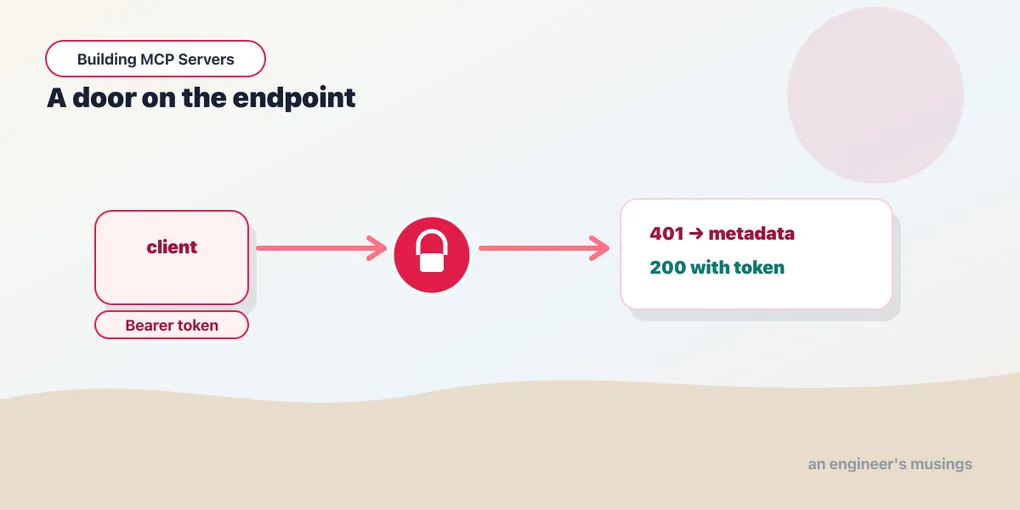
The client reads resource_metadata and follows it to the authorization server. It runs the standard OAuth flow to get a token, then retries the request with Authorization: Bearer <token>, which now sails through. That sequence — a 401 with a pointer, then a 200 with a token — is the entire client-facing contract. It’s exactly what the SDKs produce out of the box once you supply a verifier.
The code you write: a token verifier
The integration point is small: a verifier that turns a token string into validated identity (or a rejection). You attach it, and the SDK handles the 401s, the WWW-Authenticate header, and the metadata endpoint for you.
from mcp.server.auth.provider import AccessToken, TokenVerifier
from mcp.server.auth.settings import AuthSettings
from mcp.server.fastmcp import FastMCP
from pydantic import AnyHttpUrl

class MyTokenVerifier(TokenVerifier):
    async def verify_token(self, token: str) -> AccessToken | None:
        # A real verifier validates a JWT against the auth server's keys.
        if not token_is_valid(token):
            return None
        return AccessToken(token=token, client_id="…", scopes=["mcp:use"], expires_at=None)

mcp = FastMCP(
    "secured",
    token_verifier=MyTokenVerifier(),
    auth=AuthSettings(
        issuer_url=AnyHttpUrl("https://your-auth-server"),
        resource_server_url=AnyHttpUrl("https://your-server"),
        required_scopes=["mcp:use"],
    ),
)
import { requireBearerAuth } from "@modelcontextprotocol/sdk/server/auth/middleware/bearerAuth.js";
import type { OAuthTokenVerifier } from "@modelcontextprotocol/sdk/server/auth/provider.js";
const verifier: OAuthTokenVerifier = {
async verifyAccessToken(token) {
// A real verifier validates a JWT against the auth server's keys.
if (!tokenIsValid(token)) throw new Error("invalid token");
return { token, clientId: "…", scopes: ["mcp:use"], expiresAt: /* epoch secs */ 0 };
},
};
app.use(
"/mcp",
requireBearerAuth({
verifier,
resourceMetadataUrl: "https://your-server/.well-known/oauth-protected-resource",
})
);That’s the whole gate. Wire either one up, and an unauthenticated call gets a 401 carrying the resource-metadata pointer, while a call with an accepted token reaches your tools. That’s the dance above, working, with no hand-rolled header parsing. The verifier is the only security-critical code you own. That’s the point: keep it small, and validate properly.
A note on honesty, since this series compiles its code: the bearer-token gate here is verified end to end — 401 without a token, 200 with one, the right WWW-Authenticate header on both stacks. What I did not stand up is a full authorization server, so the body of verify_token is a stub. In production that body validates a real JWT, or delegates to a library or managed provider. Validating means checking the signature against the issuer’s published keys (JWKS), the audience, the expiry, and the scopes. Don’t ship the stub; ship a real validation.
Don’t forget the boring parts
OAuth gets the attention, but the endpoint-level basics matter just as much. Serve over HTTPS — bearer tokens in the clear are credentials in the clear. Validate Origin on browser-facing servers to blunt cross-site request forgery. Bind to localhost for anything that’s meant to be local-only rather than 0.0.0.0. And scope tokens tightly: a token minted for your server shouldn’t be a skeleton key for someone else’s. The newest spec revisions tighten this further, adding routing headers so gateways can authorize an operation without parsing the body. But the fundamentals above are what keep a server out of trouble today.
Final thoughts
Auth is where “I built an MCP server” becomes “I run an MCP service.” The protocol does you a real favor by drawing the line where it does. You are a resource server: reject the unauthenticated, validate the rest, and point clients at the authority that vouches for them. Everything heavy — login, consent, token issuance, rotation — belongs to an authorization server built by people who do only that. Write the smallest correct verifier, lean on a real identity provider for the rest, and resist the urge to invent your own.
Next: Building an MCP Client, where we cross to the other side of the protocol and consume servers instead of writing them.
Target keyword(s): mcp authentication, mcp oauth.
Comments