Ktor Is Just Kotlin, All the Way Down
Meet Ktor — JetBrains' lightweight, coroutine-first framework for Kotlin backends. Why it feels different from Spring, and your first server in a handful of lines.
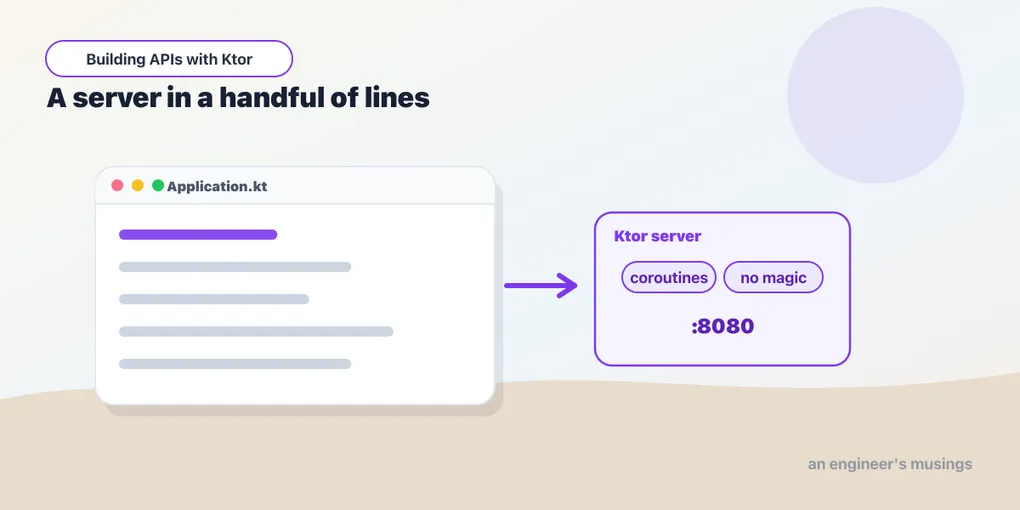
If you’ve worked through the Kotlin series, you know the language. Now let’s build something real with it: web services and APIs. The tool for that is Ktor — JetBrains’ own framework for the JVM, written in Kotlin, built on coroutines.
This series builds up to a complete, production-ready REST API. We’ll start from a single route and end with authentication, a database, tests, and a Docker image. This first post is the “why” and a taste; the next sets up a real project.
What Ktor is
Ktor is a framework for building asynchronous servers and clients. Three ideas define it:
- Lightweight and unopinionated. Ktor’s core is small. You add exactly the pieces you want — JSON, auth, logging — as plugins. Nothing you don’t install is running.
- Coroutine-first. Every request handler is a
suspendfunction. Concurrency is structured coroutines, not thread pools and callbacks. If you read the lambdas and coroutines posts, this will feel natural. - Configured in Kotlin. Routes, plugins, and config are a Kotlin DSL: no annotations scanning the classpath, no XML, no reflection magic. The code you read is the code that runs.
Coming from Spring?
If your background is Spring Boot, the mental shift is real. Spring is convention and annotations: @RestController, @Autowired, component scanning, a large container that wires things for you. It’s powerful and batteries-included, but a lot happens implicitly.
Ktor is the opposite stance: explicit and minimal. There’s no annotation magic and no built-in dependency injection. You wire things yourself, or add a small DI library, which we’ll cover. A Ktor app is closer to “a main function that configures a server” than “a container that discovers your beans.” That’s less magic to learn and less to go wrong, at the cost of doing some wiring by hand. For many services, that’s a great trade.
Your first server
Here’s a complete Ktor server. Don’t run it yet — we’ll set up a proper project next time — just read it:
import io.ktor.server.engine.*
import io.ktor.server.netty.*
import io.ktor.server.routing.*
import io.ktor.server.response.*

fun main() {
    embeddedServer(Netty, port = 8080) {
        routing {
            get("/") {
                call.respondText("Hello, Ktor!")
            }
        }
    }.start(wait = true)
}
Read it top to bottom — every line is doing one clear thing:
embeddedServer(Netty, port = 8080) { ... }starts a server using the Netty engine on port 8080. Ktor’s engine is pluggable — Netty, CIO, Jetty, Tomcat — and Netty is the common default.- The lambda is your application configuration. Here it just sets up routing.
routing { ... }opens the routing DSL.get("/") { ... }handlesGET /. Inside,callis the request/response context.call.respondText("Hello, Ktor!")sends a plain-text response..start(wait = true)starts the server and blocks so the program stays alive.
That’s a real HTTP server. No controllers, no annotations, no container — just a function that describes a server.
What we’ll build
Across this series we’ll grow a task-tracking API from this seed into a real service:
- routing, requests, and JSON responses
- a clean project structure and proper error handling
- a real database with Exposed
- JWT authentication, validation, and security
- logging/metrics, an HTTP client, and WebSockets
- tests and a production deployment
By the end you’ll be able to build and ship real Ktor applications.
Final thoughts
Ktor’s whole personality is in that first example. A server is just Kotlin code you can read, built from small pieces you opt into, running on coroutines. If you like the language, you’ll like how little stands between you and the HTTP.
Next: setting up a real Ktor project with Gradle and IntelliJ — so you can actually run that server and start building.
Comments