State Contracts and Branch on Input Shape
A helper used by several transformations needs a clear input contract.
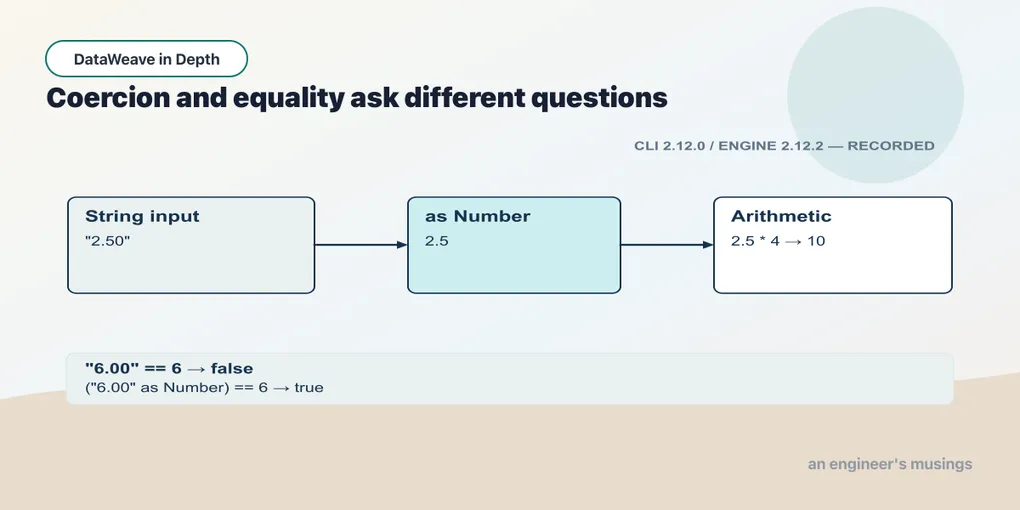
A helper used by several transformations needs a clear input contract. Primitive annotations describe individual values; a structural type can describe an item. We will inspect what those checks establish before using types to choose a branch.
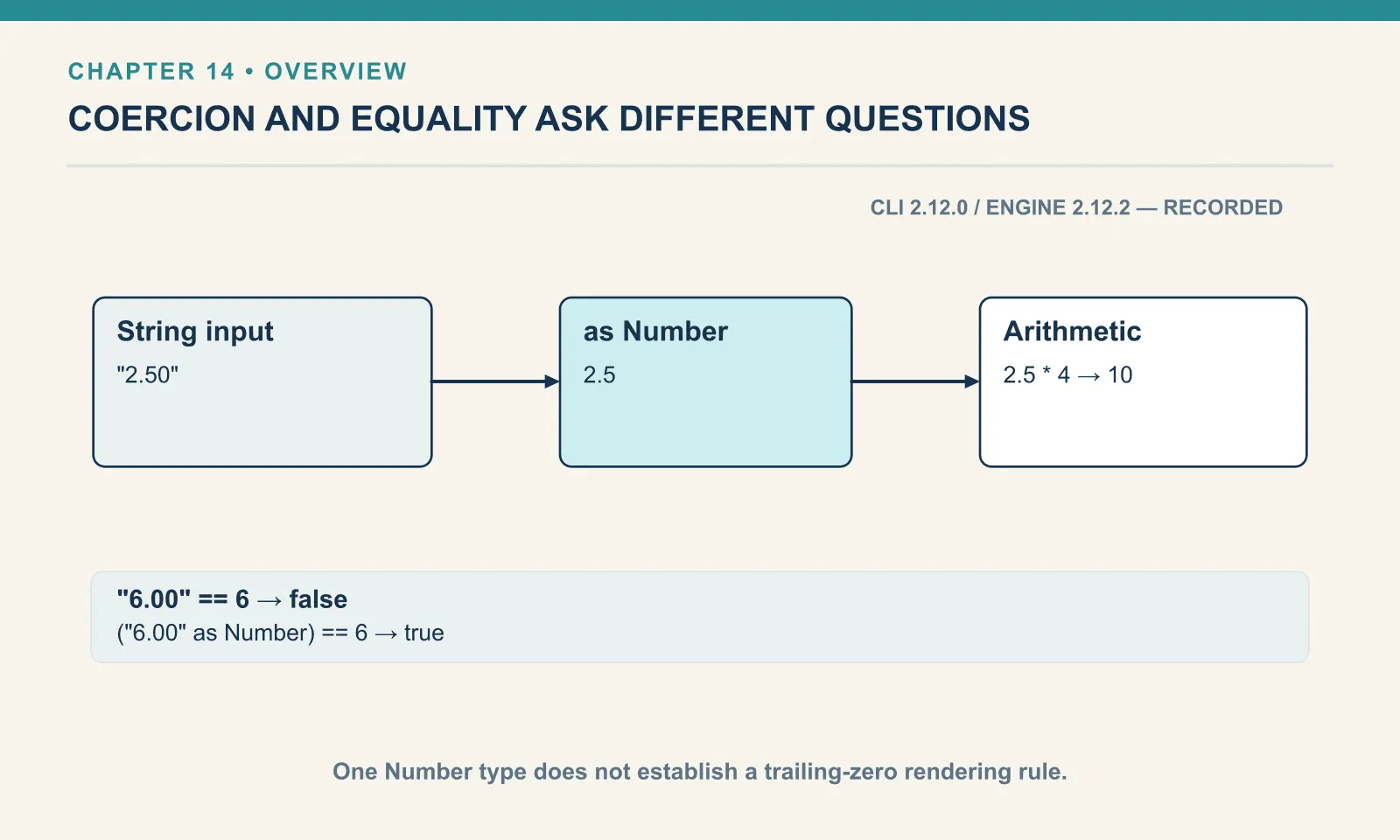
is, and what it does not check
is tests a value against a type and returns a Boolean. It never converts:
Example 108 — Check scalar and collection types.
Input payload — order.json:
{
  "orderId": "A-1001",
  "customer": "Dana",
  "items": [
    { "sku": "PEN-01", "price": 2.5, "qty": 4 },
    { "sku": "PAD-22", "price": 6.0, "qty": 2 },
    { "sku": "CLP-08", "price": 1.0, "qty": 10 }
  ]
}
%dw 2.0
output application/json
---
{
qtyIsNumber: payload.items[0].qty is Number,
skuIsString: payload.items[0].sku is String,
itemsIsArray: payload.items is Array,
itemIsObject: payload.items[0] is Object,
stringNotNumber: "42" is Number,
missingIsNull: payload.coupon is Null,
everythingIsAny: payload.items[0].qty is Any,
typedArray: [1, 2, 3] is Array<Number>,
mixedArray: [1, "2", 3] is Array<Number>
}{
"qtyIsNumber": true,
"skuIsString": true,
"itemsIsArray": true,
"itemIsObject": true,
"stringNotNumber": false,
"missingIsNull": true,
"everythingIsAny": true,
"typedArray": true,
"mixedArray": true
}"42" is Number is false, which is the point of is: it asks what a value is, and a string that could become a number is still a string. payload.coupon is Null is true for a missing key, which makes is Null a usable guard before an as.
The last line is a limit, not a typo. [1, "2", 3] is Array<Number> is true, and so is [1, "two", 3] is Array<Number>, [1, 2] is Array<String>, and [{ a: 1 }] is Array<Number>, all of which were run. The runtime checks that the value is an array and does not walk its elements against the parameter. The element type is real for the type checker at compile time and for documentation; it is not a runtime assertion. If you need to verify that every element is a number, reach for every or a filter on is Number, not an is Array<Number>.
Types you define
The type directive names a type in the header. The simplest form is an alias, and two more forms do real work: a union, written with |, and a literal type, which narrows to specific values. Object types list their keys, mark optional ones with ?, and are open: an object with extra keys still matches.
Example 109 — Define order and line contracts.
Use order.json as payload, as above.
%dw 2.0
output application/json
type Sku = String
type Tier = "gold" | "silver" | "bronze"
type Price = String | Number
type LineItem = { sku: Sku, price: Number, qty: Number, note?: String }
type Order = { orderId: String, customer: String, items: Array<LineItem> }
---
{
  goldIsTier: "gold" is Tier,
  platinumIsTier: "platinum" is Tier,
  stringPrice: "2.50" is Price,
  numberPrice: 2.5 is Price,
  boolPrice: true is Price,
  firstIsLineItem: payload.items[0] is LineItem,
  wholeIsOrder: payload is Order,
  wrongShape: { sku: "PEN-01", price: "2.50", qty: 4 } is LineItem,
  extraKey: { sku: "PEN-01", price: 2.5, qty: 4, colour: "blue" } is LineItem,
  withNote: { sku: "PEN-01", price: 2.5, qty: 4, note: "gift" } is LineItem
}
{
"goldIsTier": true,
"platinumIsTier": false,
"stringPrice": true,
"numberPrice": true,
"boolPrice": false,
"firstIsLineItem": true,
"wholeIsOrder": true,
"wrongShape": false,
"extraKey": true,
"withNote": true
}wrongShape is false because its price is a string, and extraKey is true because colour is simply not mentioned. An object type specifies a minimum shape. That default suits integration work: an upstream system can add a field without breaking the type check. Price = String | Number is how you admit, in the type, that a feed sends a field both ways. Explicit coercion still belongs at the boundary, while the union records which input forms are accepted.
as against a literal type is a check with a coercion’s error message:
Example 110 — Reject an unknown literal-type value.
%dw 2.0
output application/json
type Tier = "gold" | "silver" | "bronze"
---
{ tier: "platinum" as Tier }
[ERROR] Error while executing the script:
[ERROR] Cannot coerce String ("platinum") to String | String | String
5| { tier: "platinum" as Tier }
^^^^^^^^^^^^^^^^^^
Trace:
at 110-literal-type-as-fails::main (line: 5, column: 9) at:
5| { tier: "platinum" as Tier }
^^^^^^^^^^^^^^^^^^The message spells the type out as String | String | String, having lost the literals, which is unhelpful and worth recognising when it appears. "gold" as Tier succeeds, and typeOf of the result is "String". A custom type does not survive to runtime as a distinct thing — it is a constraint that either held or did not.
One more as behaviour matters before you rely on object types. Coercing an object to an object type does not convert its fields:
Example 111 — Try coercing a whole object.
%dw 2.0
output application/json
type LineItem = { sku: String, price: Number, qty: Number }
---
{ item: { sku: "PEN-01", price: "2.50", qty: 4 } as LineItem }
[ERROR] Error while executing the script:
[ERROR] Cannot coerce Object ({sku: "PEN-01",price: "2.50",qty: 4}) to {(sku: String), (price: Number), (qty: Number)}
5| { item: { sku: "PEN-01", price: "2.50", qty: 4 } as LineItem }
^^^^^^^^^^^^^^^^^^^^^^^^^^^^^^^^^^^^^^^^^^^^^^^^^^^^
Trace:
at 111-object-type-as::main (line: 5, column: 9) at:
5| { item: { sku: "PEN-01", price: "2.50", qty: 4 } as LineItem }
^^^^^^^^^^^^^^^^^^^^^^^^^^^^^^^^^^^^^^^^^^^^^^^^^^^^as LineItem asked “is this already a LineItem”, found a string where a number should be, and stopped. It did not reach in and coerce "2.50". Convert each field when constructing the normalized object, using map when there is an array of items. The object type then documents and checks the result.
Types on functions, and where the check happens
Function annotations put these type rules to work at the call boundary. Chapter 5 introduced function calls and scalar annotations. Here, the parameters and return type show where a call is checked:
Example 112 — Declare a structural function parameter.
Use order.json as payload, as above.
%dw 2.0
output application/json
fun lineTotal(price: Number, qty: Number): Number = price * qty
---
{ total: lineTotal(payload.items[0].price, payload.items[0].qty) }
{
"total": 10
}Run that exact script against the feed, where price and qty are the strings "2.50" and "4", and it prints the same { "total": 10 }. A Number parameter given a numeric string coerces it, the same way * does. The check is not “is the argument a Number” but “can the argument be made one”, and for a numeric string the answer is yes. The parameter type rejects what cannot be coerced:
Example 113 — Reject an incompatible function input.
Input payload — order_from_feed.json:
{
  "orderId": "A-1001",
  "customer": "Dana",
  "placed": "13/09/2026",
  "items": [
    { "sku": "PEN-01", "price": "2.50", "qty": "4" },
    { "sku": "PAD-22", "price": "6.00", "qty": "2" },
    { "sku": "CLP-08", "price": "1.00", "qty": "10" }
  ]
}
%dw 2.0
output application/json
fun lineTotal(price: Number, qty: Number): Number = price * qty
---
{ total: lineTotal(payload.customer, payload.items[0].qty) }[ERROR] Error while executing the script:
[ERROR] You called the function 'lineTotal' with these arguments:
1: String ("Dana")
2: String (org.mule.weave.v2.module.core.json.reader.indexed.JsonString@1c843137)
But it expects arguments of these types:
1: Number
2: Number
5| { total: lineTotal(payload.customer, payload.items[0].qty) }
^^^^^^^^^
Trace:
at 113-fun-signature-rejects::main (line: 5, column: 10) at:
5| { total: lineTotal(payload.customer, payload.items[0].qty) }
^^^^^^^^^"Dana" cannot be a number, and the call fails with both arguments listed. The second appears as the reader’s internal string object — the CLI leaking an implementation detail. The same applies in the other direction: a String parameter given the number 42 receives "42", so fun shout(s: String) = upper(s) ++ "!" called as shout(42) returns "42!". What is not coerced is structure. A parameter typed Array given an object fails, with the same You called the function message and 1: Object in the arguments.
So a typed signature is a guarantee about what the body will see, not about what the caller passed. Inside lineTotal, price is a Number or the function was never entered, and the script that reaches the multiplication cannot be the one that concatenated "2.504".
A return annotation can reject the function declaration before the call runs. Here the body produces a number while the annotation promises a string:
Example 114 — Reject an incompatible return value.
%dw 2.0
output application/json
fun label(price: Number): String = price * 2
---
{ label: label(2.5) }
[ERROR] Error while executing the script:
[ERROR] Expecting Type: `String`, but got: `Number`.
3| fun label(price: Number): String = price * 2
^^^^^^^^^
Location:
114-fun-return-type-rejects (line: 3, column:36)The message ends with Location: instead of Trace:, and its arrow points at the body rather than the call. This one was caught at compile time, before any input was read. The body’s type is known to be Number and the declaration says String, so the script is rejected as written. It is the one place in this chapter where the type system worked on the text rather than on a value. A return annotation is worth writing for exactly this reason — even on a one-line function.
match / case
match tests a value against a series of case patterns and evaluates to the right-hand side of the first one that fits. The simplest patterns are literal values:
Example 115 — Match literal values.
Input payload — order.json:
{
  "orderId": "A-1001",
  "customer": "Dana",
  "status": "shipped",
  "coupon": null,
  "notes": "",
  "tags": ["gift", null, "rush"],
  "total": 32,
  "items": [
    { "sku": "PEN-01", "price": 2.5, "qty": 4 },
    { "sku": "PAD-22", "price": 6.0, "qty": 2 },
    { "sku": "CLP-08", "price": 1.0, "qty": 10 }
  ]
}
%dw 2.0
output application/json
---
payload.status match {
case "shipped" -> "On its way"
case "delivered" -> "Complete"
case "cancelled" -> "Refunded"
else -> "Processing"
}"On its way"The else is the default arm; it catches anything the cases above did not. Leave it off and an unmatched value is not null and not the input passed through. It is an error:
Example 116 — Inspect an unmatched value.
Use order.json as payload, as above.
%dw 2.0
output application/json
---
"returned" match {
  case "shipped"   -> "On its way"
  case "delivered" -> "Complete"
}
[ERROR] Error while executing the script:
[ERROR] None of the match cases matched: `String("returned")`.
TIP: Use `else -> <expression>` to match other cases.
4| "returned" match {
^^^^^^^^^^
Trace:
at 116-match-no-match::main (line: 4, column: 1) at:
4| "returned" match {
^^^^^^^^^^The error suggests adding an else, but the fallback needs a meaning the application can defend. Mapping every unknown status to "Processing" would also map a new upstream status such as "returned" there. For a status used to decide what happens to an order, I would rather fail and investigate. For a display label, a fallback may be appropriate. The choice depends on what the result controls.
Type patterns
A loosely-typed upstream system can send the same field as a number, a stringified number, or nothing at all. A case can match on type instead of value with is, so one transform can handle all three forms:
Example 117 — Match by type.
Use order.json as payload, as above.
%dw 2.0
output application/json
fun asPrice(p) = p match {
  case is Number -> p
  case is String -> p as Number
  case is Null   -> 0
  else -> "unexpected " ++ typeOf(p)
}
---
["6.0", 6, null, true] map asPrice($)
[
6,
6,
0,
"unexpected Boolean"
]"6.0" was coerced with chapter 3’s as Number and printed as 6. The value null has its own type, Null, and matches case is Null. The Boolean fell through to the else, which builds a message from typeOf. That last arm helps during development. Before production, a wrong type should fail rather than write a string where a number belongs.
Binding and guards
A guarded case binds the matched value to a name and tests it with if. It can express the same threshold choices as the else if ladder, with each condition beside its result. The first case that fits wins, so the order of the guards determines the result. Getting it backwards produces a wrong answer with no error. Both orders, side by side:
Example 118 — Add guards to matching cases.
Use order.json as payload, as above.
%dw 2.0
output application/json
fun tier(total) = total match {
  case t if (t >= 500) -> "platinum"
  case t if (t >= 100) -> "gold"
  case t if (t > 0)    -> "standard"
  else                 -> "empty cart"
}
fun tierWrongOrder(total) = total match {
  case t if (t > 0)    -> "standard"
  case t if (t >= 100) -> "gold"
  case t if (t >= 500) -> "platinum"
  else                 -> "empty cart"
}
---
{
  right: [0, 32, 150, 600] map tier($),
  wrong: [0, 32, 150, 600] map tierWrongOrder($)
}
{
"right": [
"empty cart",
"standard",
"gold",
"platinum"
],
"wrong": [
"empty cart",
"standard",
"standard",
"standard"
]
}In tierWrongOrder, t > 0 is true for every positive total, so nothing ever reaches gold or platinum. Order the guards from most to least specific, and read them top to bottom the way the runtime does. t is the value being matched, available on the right-hand side, and you can combine the binding with a type test: case t is String -> ... binds and checks.
Exercises
Guard, then coerce. The customer tier arrives as free text. Write a script that outputs the tier if it is one of gold, silver or bronze, and "bronze" otherwise, using a literal type and is. Run it with "platinum".
Show answer
Example 119 — Guard a customer tier.
%dw 2.0
output application/json
type Tier = "gold" | "silver" | "bronze"
var tier = "platinum"
---
{ tier: if (tier is Tier) tier else "bronze" }
{
"tier": "bronze"
}is Tier is false for "platinum", so the else branch supplies the floor. "platinum" as Tier would have stopped the script instead, which is the other reasonable design, depending on whether an unknown tier is bad data or a downgrade.
Fill the hole in the tags. Dana’s tags are ["gift", null, "rush"]. Produce a list where the null becomes "(none)", "rush" is upper-cased, and any other tag passes through. Run it. Which pattern forms did you need?
Show answer
Example 120 — Fill a missing tag.
Use order.json as payload, as above.
%dw 2.0
output application/json
---
payload.tags map (tag) -> tag match {
  case is Null -> "(none)"
  case "rush"  -> "RUSH"
  case t is String -> t
}
[
"gift",
"(none)",
"RUSH"
]A type pattern for the null, a literal for "rush", and a binding-plus-type for the pass-through. There is no else, so a tag that is neither null nor a string — a number, say — fails with the “none of the match cases matched” error. For a tag list I would keep it that way.
Shipping as a match. Against the three-order payload, compute shipping per order: null when the subtotal is zero, free at 30 or more, 2.99 at 20 or more, otherwise 4.99. Write it as a match with guards inside a do. Run it and check the order of your cases.
Show answer
Example 121 — Choose shipping with guarded cases.
Input payload — orders.json:
[
  { "orderId": "A-1001", "customer": "Dana",
    "items": [
      { "sku": "PEN-01", "price": 2.5, "qty": 4 },
      { "sku": "PAD-22", "price": 6.0, "qty": 2 },
      { "sku": "CLP-08", "price": 1.0, "qty": 10 }
    ] },
  { "orderId": "A-1008", "customer": "Femi",
    "items": [
      { "sku": "PEN-01", "price": 2.5, "qty": 1 },
      { "sku": "INK-03", "price": 3.0, "qty": 3 }
    ] },
  { "orderId": "A-1009", "customer": "Kai" }
]
%dw 2.0
output application/json
fun shipping(order) = do {
var subtotal = sum((order.items default []) map (i) -> i.price * i.qty)
---
subtotal match {
case s if (s == 0) -> null
case s if (s >= 30) -> 0
case s if (s >= 20) -> 2.99
else -> 4.99
}
}
---
payload map { orderId: $.orderId, shipping: shipping($) }[
{
"orderId": "A-1001",
"shipping": 0
},
{
"orderId": "A-1008",
"shipping": 4.99
},
{
"orderId": "A-1009",
"shipping": null
}
]The == 0 case has to come first, since 0 would otherwise fall to the else and be charged 4.99. Then the thresholds descend. Kai’s empty order gets null, which is honest: there is nothing to ship.
A type check and a conversion answer different questions. Neither establishes every business rule: a numeric quantity can still be negative, and a well-shaped item can still reference an unknown product. Keep those decisions visible in the transformation that owns them.
Comments