Transform Every Item with map
So far, each input has been one record.
So far, each input has been one record. This fixture places the three familiar items in an array. We will first inspect an element and then transform every element without assuming how many the array contains.
Example 33 — Inspect an item array.
Input payload — inspect-an-item-array-input.json:
[
  {
    "sku": "PEN-01",
    "price": 2.5,
    "qty": 4
  },
  {
    "sku": "PAD-22",
    "price": 6.0,
    "qty": 2
  },
  {
    "sku": "CLP-08",
    "price": 1.0,
    "qty": 10
  }
]
%dw 2.0
output application/json
---
{ first: payload[0], secondSku: payload[1].sku, lastSku: payload[-1].sku, beyondEnd: payload[3] }Result:
{
  "first": {
    "sku": "PEN-01",
    "price": 2.5,
    "qty": 4
  },
  "secondSku": "PAD-22",
  "lastSku": "CLP-08",
  "beyondEnd": null
}
Square brackets enclose an array, an ordered collection of values. The fixture contains three objects. Indexes start at zero: [0] selects the first object and [1] the second. A selector can continue into that selected object, as [1].sku does.
[-1] selects the last element. [3] is beyond this array’s end and returns null. Indexing chooses one position; it cannot express “every item,” because the next order may have a different length.
Example 34 — Map an array of numbers.
%dw 2.0
output application/json
---
[2.5, 6, 1] map (price) -> price * 2
Result:
[
  5,
  12,
  2
]
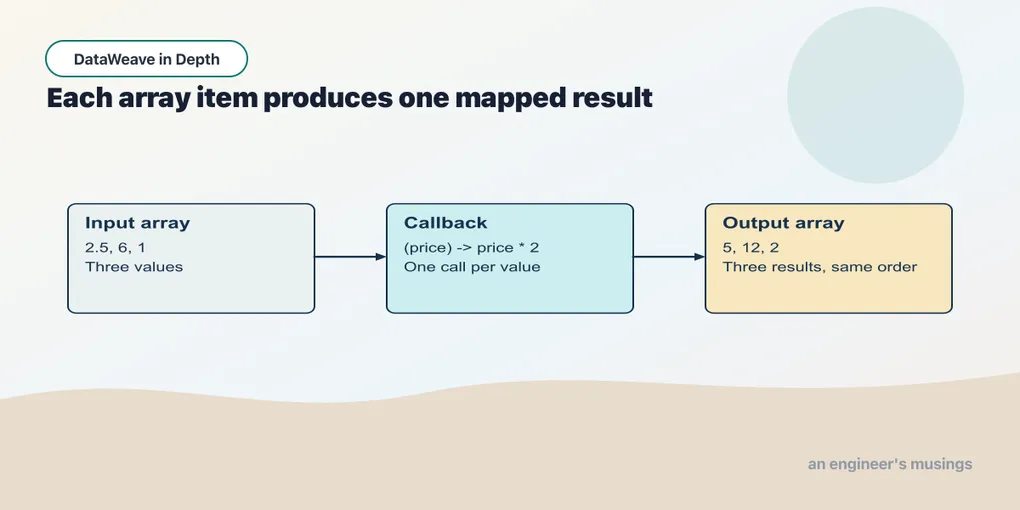
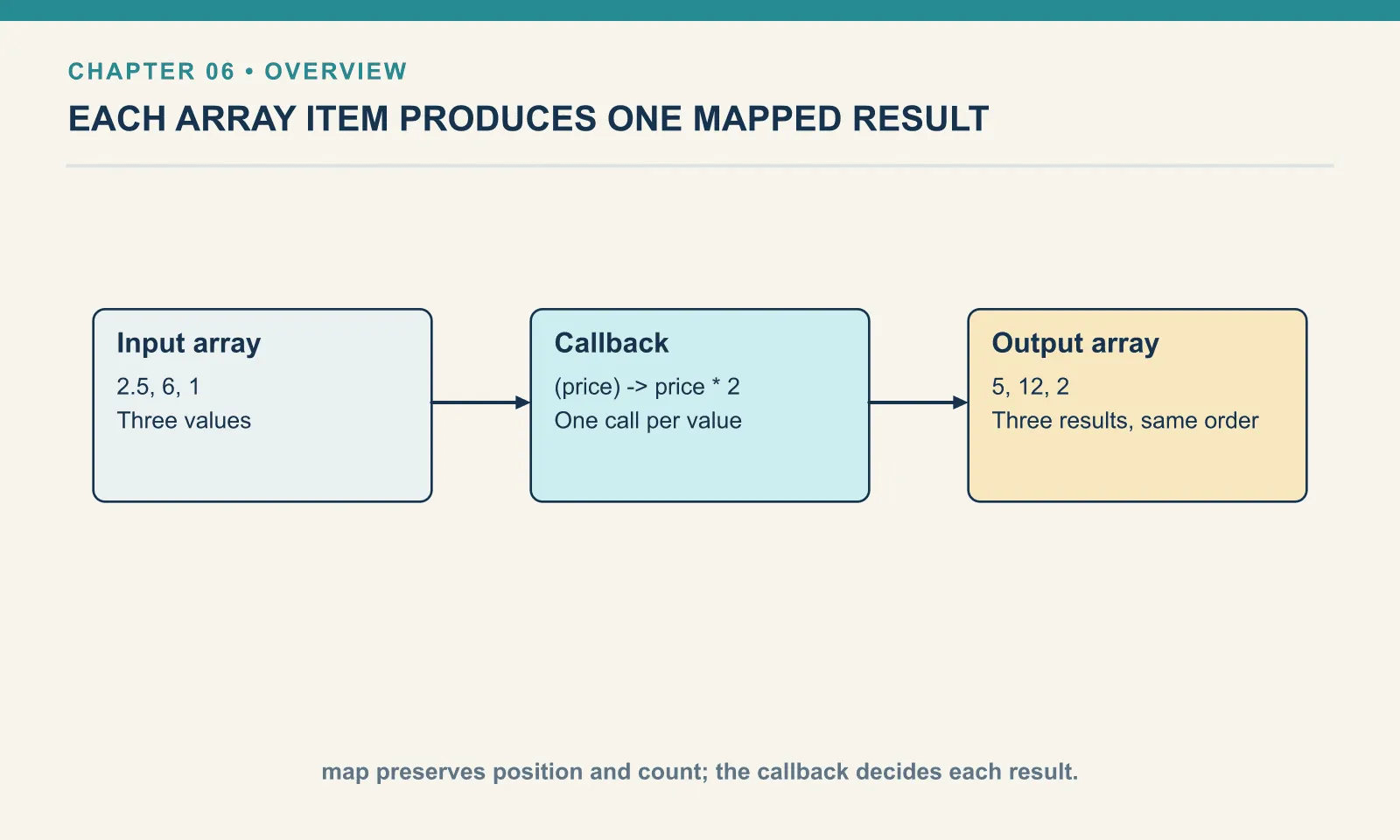
map takes an array and applies a function to every element, collecting the results in another array. The expression (price) -> price * 2 is a lambda, a function written where it is used. Its parameter is price; the arrow separates that parameter from the expression to evaluate.
On the first element, price is 2.5 and the result is 5. On the next it is 6 and the result is 12. Each element produces one result in the same position. The original array remains unchanged.
Example 35 — Calculate every line.
Use inspect-an-item-array-input.json as payload, as above.
%dw 2.0
output application/json
fun lineTotal(price, qty) = price * qty
---
payload map (item) -> lineTotal(item.price, item.qty)
Result:
[
  10,
  12,
  10
]
The lambda receives an item object this time. It selects the price and quantity and passes them to the helper we already understand. The callback’s result is a number, so the result of the whole map is an array of numbers.
Read this at two levels: lineTotal handles one item; map handles how many items there are. Keeping those jobs separate lets you check the calculation without reasoning about traversal at the same time.
Example 36 — Build a result for each line.
Use inspect-an-item-array-input.json as payload, as above.
%dw 2.0
output application/json
---
payload map (item) -> { sku: item.sku, amount: item.price * item.qty }
Result:
[
  {
    "sku": "PEN-01",
    "amount": 10
  },
  {
    "sku": "PAD-22",
    "amount": 12
  },
  {
    "sku": "CLP-08",
    "amount": 10
  }
]
The callback can return an object instead of a number. The braces now describe one output element. map collects those objects into the outer array; you do not need to create or append to that array yourself.
Example 37 — Number the order lines.
Use inspect-an-item-array-input.json as payload, as above.
%dw 2.0
output application/json
---
payload map (item, index) -> { line: index + 1, sku: item.sku }
Result:
[
  {
    "line": 1,
    "sku": "PEN-01"
  },
  {
    "line": 2,
    "sku": "PAD-22"
  },
  {
    "line": 3,
    "sku": "CLP-08"
  }
]
The optional second parameter receives the zero-based index. Adding one makes a human line number. The parameter order is item first, index second.
Example 38 — Map an empty array.
%dw 2.0
output application/json
---
[] map (item) -> { sku: item.sku }
Result:
[

]
An empty array calls the callback zero times and produces an empty array. There is no first object for the callback to inspect, so the reference to item.sku is never evaluated.
Try it
Produce one object per item containing productCode and quantity. Neither field has the same name as the corresponding input field.
Show answer
Example 39 — Rename every line.
Use inspect-an-item-array-input.json as payload, as above.
%dw 2.0
output application/json
---
payload map (item) -> { productCode: item.sku, quantity: item.qty }
Result:
[
  {
    "productCode": "PEN-01",
    "quantity": 4
  },
  {
    "productCode": "PAD-22",
    "quantity": 2
  },
  {
    "productCode": "CLP-08",
    "quantity": 10
  }
]
The object expression renames fields for one item. Mapping repeats that same construction for all three.
Before moving on, distinguish the callback’s result from the result of the whole map. If the callback returns an object, the map returns an array of those objects. That outer shape determines what the next operation can do.
Comments