Read an Object and Build Another
The order header in chapter 1 was fixed in the source.
The order header in chapter 1 was fixed in the source. A real mapping receives the values from another system. We can make that change while keeping the result exactly the same.
Example 6 — Read the order header.
Input payload — read-the-order-header-input.json:
{
  "orderId": "A-1001",
  "customer": "Dana"
}
%dw 2.0
output application/json
---
{ orderId: payload.orderId, customer: payload.customer }Result:
{
  "orderId": "A-1001",
  "customer": "Dana"
}
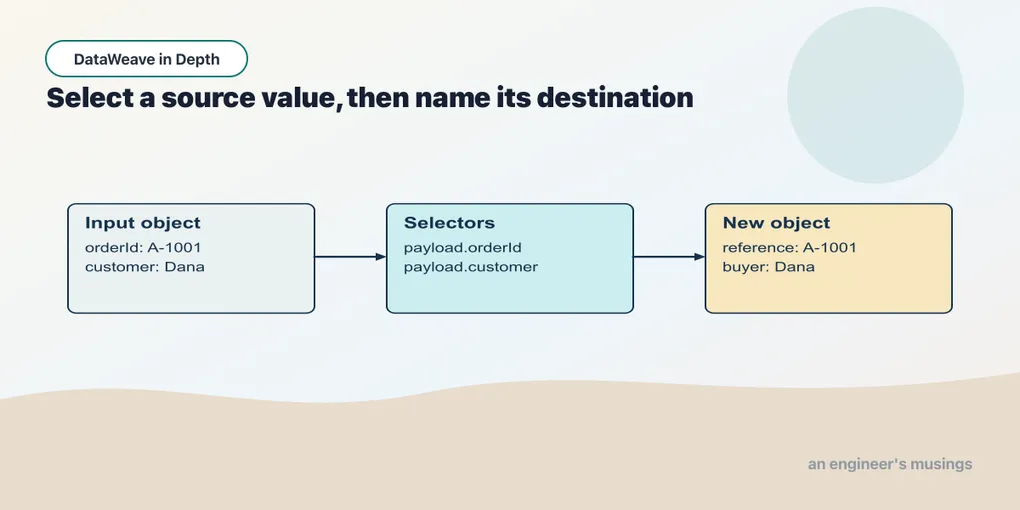
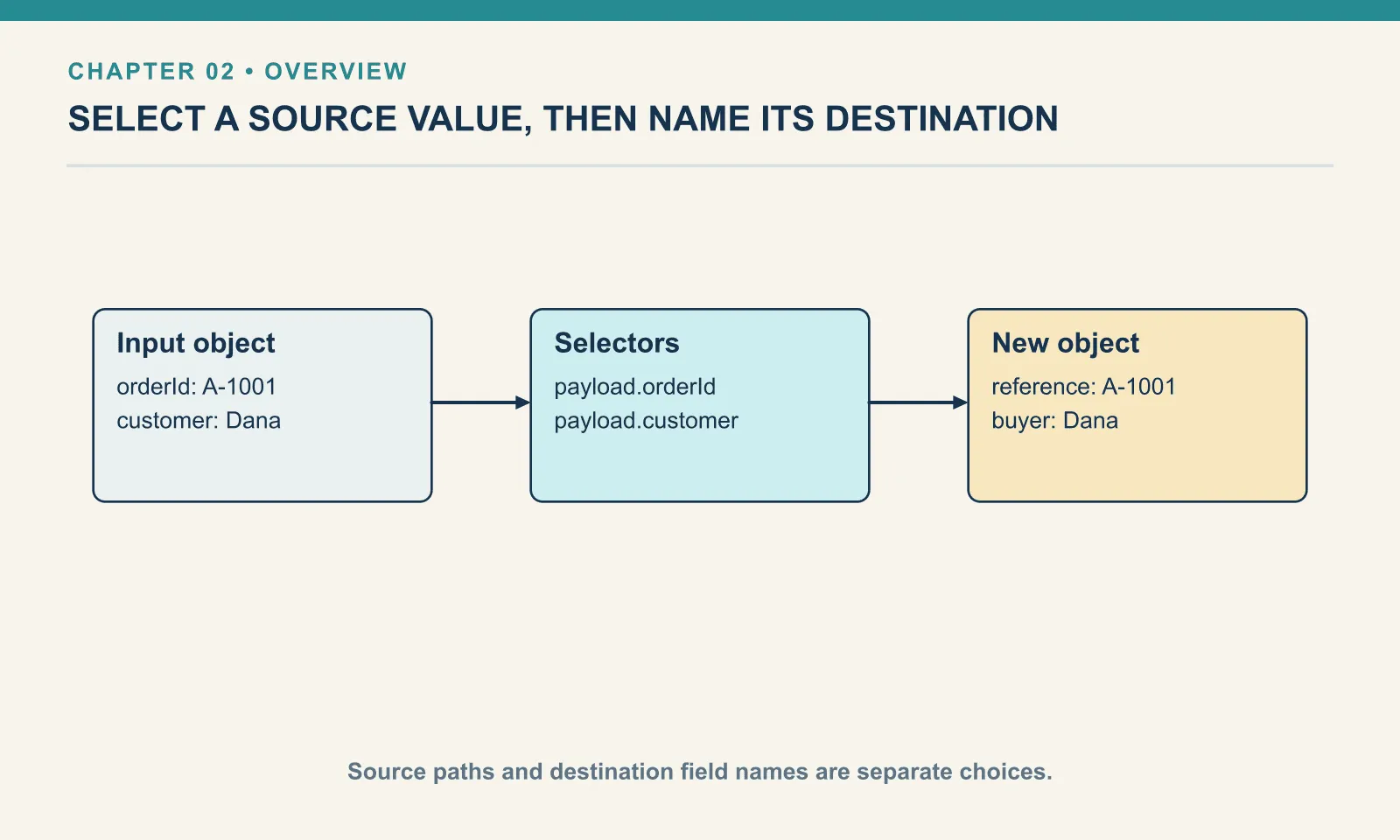
The Runner binds the JSON document to the name payload. payload.orderId reads the value under orderId; this is a selector. The field name to the left of the colon describes the output. The expression to its right supplies the value.
Change only the input identifier to A-1008. The output changes without a source edit. That is the first useful distinction between a fixed result and a transformation: the script describes where to obtain the value.
Example 7 — Rename an output field.
Use read-the-order-header-input.json as payload, as above.
%dw 2.0
output application/json
---
{ reference: payload.orderId, buyer: payload.customer }
Result:
{
  "reference": "A-1001",
  "buyer": "Dana"
}
reference and buyer are the receiving system’s names. Their values still come from orderId and customer. Renaming a result field does not rename the source field, and the original input is not modified.
Example 8 — Read a nested customer.
Input payload — read-a-nested-customer-input.json:
{
  "orderId": "A-1001",
  "customer": {
    "name": "Dana",
    "email": "[email protected]"
  },
  "delivery-method": "standard"
}
%dw 2.0
output application/json
---
{ reference: payload.orderId, buyer: payload.customer.name }Result:
{
  "reference": "A-1001",
  "buyer": "Dana"
}
This is a different, explicitly named source fixture: Nested customer. Its customer is an object containing a name and an email address. Read the path one step at a time: payload is the order, .customer selects the customer object, and .name selects the text inside it.
The earlier Order header fixture has a string at customer. Do not apply this path to that fixture and expect the same result. When an upstream schema changes, the selectors have to follow the new structure.
Example 9 — Select a quoted key.
Use read-a-nested-customer-input.json as payload, as above.
%dw 2.0
output application/json
---
{ method: payload."delivery-method", email: payload.customer["email"] }
Result:
{
  "method": "standard",
  "email": "[email protected]"
}
The hyphenated key needs quotes. Without them, the hyphen can be interpreted as an operator. Bracket selection with a quoted name is another way to read a field; here ["email"] selects the same value as .email.
Use the dotted form for ordinary names and quote a name that contains punctuation. Both forms select a field by its name.
Example 10 — Inspect a missing field.
Use read-a-nested-customer-input.json as payload, as above.
%dw 2.0
output application/json
---
{ correct: payload.customer.name, misspelled: payload.customer.nmae, absent: payload.coupon }
Result:
{
  "correct": "Dana",
  "misspelled": null,
  "absent": null
}
The two unsuccessful selections return null. They do not distinguish the typo from an optional field the sender omitted. This is why a successful run cannot establish that the mapping is correct: misspelled is valid JSON with the wrong value.
Inspect the input and the path before supplying a fallback. Chapter 4 will make absence an explicit decision. For now, notice that the missing selector still produces a value, null, which the writer can print.
Try it
Using Nested customer, build { order: { id: ..., contact: ... } }, where contact is the email address. The output needs a nested object even though the source uses different field names.
Show answer
Example 11 — Build a nested order result.
Use read-a-nested-customer-input.json as payload, as above.
%dw 2.0
output application/json
---
{ order: { id: payload.orderId, contact: payload.customer.email } }
Result:
{
  "order": {
    "id": "A-1001",
    "contact": "[email protected]"
  }
}
The inner braces construct the object stored under order. The input path and the output nesting are separate choices.
A selector supplies a value; an object expression gives that value its place in the result. Those two operations are enough to rename fields and reshape a small record. We will next calculate a value that the source does not contain.
Comments