Everything Is a Table: The Relational Model, and Your First Query
What SQL is really about — tables, rows, columns, and the relationships between them — why you describe the answer instead of looping to it, and how to connect to the bookshop and run your first SELECT. Run against PostgreSQL 18.
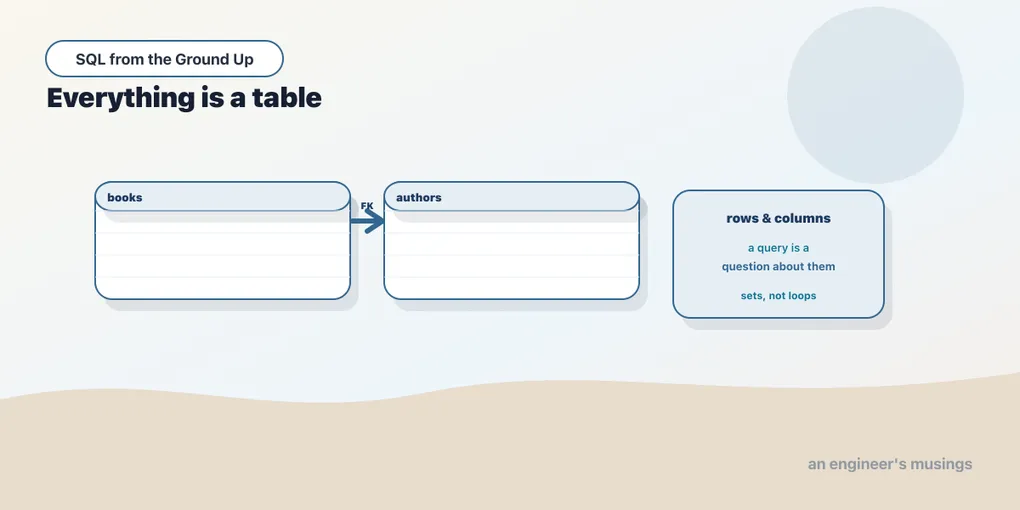
SQL is the language you use to ask a database questions. It has an unusual property for a programming language: you describe what you want, not how to get it. You don’t write a loop that opens a file, walks the rows, and collects the ones you care about. You write a sentence that names the rows you want, and the database figures out how to find them. That shift, from how to what, is the whole thing. It takes some getting used to if every language you know so far is imperative.
This series teaches SQL as a language, from this first query to reading a query plan. It assumes you can program but not that you know SQL. We’ll lean on one running example the whole way: a bookshop. This chapter is the map — the data model, why the relational idea is shaped the way it is, and your first real query against it.
Tables, rows, columns
The relational model is built from one structure: the table. A table is a set of rows, and every row has the same columns, each column holding one typed value. That’s it. The bookshop is five tables:
authors— who wrote the booksbooks— the catalogcustomers— who buysorders— a purchase, by a customer, on a dateorder_items— the line items in an order: which book, how many
Connect and you can see them:
bookshop=# \dt
             List of tables
 Schema |    Name     | Type  |  Owner
--------+-------------+-------+----------
 public | authors     | table | postgres
 public | books       | table | postgres
 public | customers   | table | postgres
 public | order_items | table | postgres
 public | orders      | table | postgres
(5 rows)
A single table on its own is just a grid. Ask books for a few rows:
SELECT book_id, title, genre, price FROM books ORDER BY book_id LIMIT 5; book_id | title | genre | price
---------+--------------+------------+-------
1 | Book Title 1 | Nonfiction | 37.78
2 | Book Title 2 | Sci-Fi | 42.07
3 | Book Title 3 | History | 28.54
4 | Book Title 4 | Children | 34.87
5 | Book Title 5 | Poetry | 53.42
(5 rows)Each row is a book. Each column holds one value of one type: book_id is an integer, title is text, price is an exact decimal. There’s no such thing as a cell holding a list, or a row with extra columns the others don’t have. That rigidity is a feature. It’s what lets the database check your data and optimize your queries.
Keys and relationships
The power of the model isn’t in one table, it’s in the relationships between them. A book is written by an author, so books carries an author_id that points at a row in authors. That pointer is a foreign key. The column it points at, the one that uniquely identifies a row, is a primary key: author_id in authors, book_id in books.
Because the tables are linked by keys, you can ask a question that spans them. Which author wrote each book, and where are they from?
SELECT b.title, a.name AS author, a.country
FROM books b
JOIN authors a ON a.author_id = b.author_id
ORDER BY b.book_id
LIMIT 5;
title | author | country
--------------+-----------+---------
Book Title 1 | Author 1 | UK
Book Title 2 | Author 1 | UK
Book Title 3 | Author 38 | Japan
Book Title 4 | Author 27 | Ireland
Book Title 5 | Author 12 | India
(5 rows)That JOIN matched each book to its author by the key they share. Joins are how the relational model reassembles information that’s been split across tables, and they get a chapter of their own. For now, notice the shape: two tables, one shared key, one combined result.
You describe the set, not the steps
Here is the mental shift worth making early. In an imperative language, computing the average price per genre means writing a loop: a map from genre to a running total and count, one pass over the books, then a divide. In SQL you name the grouping and the summary, and stop:
SELECT genre, count(*) AS books, round(avg(price), 2) AS avg_price
FROM books
GROUP BY genre
ORDER BY books DESC;
genre | books | avg_price
------------+-------+-----------
History | 100 | 31.05
Children | 100 | 30.75
Nonfiction | 100 | 29.75
Poetry | 100 | 29.66
Fiction | 100 | 28.25
Sci-Fi | 100 | 31.33
(6 rows)You didn’t say “make a hash map, iterate, accumulate.” You said “group by genre, and per group give me the count and the average price.” The database chose the algorithm. On six genres it hardly matters. On a table of millions it matters enormously, and describing the result is exactly what lets the database pick a fast plan. That freedom is the payoff of the what-not-how trade, and the third series of this track is about how the database spends it.
This is why SQL is a set-based language. A query takes sets of rows and produces a set of rows. When you catch yourself wanting to “loop over the results and run another query for each,” that’s usually the imperative habit talking. There’s almost always a single set-based query that does the whole job at once. Learning to see the set instead of the loop is most of learning SQL.
How to follow along
Every query in this series was run against PostgreSQL 18 and the output pasted in as it came back. Nothing here is written from memory. PostgreSQL is a good place to learn. It’s free, it hews close to the SQL standard, and its tooling for seeing how a query runs is the best there is. That tooling matters a lot by the third series. Where another database (MySQL, SQLite, SQL Server) does something differently on a point that matters, I’ll say so.
To run these yourself, you need a Postgres and the bookshop data in it. The companion repo sql-bookshop has both: a docker compose up brings up Postgres 18 with the schema and seed already loaded, and you connect with psql. The seed is deliberately sized so later queries have something to chew on: 40 authors, 600 books, 5,000 customers, 60,000 orders, and about 150,000 order line items. Small enough to fit anywhere, big enough that the query plans in the performance series are real.
Once you’re connected, the prompt is bookshop=#, and \dt lists the tables, \d books describes one, and any statement ending in ; runs. That’s the whole loop: type a question, read the answer.
Final thoughts
The relational model is five tables and the keys between them, and SQL is how you ask questions of that shape. The one idea to carry out of this chapter is the set-based stance. You describe the rows you want and let the database produce them, rather than spelling out the steps to collect them. Every feature ahead — filtering, joining, grouping, windowing — is a way of describing a set more precisely. Get comfortable thinking in sets and the language stops feeling like a query API and starts feeling like what it is: a small, dense language for talking about data. Next we start speaking it, one clause at a time, beginning with the clause you’ll write more than any other.
Next: SELECT what you want — projection, expressions, aliases, and the shape of every query you’ll write.
Comments