Looking Around the Data
You’ve loaded the penguins. Now let’s poke around and pull out exactly what we want. A data detective rarely needs the whole table at once — usually just a column or two.
Open this lesson in Colab💡 Start each lesson by loading the data in your first cell:
import pandas as pd
import seaborn as sns
penguins = sns.load_dataset("penguins").dropna()
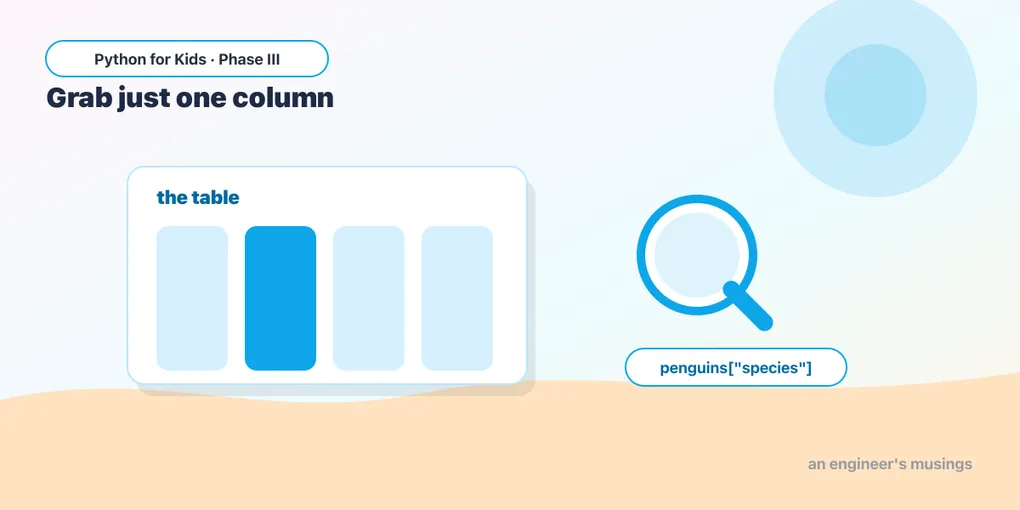
Grabbing one column
Use square brackets with a column name to pull out that column:
penguins["species"].head()A single column is called a Series — basically a labeled list (hello again, Phase II!). It holds one value per penguin.
Grabbing several columns
Want more than one column? Pass a list of names (note the double brackets):
penguins[["species", "body_mass_g"]].head()The outer brackets say “select”; the inner brackets are the list of columns. The result is a smaller table with just those columns.
Try it 🎯
- Show just the
islandcolumn:penguins["island"].head(). - Show two columns together:
speciesandflipper_length_mm. - Show three columns of your choice.
What values appear?
.unique() lists the different values in a column — great for categories like species or island:
print(penguins["species"].unique())
print(penguins["island"].unique())
You’ll see three species (Adelie, Chinstrap, Gentoo) and three islands. Now you know what’s in this data.
A column is just a list of numbers
Number columns can do math, all at once. These work on the whole column:
print("Heaviest penguin:", penguins["body_mass_g"].max())
print("Lightest penguin:", penguins["body_mass_g"].min())
print("Average weight:", penguins["body_mass_g"].mean())
No loop needed — pandas applies it to every value for you. (You could write a for loop like Phase II, but pandas does it in one line.)
Try it 🎯
- Find the longest
flipper_length_mm. - Find the average
bill_length_mm.
Predict it 🔮
What’s the difference between penguins["species"] and penguins[["species"]]? Run both. (One bracket gives a single column (a Series); two brackets give a small table (a DataFrame) with one column. Double brackets = “a list of columns to select.”)
Fix the bug 🐞
This is supposed to grab two columns but errors. Look at the brackets:
penguins["species", "island"].head()(Selecting several columns needs a list inside — double brackets: penguins[["species", "island"]].)
Your mission 🚀
Make a smaller table with three columns you find interesting (say species, body_mass_g, flipper_length_mm), show its first 8 rows, and then print the average body mass for the whole dataset.
What you learned today
penguins["col"]grabs one column (a Series — a labeled list).penguins[["a", "b"]]grabs several columns (note the double brackets)..unique()shows the distinct values in a column.- A number column does
.max(),.min(),.mean()all at once — no loop needed.
Next time we get pickier: keeping only the rows that match a condition — like “only the heavy penguins.” 🏋️
Comments