Getting Comfortable in a Notebook
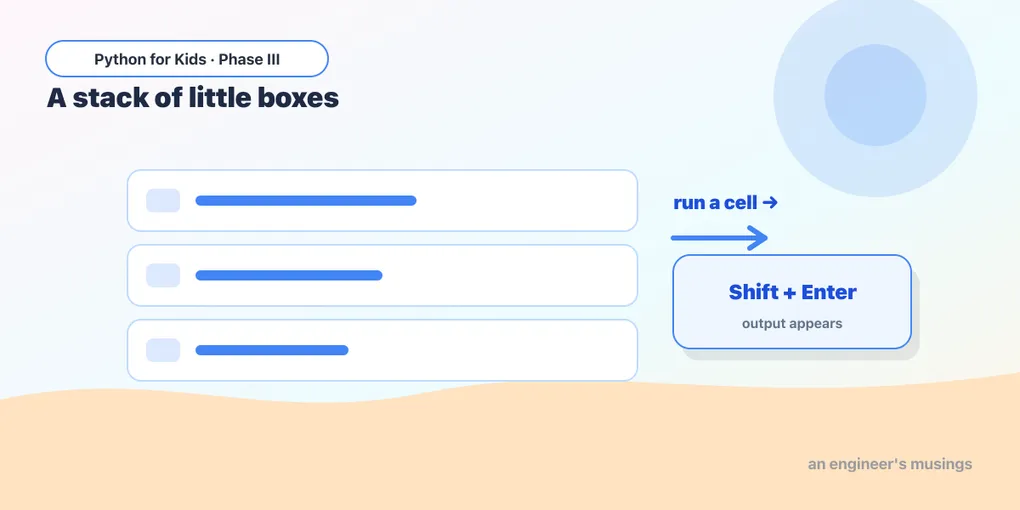
Now that you’re in Colab (or Jupyter), let’s get comfortable. A notebook isn’t one big program — it’s a stack of little boxes called cells that you run one at a time. That’s a new way of working, and once it clicks, it’s wonderful for exploring data.
Open this lesson in Colab💡 How to follow these lessons: read here, then type the code into a cell in your notebook and run it with Shift + Enter. The code blocks below are meant to be copied into Colab, not run on this page.
Cells run one at a time
Each cell holds some code. Run a cell and its output appears right below it. Make a new cell with the + Code button. Try these in two separate cells:
# cell 1
print("This is the first cell.")
# cell 2
print("This is the second cell.")Run cell 1, then cell 2. Each shows its own output. You can re-run any cell as many times as you like.
A handy shortcut: the last line shows itself
In a notebook, the last line of a cell automatically displays its value — no print needed:
2 + 2Run that and you’ll see 4 appear, even without print. It’s a notebook convenience. (We’ll still use print when we want to show several things.)
Cells share memory
This is the big idea. All the cells in a notebook share the same memory, so a variable you make in one cell is available in the next:
# cell 1
name = "Ada"
age = 12
# cell 2 — run this AFTER cell 1
print(name, "is", age, "years old")Cell 2 knows about name and age because cell 1 created them. This lets you build up your work step by step, one cell at a time.
Everything you learned still works
Colab runs real Python, so all your Phase I and II skills are right at home. Type these into cells and run them:
# a loop
for i in range(5):
    print("Step", i)
# a list and a for-each
scores = [90, 85, 100, 70]
total = 0
for s in scores:
total = total + s
print("Average:", total / len(scores))# a function that returns
def double(n):
return n * 2
print(double(21))Look familiar? It’s the same Python — you’ve already learned the language. Phase III is about pointing it at real data.
Try it 🎯
- In one cell, make a list of your favorite numbers. In a new cell, print how many there are with
len(...). - Write a
greet(name)function in one cell, then call it from another cell.
Watch out: run order matters 🔮
Because cells share memory, the order you run them in matters — not the order they appear on screen. If cell 2 uses a variable from cell 1, you must run cell 1 first. If you ever get a “name is not defined” error, you probably skipped the cell that creates it. (Tip: Runtime → Run all runs every cell from the top.)
Fix the bug 🐞
A friend ran this cell before the cell that made total, and got NameError: name 'total' is not defined. What’s the fix?
print("The total is", total)(They need to run the cell that creates total first — like total = 5 + 3. In notebooks, run cells top to bottom, or use Run all.)
Your mission 🚀
Recreate a small program from Phase II in your notebook, split across a few cells: in one cell make a list of test scores, in the next compute and print the average, and in a third print how many scores are 90 or above. Run them in order.
What you learned today
- A notebook is a stack of cells you run one at a time (Shift + Enter).
- The last line of a cell shows its value automatically.
- Cells share memory — variables carry from one cell to the next — so run order matters.
- All your Python skills work in Colab; now we aim them at data.
Next time, the star of Phase III arrives: a real dataset about penguins, loaded with a tool called pandas. 🐧
Comments