Ship It to CloudHub
Package a Mule app into a deployable jar, push it to CloudHub, and stop hardcoding config — the leap from 'runs in Studio' to 'has a URL other systems can call.'
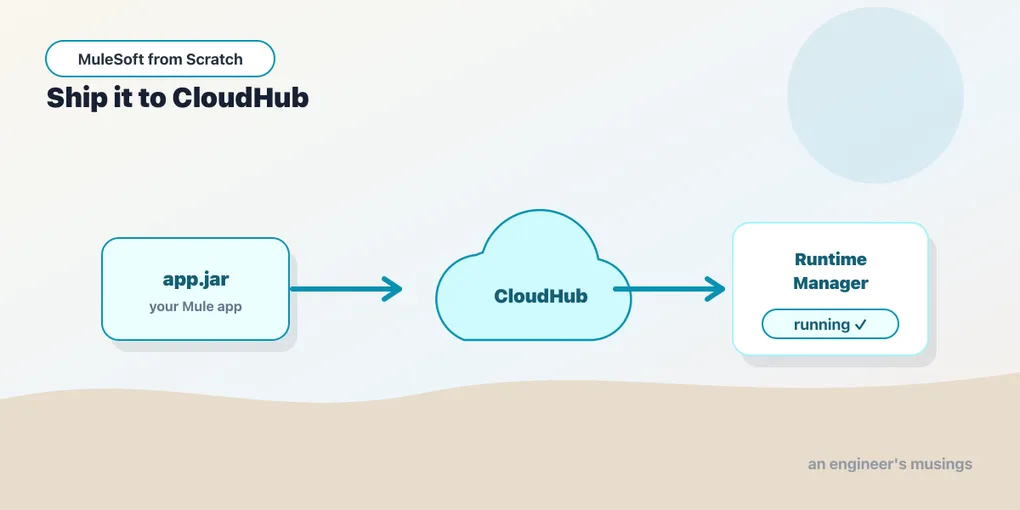
Everything so far has run inside Anypoint Studio, on your machine, reachable at localhost:8081. That’s a fine place to build, and a useless place to be. An integration nobody else can call isn’t integrating anything. So this post is about the last few feet: turning your project into something the platform can run, and giving it a public address other systems can hit.
The good news is that a Mule app is just a build artifact, a jar, and deploying it is mostly a matter of handing that jar to a place that runs Mule. The place we’ll use is CloudHub.
What CloudHub is
CloudHub is MuleSoft’s hosted runtime — the iPaaS half of Anypoint Platform. You give it your packaged app; it provisions a worker (a dedicated, managed Mule runtime instance) in the cloud, runs your app on it, and hands you a public URL. No servers to patch, no runtime to install. It’s part of Runtime Manager, the console where you deploy, configure, restart, scale, and read logs for every app you’ve pushed.
A worker’s size is measured in vCores — a slice of CPU and memory, from 0.1 (fine for a light API) up through 1, 2, and beyond for heavier throughput. You pick a size at deploy time and can change it later. You can also run more than one worker for the same app to get horizontal scale and redundancy; the platform load-balances across them. For a first deploy, one small worker is the right call, and you tune from there once you have real traffic to measure it against.
One naming note before we go further: there’s also CloudHub 2.0, a newer containerized deployment target built on Kubernetes, with a different provisioning model (replicas instead of workers). This post uses classic CloudHub because it’s still the common starting point, and the mental model transfers cleanly to 2.0 when you get there.
Packaging: the app is a jar
Under the hood, a Mule project is a Maven project, and the Mule Maven plugin knows how to turn it into a deployable artifact. From the project root:
mvn clean packageThat produces a jar in target/ — your whole app, its config, and its dependencies, in one file the runtime can run. This is the same artifact whether you deploy from Studio, from Runtime Manager, or from a CI pipeline later. Getting comfortable with the command line version now pays off in the CI/CD post at the end of the advanced series, where mvn is the deploy.
Deploying
You have two front doors, and they wrap the same operation.
From Studio, right-click the project and choose Anypoint Platform > Deploy to CloudHub. Studio packages the app, asks which environment to target (more on environments in a moment), lets you set the application name and worker size, and pushes it. This is the fastest path for your first deploy — a few clicks and you’re live.
From Runtime Manager, you upload the jar you built with mvn clean package yourself. Log in to Anypoint, open Runtime Manager, choose Deploy application, pick the file, set the name and worker size, and deploy. This is the path you’ll use when the jar comes from somewhere other than your IDE — a build server, a colleague, a release artifact.
The application name is load-bearing: it becomes your subdomain. Deploy an app named orders-api and CloudHub gives you https://orders-api.<region>.cloudhub.io. That name is globally unique across CloudHub, so real projects prefix it — acme-orders-api-dev — to avoid collisions and to make the environment obvious from the URL alone.
Stop hardcoding config
Here’s the thing that separates a demo from a deployable app. In Studio you probably wrote the downstream host straight into the HTTP Request config. That can’t survive contact with reality: the API you call in dev is a different host than the one in prod, and your database password absolutely does not belong in the XML you commit to git.
Mule’s answer is configuration properties — placeholders you write as ${...} and resolve from a properties file at startup:
<configuration-properties file="config-${env}.yaml"/>

<http:request-config name="usersApi">
    <http:request-connection host="${users.api.host}"
                             port="${users.api.port}"/>
</http:request-config>
You keep one file per environment — config-dev.yaml, config-test.yaml, config-prod.yaml — each with the same keys and different values:
users:
  api:
    host: "users.dev.internal"
    port: "443"
Which file loads is itself driven by a property, ${env}, that you set per deployment as a runtime property in Runtime Manager (or on the deploy screen). Same jar, different environment, no code change — that’s the whole point. The artifact you tested in test is byte-for-byte the one you promote to prod; only the injected config differs.
For secrets — passwords, API keys, tokens — plain properties aren’t enough, because the values sit in cleartext. Mule has secure configuration properties for this: values encrypted at rest and decrypted at runtime with a key you supply as a runtime property, referenced as ${secure::db.password}. We’ll do secrets properly in the advanced series’ security post; for now, just know that “don’t commit the password” has a first-class answer and you should reach for it.
After it’s running
Once the app is live, Runtime Manager is your window into it. The Logs tab streams the same output you saw in Studio’s console — every Logger component, every error handler that fired — now from the cloud instance, searchable and retained. When something misbehaves in prod, this is the first place you look. Runtime Manager is also where you restart the app, scale the worker up, roll out a new jar, and set those runtime properties.
Deploy, hit your new public URL with curl, watch the request land in the logs. That loop — push, call, observe — is the one you’ll run for the rest of your Mule life.
Final thoughts
Deployment is where a Mule app stops being a drawing on a canvas and becomes infrastructure other people depend on. The two habits worth forming today are small and they compound: build the jar with mvn clean package so you understand the artifact, and externalize every environment-specific value into properties so the same artifact can move from dev to prod untouched. Do that and promoting a release becomes boring — which, for the thing sitting between your company’s systems, is exactly the adjective you want.
An app that’s live is an app that can break in ways your laptop never showed you. Before we trust it, let’s prove it works — with tests.
Next: Green Checks with MUnit
Comments