Read and Write Order Files
Serialize deliberately, locate the filesystem boundary and normalize a small CSV input before processing it.
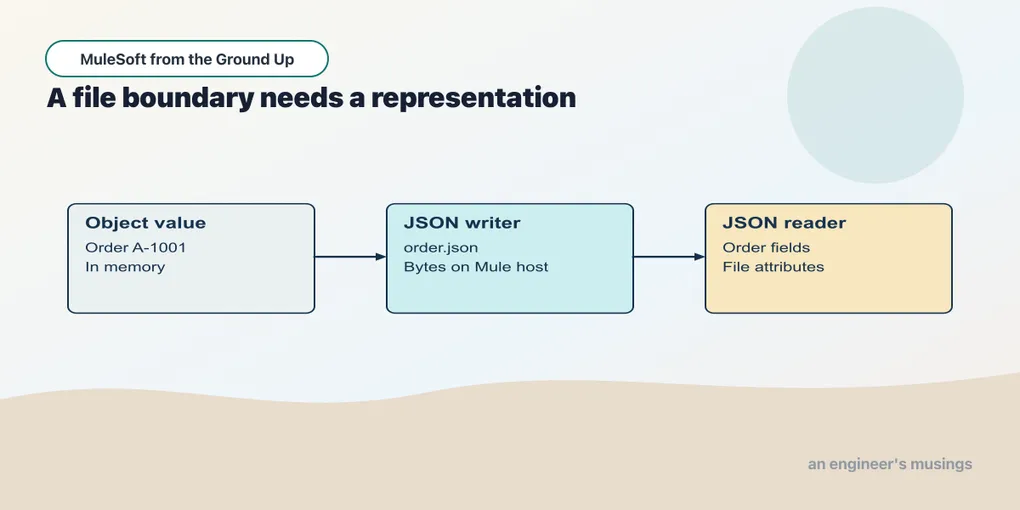
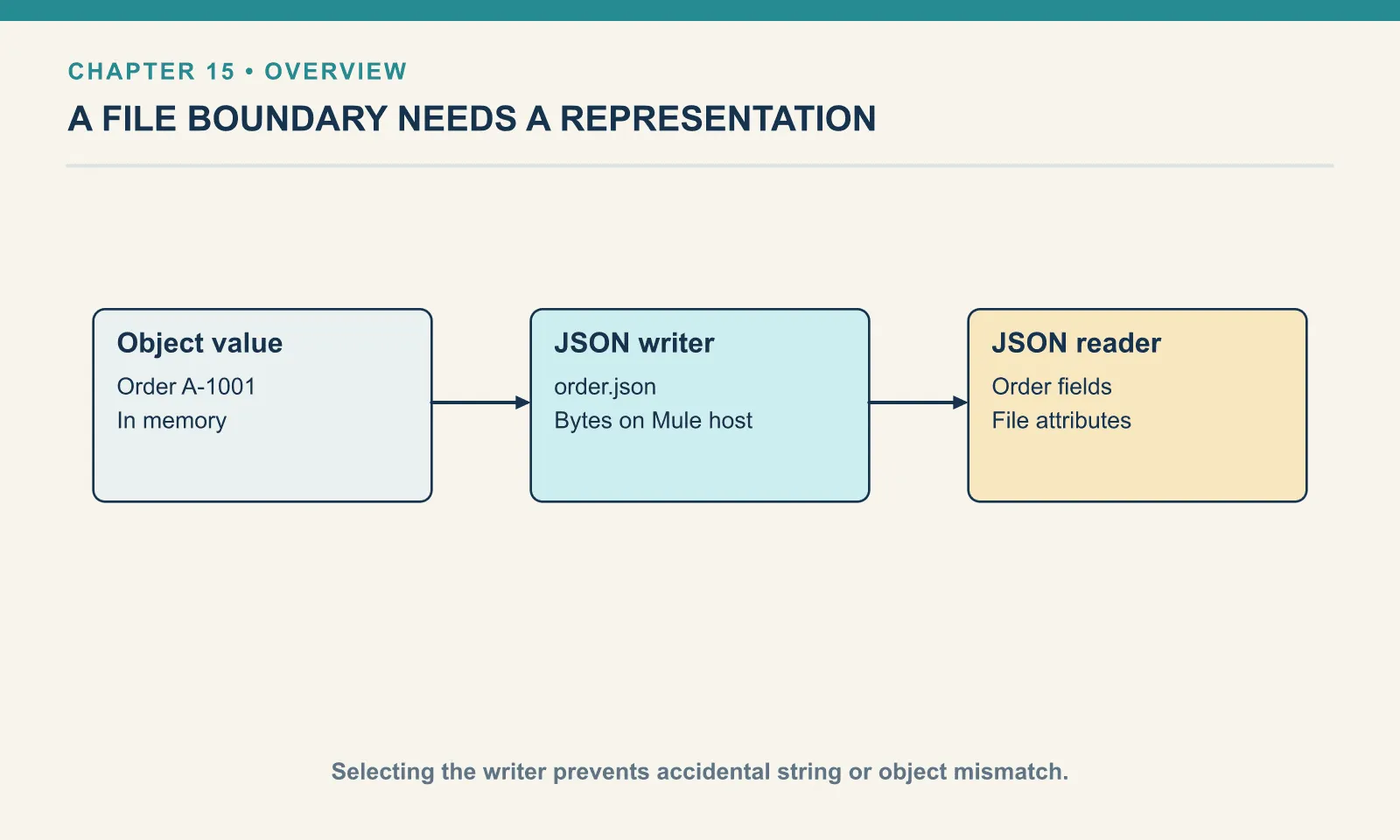
The API has so far received and returned JSON over HTTP. A file introduces a different boundary: a path names stored bytes, and the next reader must know what those bytes mean. An object in memory is not yet a JSON file.
Checkpoint 15 runs on the same local runtime and dependency service as chapter 14. Its extra endpoints are teaching tools on loopback, and they write only inside the isolated runtime’s orders-data directory — do not point this application at a directory containing business files.
Open this checkpoint in ACB
Stop the previous local application, then use File → Open Folder to open book/checkpoints/15-order-files. Open src/main/mule/app.xml and use Flow List to select the named flow for each example. Start the controlled dependency in a separate terminal from the companion root with python3 book/stubs/server.py. Choose Run and Debug → Run Mule Application and wait for deployment. Save canvas edits and use Save and Hot-deploy to Local Runtime before repeating a request.
Run python3 book/run.py verify 15 from the companion root to exercise this running checkpoint with its synthetic fixtures. The verifier supplies requests and checks results; it does not start the ACB application. Keep the editor on this checkpoint while reading a failure so an old deployment cannot supply a misleading answer.
Give the file an owner and a format
The File connector’s working directory is ${mule.home}/orders-data. A relative path such as order.json is resolved there, on the machine running Mule — not relative to the terminal that sends curl, and not necessarily to the source project open in the editor. The path that works on your machine is tied to that machine; it is not automatically available to a deployed replica. Treat storage lifetime as a deployment property, because a temporary local directory that suits this lab is unsuitable as the sole record of business acceptance.
Example 039 — Write and read an order file
The complete source is in checkpoints/15-order-files/src/main/mule/app.xml.
Choose Flow List → file-roundtrip. Select Write, and open its Order_Files connection to inspect Working Directory ${mule.home}/orders-data. Return to the component: Path is order.json, and Content is the expression output application/json --- payload.
Select Read immediately after Write. It uses the same connection and path; its Output MIME Type is application/json. The following Transform Message constructs the response with this inline script:
%dw 2.0
output application/json
---
{orderId: payload.orderId, file: attributes.fileName}
Send book/fixtures/order-calculation.json to POST /lab/file. The writer explicitly chooses application/json. On reading, Output MIME Type application/json tells Mule how to interpret the content. The response contains orderId: "A-1001" and file: "order.json".
The read also changes attributes. attributes.fileName describes the file operation, whereas the incoming listener supplied HTTP attributes: a connector read replaces the message’s payload and attributes with its own result unless a target preserves the caller’s message. So save an incoming request identity in a variable before crossing this boundary if later work needs it — the same event rule that explained HTTP enrichment now explains a filesystem read.
A historical version called write(payload, "application/json") inside an expression that serialized the resulting String again. The file then held a JSON string containing JSON text, and those outer quotation marks change the data model — a JSON reader correctly returned a String, so the orderId selector failed. The full diagnostic status was not retained in that earlier run. Selecting output application/json --- payload wrote the object directly. This is why a file test should read the bytes back and check their shape: existence and byte count catch missing output, but they cannot distinguish an object from a string containing its textual representation.
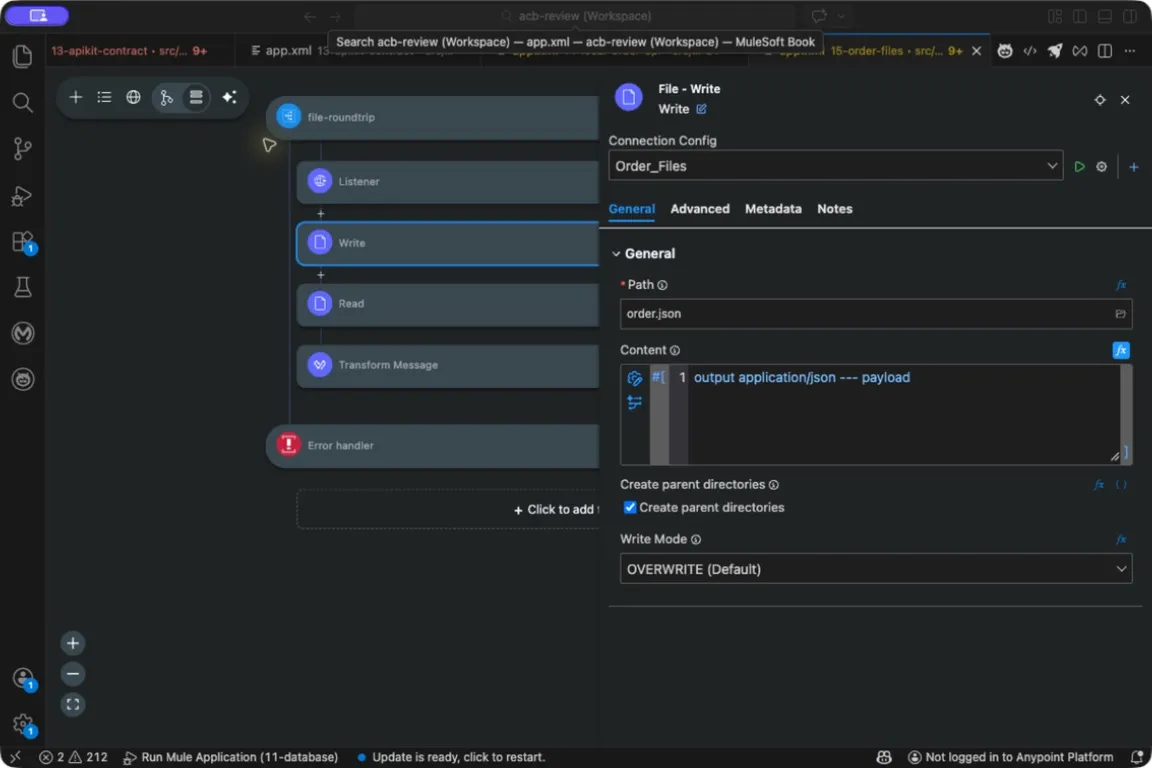
File Write path and JSON Content expression.
A deliberate overwrite
This small round trip uses a fixed filename and is intended for one reader running one request at a time. A second call replaces the previous demonstration file — fine for a test, and a poor implicit policy for a business archive, where two deliveries would compete for order.json. It is not an archive or a safe concurrent intake design.
For a business export, choose the collision rule explicitly. Refusing to overwrite can reveal a repeated job; replacing a file can be appropriate for a disposable snapshot. Appending ordinary JSON objects does not produce a valid JSON array: {"id":1}{"id":2} is two adjacent documents, not one array of two objects. If a consumer expects newline-delimited JSON, define that format and ensure each record occupies the agreed line representation.
Writing a temporary name and renaming it after completion can prevent a polling reader from opening a partly written file. Whether that rename is atomic depends on the filesystem and whether both paths share its boundary. Test the actual storage; a naming convention alone cannot establish atomicity.
Normalize a tabular input once
The CSV fixture contains the same three products as the supplied-price order. CSV fields arrive as text, so the adapter converts quantities and prices before any arithmetic.
Example 040 — Normalize CSV item rows
The complete source is in checkpoints/15-order-files/src/main/mule/app.xml.
Open src/main/resources/items.csv in Explorer to see the input bytes. Then return to the canvas, select Flow List → normalize-csv, and open Transform Message → Payload → Inline Script. The Listener exposes GET /lab/csv; the script reads a classpath resource rather than an HTTP body:
%dw 2.0
output application/json
---
readUrl("classpath://items.csv", "application/csv") map (row) -> {sku: row.sku, price: row.price as Number, qty: row.qty as Number}
readUrl reads the supplied classpath resource. Its explicit MIME type selects the CSV reader. Each row is an object keyed by the header names; the two as Number expressions establish the internal numeric representation. GET /lab/csv returns PEN-01 at 2.5 × 4, PAD-22 at 6 × 2 and CLP-08 at 1 × 10.
This is still a representation adapter, not order acceptance. The file supplies prices for the arithmetic lesson. The server-priced API continues to obtain prices from its catalogue. Combining those two contracts without a decision would let a caller choose the accepted price.
An amount such as unknown should fail normalization. Decide where that record goes before processing a large file: abort the file, record a rejection and continue, or quarantine it for repair. Silently converting it to zero changes the business amount.
Try it
1. Locate the bytes. Run the round trip, then inspect $MULE_HOME/orders-data/order.json. Why would looking beside the curl command be misleading?
Show answer
The connector resolves its configured path on the Mule host. The client terminal can be on a different machine. The named working directory makes the storage boundary explicit.
2. Predict a second write. What evidence would you retain if order files had to be auditable rather than replaceable?
Show answer
An auditable design needs a stable export or order/version identity, a declared collision policy, and retained bytes or an immutable source reference. Record completion separately from file discovery. The fixed demonstration filename does not provide that history.
3. Break one CSV price. Replace 2.5 with unknown. What should happen before the value reaches the total?
Show answer
The numeric cast should fail. A rejection path should retain the source identity and reason. A fabricated zero would make the transform succeed while corrupting the amount.
A file can hold several records. The next chapter processes three of them one at a time, before a scheduler or a Batch Job takes on a larger import.
Next: Process a Small Import
Comments