Shipping It: From Fat JAR to Production
Package your Ktor app into a single runnable JAR, wrap it in a Docker image, drive its config from environment variables, and walk the checklist before it faces real traffic.
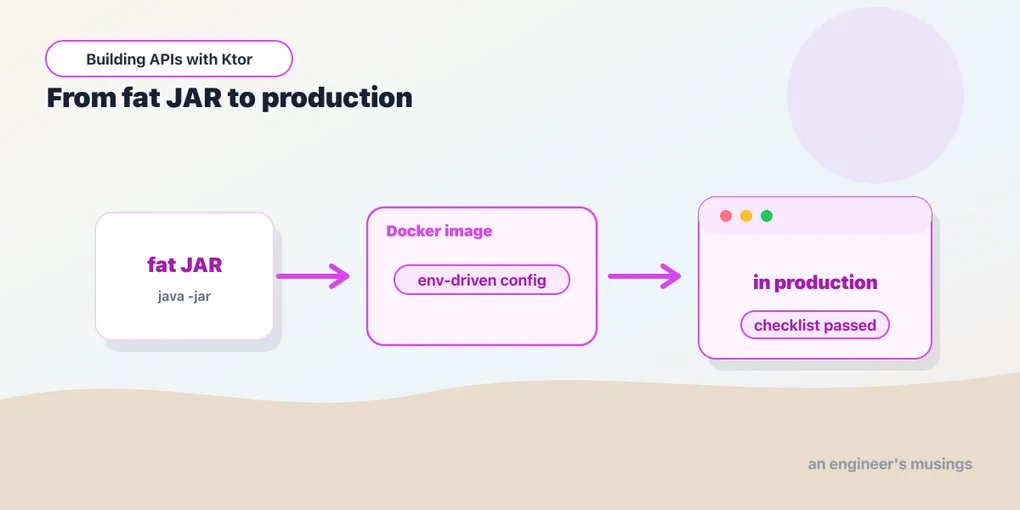
You’ve built a complete service. The last mile is turning a Gradle project into something that runs on a server you don’t babysit. This is the capstone: packaging, Docker, environment-driven config, and the checklist that separates “works on my machine” from “running in production.”
A single runnable JAR
The Ktor Gradle plugin can bundle your app and every dependency into one fat JAR (also called an uber JAR) — a single file you run with java -jar:
./gradlew buildFatJarThat produces build/libs/<project>-all.jar. Run it:
java -jar build/libs/task-api-all.jarNo application server to install, no classpath to assemble — the JAR is self-contained. This is the artifact you’ll put inside a container.
Config from the environment
Hard-coded config can’t follow an app across environments. Ktor’s config files support environment-variable substitution, so the same JAR reads its port, database URL, and secrets from the environment it lands in. In application.yaml:
ktor:
  deployment:
    port: "$PORT:8080"

jwt:
  secret: "$JWT_SECRET:dev-only-change-me"

database:
  url: "$DATABASE_URL:jdbc:h2:mem:tasks"
The "$VAR:default" syntax means “use environment variable VAR, or fall back to this default.” Locally you get the dev defaults. In production the platform injects PORT, JWT_SECRET, and DATABASE_URL, and nothing recompiles. This is the moment the config-in-a-file discipline from the structure post pays off. It’s also how that JWT secret stays out of source control for good.
Into a container
A multi-stage Dockerfile builds the JAR in one stage and copies just the result into a slim runtime image. The final image carries a JRE and your app, not the whole Gradle toolchain:
# Build stage
FROM gradle:8.12-jdk21 AS build
COPY --chown=gradle:gradle . /home/gradle/src
WORKDIR /home/gradle/src
RUN gradle buildFatJar --no-daemon

# Runtime stage
FROM eclipse-temurin:21-jre
EXPOSE 8080
COPY --from=build /home/gradle/src/build/libs/*-all.jar /app/app.jar
ENTRYPOINT ["java", "-jar", "/app/app.jar"]
docker build -t task-api .
docker run -p 8080:8080 -e JWT_SECRET=real-secret task-apiThe -e JWT_SECRET=... is the substitution from above arriving at runtime. If you’d rather not write the Dockerfile yourself, the Ktor Gradle plugin can also build images directly with ./gradlew buildImage. Both end up in the same place.
Health checks and graceful shutdown
Remember the /health endpoint from the observability post? This is where it earns its place. Tell Docker or Kubernetes to poll it. Then the platform knows when your app is actually ready, not just started:
HEALTHCHECK --interval=30s --timeout=3s \
  CMD curl -f http://localhost:8080/health || exit 1
Ktor also shuts down gracefully on SIGTERM. It stops accepting new connections and lets in-flight requests finish before exiting. That’s what you want when an orchestrator rolls out a new version: no dropped requests mid-deploy. It’s on by default, so mostly you just shouldn’t fight it. Don’t kill -9 your own app.
The pre-production checklist
The code is done, but “running in production” is also a set of decisions made around the code. Before real traffic:
- HTTPS — terminate TLS at a load balancer or reverse proxy in front of Ktor, so tokens and payloads never travel in the clear.
- Secrets via environment, never in the image or source. The Dockerfile above bakes in nothing sensitive.
- A real database with migrations — swap H2 for Postgres (just the driver and
DATABASE_URL, per the persistence post). Manage the schema with Flyway or Liquibase rather thanSchemaUtils.create. - Monitoring wired up — scrape
/metrics, ship logs somewhere searchable, and set alerts on error rate and latency. - CORS and rate limits set to your real origins and traffic, not the permissive dev values.
None of this is exotic; it’s the difference between an app that runs and a service you can operate.
The whole journey
Look back at what these seventeen posts assembled. You started with a five-line server and ended with a service that routes, speaks JSON, persists to a real database, authenticates with JWT, validates and rate-limits input, logs and exposes metrics, calls other APIs, pushes over WebSockets, is covered by fast in-memory tests, and ships as a containerized, environment-configured JAR. Every piece was a small, explicit thing you opted into. That’s the whole personality of Ktor, the same one from the very first post: it’s just Kotlin, all the way down, and now it’s in production.
Final thoughts
Deployment is less about clever tricks than about removing surprises: one self-contained JAR, config that comes from the environment, a container that carries only what it needs, and a health check the platform can trust. Get those four right and shipping a Ktor service is genuinely boring. For the thing serving your users at 3am, boring is exactly what you want. You now have the whole toolkit to build and ship real Ktor applications. Go build one.
Comments