html/template: The Package That Escapes So You Don't Get Owned
Generating HTML with the standard library's html/template: parsing and executing templates, passing structs and ranging over slices, composing pages with define/template/block — and the headline feature, contextual auto-escaping, that turns a <script> payload into harmless text in every context. Plus the one import line separating html/template from text/template that decides whether your site is safe. Compiled and run against Go 1.26.5.
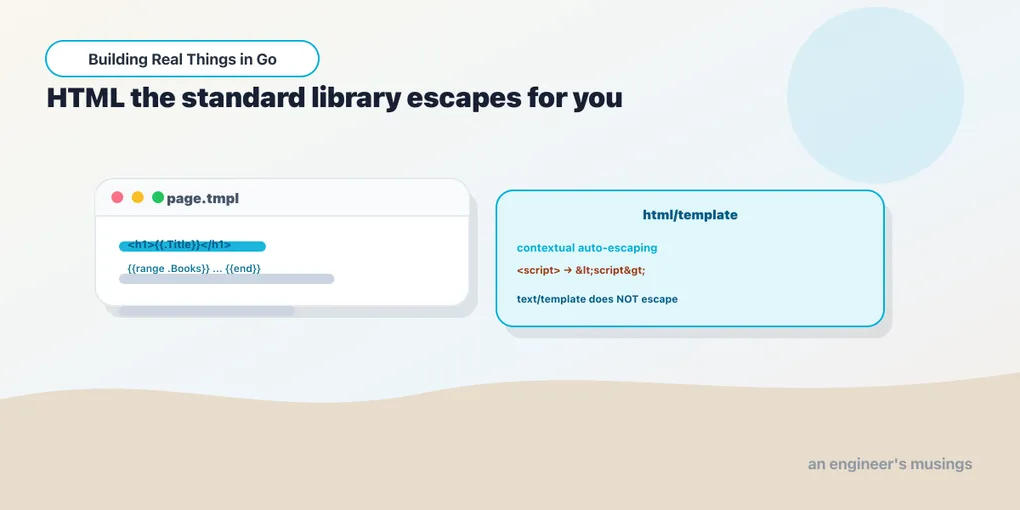
Sooner or later a Go program has to emit HTML: a server-rendered page, an email body, a fragment for an admin panel. You could build it with fmt.Sprintf and string concatenation, and you would be writing a security hole. The moment a user-supplied value lands in that string unescaped (a name, a comment, a search term), an attacker can close your tag and open a <script>, and now their JavaScript runs in your users’ browsers. That’s cross-site scripting, XSS, and it has topped the web-vulnerability lists for two decades. The standard library’s answer is html/template, and its headline feature is that it defends against XSS by default, in a way you cannot easily turn off by accident. This chapter builds real templates with it and then proves the escaping.
Run against: Go 1.26.5.
The shape: parse once, execute many
A template is text with {{...}} actions — placeholders and small directives — that you fill in with data. The workflow is two steps: parse the template source into a *template.Template, then execute it against some data, writing the result to an io.Writer. Parsing is the expensive part, so you do it once at startup; executing is cheap and happens per request.
t := template.Must(template.New("book").Parse(`<h1>{{.Title}}</h1>`))
t.Execute(os.Stdout, Book{Title: "Learning Go"})
template.New(name) creates an empty named template; .Parse(src) compiles the source into it. template.Must is a tiny helper that wraps that pair and panics if parsing failed. That’s right for templates defined at startup from string literals, where a parse error is a programmer bug you want to hear about immediately, not an error to thread through. Inside the braces, . is “the data you passed to Execute,” and .Title reaches a field on it. Execute takes any io.Writer, so the same call writes to os.Stdout, a file, a bytes.Buffer, or (the case you care about) an http.ResponseWriter.
Structs, conditionals, and ranging
Real data is a struct, and templates read it with dotted field access, branch with {{if}}, and loop with {{range}}. Here’s a small page for a book:
const tmpl = `<h1>{{.Title}}</h1>
<p>by {{.Author}}</p>
{{if .Tags}}<ul>{{range .Tags}}<li>{{.}}</li>{{end}}</ul>{{else}}<p>untagged</p>{{end}}`

t := template.Must(template.New("book").Parse(tmpl))
book := Book{
	Title:  `Go <b>&</b> You`,
	Author: "Ada",
	Tags:   []string{"go", "web & <fun>"},
}
t.Execute(os.Stdout, book)
<h1>Go <b>&</b> You</h1>
<p>by Ada</p>
<ul><li>go</li><li>web & <fun></li></ul>Read the actions. {{.Title}} and {{.Author}} pull struct fields. {{if .Tags}}...{{else}}...{{end}} branches on whether the slice is non-empty. {{range .Tags}}...{{end}} loops, and inside the range . rebinds to the current element, so {{.}} is each tag in turn. Every action closes with {{end}}.
Now look at what happened to the data. The title held <b>&</b>, live HTML markup — and it came out as <b>&</b>, inert text a browser renders as the literal characters <b>&</b> rather than turning bold. The tag web & <fun> was escaped the same way. You didn’t ask for that. You didn’t call an escape function. html/template escaped every interpolated value on the way out because that is what it does, always.
The headline: contextual auto-escaping
This is the feature that justifies the package, so let’s attack it. Take the nastiest ordinary XSS payload — a script tag — and drop it into four different places in one template: element text, an attribute value, a URL, and inside a <script> block.
evil := `<script>alert('xss')</script>`
page := template.Must(template.New("page").Parse(
	`text:  {{.}}` + "\n" +
		`attr:  <a title="{{.}}">x</a>` + "\n" +
		`url:   <a href="/search?q={{.}}">x</a>` + "\n" +
		`js:    <script>var v = {{.}};</script>`))
page.Execute(os.Stdout, evil)
text: <script>alert('xss')</script>
attr: <a title="<script>alert('xss')</script>">x</a>
url: <a href="/search?q=%3cscript%3ealert%28%27xss%27%29%3c%2fscript%3e">x</a>
js: <script>var v = "\u003cscript\u003ealert('xss')\u003c/script\u003e";</script>Look closely, because each line is escaped differently, and that is the whole point. In element text, the angle brackets became </> — HTML entity escaping. In the attribute, the same, plus the single quote became ' so it can’t break out of the title="...". In the URL it’s percent-encoding (%3c, %27) because that’s what neutralizes a value inside a query string. And inside the <script>, it became a properly quoted JavaScript string literal with the brackets rendered as </> unicode escapes, so the payload is data the script assigns to a variable — and critically, that escaped </script> can’t prematurely close the script tag, which is the classic break-out. It’s data, not code.
This is contextual auto-escaping. html/template parses the HTML as it goes, tracks what context each {{.}} sits in (element, attribute, URL, JS, CSS), and applies the escaping correct for that context. A naive “escape the angle brackets” would have left the URL and the JS exploitable; the standard library knows the difference. You get all of it for free, and there is no configuration to get wrong.
One operational note before we compose. Execute writes as it renders, so if it fails partway (a bad field reference, a template calling a method that errors) it may already have written half a page to the writer, and in a handler that means a half-formed response with a 200 status you can no longer take back. The habit that avoids it: render into a bytes.Buffer first, check the error, and only copy the buffer to the http.ResponseWriter once you know the whole page rendered cleanly. It costs one allocation and buys you an honest error path.
Composition: define, template, block
Pages share chrome — a header, a footer, a layout — and you don’t want to repeat it. html/template composes with three related actions. {{define "name"}}...{{end}} declares a named template. {{template "name" .}} invokes one, passing it data. And {{block "name" .}}default{{end}} is shorthand for “define this named template with a default body, and invoke it right here” — a hole in a layout that a caller can fill.
The pattern is a base layout with a block, plus an override parsed into the same template set:
base := template.Must(template.New("layout").Parse(
	`<html><body>{{block "content" .}}<p>default</p>{{end}}</body></html>`))
// A second Parse into the same set redefines "content", overriding the default.
template.Must(base.Parse(`{{define "content"}}<main>{{.Title}}</main>{{end}}`))
base.ExecuteTemplate(os.Stdout, "layout", book)
<html><body><main>Go <b>&</b> You</main></body></html>The layout defined a content block with a placeholder body; the second Parse redefined content and won. ExecuteTemplate runs a named template from the set rather than the default one. This is how you build one skeleton and pour different pages into it — and note the escaping still fired inside the overridden block: composition doesn’t create a hole in the defense.
For templates that live in files rather than string literals, ParseFiles and ParseGlob read them from disk, and ParseFS reads them straight out of an embedded filesystem — pair it with //go:embed from the last chapter and your compiled binary carries its own templates, nothing to deploy alongside it:
//go:embed pages/*.tmpl
var files embed.FS

t := template.Must(template.ParseFS(files, "pages/*.tmpl"))
<h1>Learning Go</h1><p>by Bodner</p>Verified: the template rendered from the embedded bytes, no pages/ directory needed at runtime.
The trap: text/template does not escape
Here is the sharpest edge in the whole package, and it is one import line. The standard library ships two template packages with a nearly identical API: text/template and html/template. They share syntax, New/Parse/Execute, define/range/if — everything above compiles against either. But only html/template escapes. text/template is for generating plain text — config files, code, emails-as-text — and it interpolates values verbatim. Feed it the same payload:
tt := texttemplate.Must(texttemplate.New("danger").Parse(`text:  {{.}}`))
tt.Execute(os.Stdout, `<script>alert('xss')</script>`)
text: <script>alert('xss')</script>The <script> came out live and intact. Rendered into a browser, that runs. Same template text, same data, same method calls as the html/template version — and the difference between a safe page and an XSS hole is which package the import at the top of the file named. So the rule is flat: for anything a browser will render, use html/template. Never build HTML with text/template, never build it with Sprintf, and be suspicious of any template.HTML-typed value, the escape hatch that tells the package “trust me, this is safe HTML” — because the instant you use it on data you didn’t fully control, you’ve re-opened the door the package exists to keep shut.
Final thoughts
html/template generates HTML the way you actually want it generated: parse a template once with New/Parse (or ParseFS to pull it out of an embedded filesystem), execute it against a struct to any io.Writer, and reach for {{.Field}}, {{if}}, {{range}}, and the define/template/block trio to build and compose real pages. But the reason it exists is the escaping: it is contextual and automatic, turning a <script> payload into harmless text — entity-encoded in markup, percent-encoded in a URL, string-literal-escaped in JavaScript — with nothing for you to remember and nothing to switch off by mistake. Its evil twin text/template shares the entire API and escapes nothing, which makes the choice of import the single most security-relevant line in a Go web handler. Pick html/template for HTML, every time.
Next: one small service, end to end — a books API on the standard library, with tests you can run.
Comments