The Standard Library You Keep Rewriting By Hand
A working tour of dw::core — the Strings, Arrays, and Objects functions that actually earn their keep, plus DataWeave's regex, and how to find everything else.
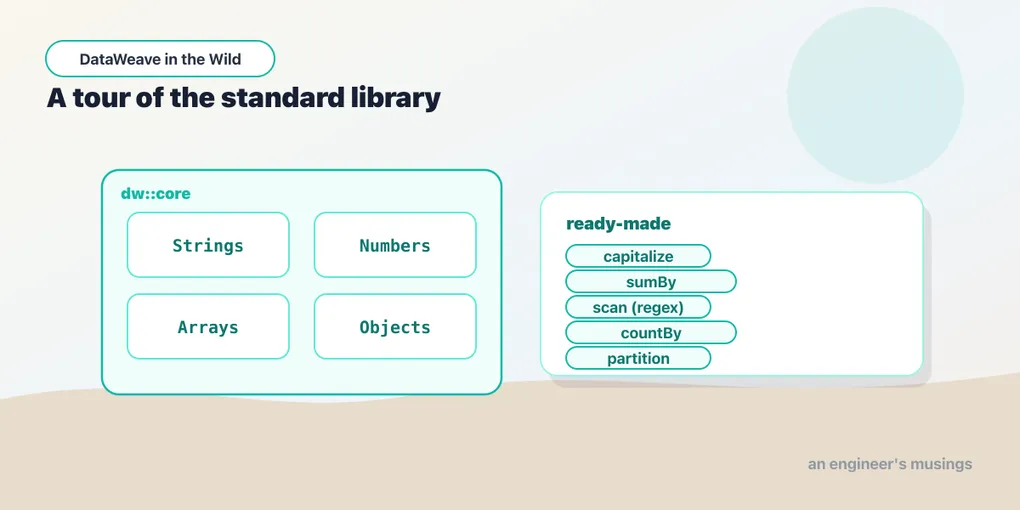
Watch enough DataWeave and you’ll see the same thing over and over: someone builds a substring helper out of splitBy and index math to pull the code out of "SKU:AC-1099". There’s a function for that. There’s a function for pluralizing a word, for camel-casing a field name, for summing a computed column, for merging two objects with sensible precedence. The language core is small on purpose. The leverage lives in the standard library, and most people never open it.
DataWeave ships a set of modules under dw::core. The dw::Core module — map, filter, reduce, sizeOf, now, and friends — is imported automatically. The rest you pull in explicitly: dw::core::Strings, dw::core::Arrays, dw::core::Objects, dw::core::Numbers, and the temporal pair we met last time. This post is a tour of the functions I actually reach for, not a reference dump, and it ends by teaching you to read the reference yourself.
Importing a module
Three ways in, all valid:
import * from dw::core::Strings          // everything, unqualified: capitalize(x)
import capitalize, camelize from dw::core::Strings  // just these two
import dw::core::Strings                 // qualified: Strings::capitalize(x)
The selective form is the one to prefer in real scripts — it says exactly which functions the script depends on, and it avoids the name collisions you get when two modules both export something called join.
Strings: stop hand-rolling text munging
dw::core::Strings is the module people most often reinvent. A handful earn their keep on every order/customer feed:
%dw 2.0
import capitalize, camelize, substringAfter, pluralize, leftPad from dw::core::Strings
output application/json
---
{
  title:  capitalize("premium gift wrap"),   // "Premium Gift Wrap"
  field:  camelize("shipping_address"),      // "shippingAddress"
  code:   substringAfter("SKU:AC-1099", ":"),// "AC-1099"
  label:  pluralize("box"),                  // "boxes"
  padded: "42" leftPad 6                      // "    42"
}
capitalize title-cases each word (and copes with underscores), camelize turns a snake-cased key into the lower-camel your JSON target wants, and substringAfter grabs everything past the first delimiter, the exact job people write six lines of splitBy for. pluralize (and its sibling singularize) knows real English rules, so pluralize("box") is "boxes", not "boxs". And leftPad — used infix here, as any two-argument function can be — handles fixed-width IDs and receipt columns.
Numbers: most of the math is already global
Here’s a thing that trips people up: dw::core::Numbers is not where the everyday arithmetic lives. round, floor, ceil, abs, mod, pow, sqrt, sum, avg, max, and min are all in dw::Core — already imported, no ceremony:
%dw 2.0
output application/json
var prices = [19.99, 5.00, 12.50]
---
{
  subtotal: sum(prices),            // 37.49
  average:  avg(prices),            // 12.496666…
  rounded:  round(avg(prices)),     // 12
  withVat:  round(sum(prices) * 1.2)// 45
}
The dw::core::Numbers module itself is the specialist stuff: base conversions like toHex, fromBinary, toRadixNumber. Useful when you need it, rarely the reason you came. Don’t import it looking for round; you already have round.
Arrays: the aggregations reduce is doing by hand
You can express everything with reduce. You usually shouldn’t. dw::core::Arrays has named functions that say what you mean:
%dw 2.0
import sumBy, countBy, partition from dw::core::Arrays
output application/json
var items = [
  { sku: "A-1", price: 20, qty: 2, inStock: true },
  { sku: "B-2", price: 15, qty: 1, inStock: false },
  { sku: "C-3", price: 8,  qty: 5, inStock: true }
]
---
{
  revenue:   items sumBy (i) -> i.price * i.qty,  // 95
  backorder: items countBy (i) -> not i.inStock,  // 1
  split:     items partition (i) -> i.inStock     // { success: [...], failure: [...] }
}
sumBy totals a computed column in one pass — no accumulator seed to get wrong. countBy counts the elements matching a predicate. partition splits an array in two by a test, handing back { success: […], failure: […] } — perfect for “valid rows here, rejects there” in an ingest. Each of these is a reduce you no longer have to read twice to trust.
Objects: merging and inspecting keys
dw::core::Objects handles the object-level operations that show up whenever you apply defaults or walk an unknown shape:
%dw 2.0
import mergeWith, nameSet, entrySet from dw::core::Objects
output application/json
var defaults = { currency: "USD", giftWrap: false }
var order    = { id: "A-1001", giftWrap: true }
---
{
  merged:  defaults mergeWith order,  // { currency: "USD", giftWrap: true, id: "A-1001" }
  keys:    nameSet(order),            // ["id", "giftWrap"]
  entries: entrySet(order)            // [ { key: "id", value: "A-1001" }, … ]
}
mergeWith(source, target) layers target over source — the second argument wins on collisions, which is exactly the semantics you want for “defaults, then overrides.” nameSet gives you the keys as strings, and entrySet explodes an object into { key, value } pairs so you can map over an object’s contents without caring what the keys are up front.
Regex, the DataWeave way
Regular expressions aren’t a module — the operators are built into the core, and DataWeave regex literals are written between slashes, like /this/:
%dw 2.0
output application/json
var sku = "AC-1099-XL"
---
{
  validEmail: "[email protected]" matches /^[^@\s]+@[^@\s]+\.[^@\s]+$/, // true
  normalized: "AC 1099 XL" replace /\s+/ with "-",                     // "AC-1099-XL"
  parts:      sku scan /([A-Z]+)-(\d+)-(\w+)/                          // [["AC-1099-XL","AC","1099","XL"]]
}
Three operators cover most needs. matches returns a Boolean and requires the pattern to match the whole string — great for validation, but remember to anchor your thinking around “entire value,” not “contains.” replace … with … does substitution and takes capture-group back-references ($1, $2) in the replacement. scan returns every match as an array whose first element is the full match and whose rest are the capture groups — so a nested-array result is normal, not a bug. That last one is how you tear a structured code like AC-1099-XL into its pieces without a chain of substringBefore/substringAfter.
How to find the other two hundred
I showed you maybe a dozen functions. There are hundreds, and the point of this post isn’t to memorize them — it’s to make the reference the first place you look instead of the last.
- Read the module page, not a blog list. Each
dw::core::*module has a docs page that lists every function with its full signature and a runnable example. When you have a shape problem, skim the relevant module’s page top to bottom once — you’ll recognize the function you need faster than you’d write it. - Signatures tell you almost everything.
sumBy(array: Array<T>, selector: (T) -> Number): Numberreads in one glance: give it an array and a function that pulls a number out of each element, get a number back. Learn to read the signature and you rarely need the prose. - Let the Playground autocomplete for you. Type
Strings::in the DataWeave Playground and it offers the whole module. Exploring by autocomplete is how you discoverdasherizeorwithMaxSizeexisted before you wrote them yourself.
The modules split cleanly by the type they operate on — strings in Strings, arrays in Arrays, objects in Objects, dates in Dates and Periods (which we covered last time). When you catch yourself about to write a helper, guess the module from the type and check there first.
Final thoughts
The tell of someone who’s stopped fighting DataWeave is a script full of small, named calls — sumBy, mergeWith, substringAfter — instead of reduce and index math doing those jobs by hand. The core language is deliberately small; the standard library is where the work has already been done. Learn to skim a module page, learn to read a signature, and the amount of transform code you write drops sharply — along with the amount you have to review.
Next: Modules You Can Trust
Comments