Stop Copy-Pasting Your Transforms
The last of the language: multiple vars and funs in the header, the do scope for locals, importing the standard library, and factoring your own reusable .dwl module.
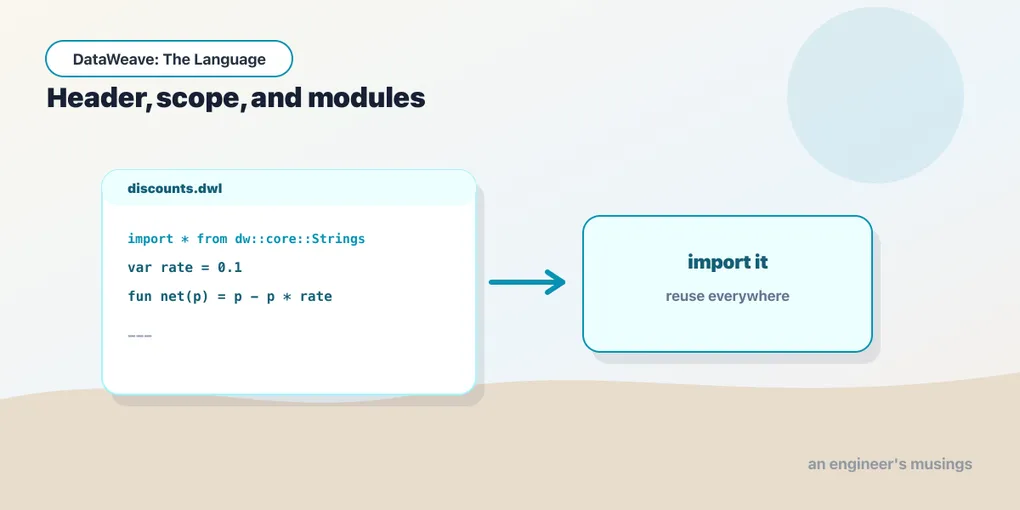
By now you can navigate, coerce, map, reshape, and branch — enough to write a transform that does real work. The failure mode from here isn’t can I express this, it’s did I express it three times. The same price * qty shows up in the subtotal, the tax line, and the receipt. This post is about the plumbing that lets you write a thing once and call it everywhere — the header, the do scope, imports, and your own modules. It’s also the end of the language track.
The header is your workspace
Everything above the --- is declarations, and you can put as many vars and funs there as you like. They’re visible to the whole body and to each other:
%dw 2.0
output application/json

var taxRate = 0.08
fun lineTotal(item) = item.price * item.qty
fun subtotal(order) = sum(order.items map lineTotal)
fun withTax(amount) = amount * (1 + taxRate)
---
payload map (order) -> {
  id:       order.id,
  subtotal: subtotal(order),
  total:    withTax(subtotal(order))
}
price * qty now lives in exactly one place — lineTotal — and subtotal builds on it, and withTax builds on subtotal. Change how a line total is computed and every caller updates for free. That’s the entire pitch for pulling logic into named functions: one definition, one place to fix.
do for locals that shouldn’t be header-wide
Header declarations are global to the script. When a name only makes sense inside one function, don’t hoist it — keep it local with a do scope, which we met in the conditionals post:
%dw 2.0
output application/json
fun receipt(order) = do {
  var lines = order.items map (i) -> i ++ { total: i.price * i.qty }
  var sub   = sum(lines.total)
  ---
  {
    lines: lines,
    subtotal: sub,
    tax: sub * 0.08
  }
}
---
payload map receipt
lines and sub exist only while receipt runs. The header stays a table of contents rather than a junk drawer.
Importing the standard library
DataWeave ships a real standard library, organized into modules under dw::core:: — Strings, Arrays, Objects, Numbers, Dates, and more. dw::Core (things like map, sum, sizeOf) is imported for you; the rest you pull in with import.
The blunt form brings every function into scope:
%dw 2.0
output application/json
import * from dw::core::Strings
---
capitalize("wireless mouse")
// "Wireless mouse"
Selective imports name just what you use, which keeps it obvious where a function came from:
%dw 2.0
output application/json
import capitalize, camelize from dw::core::Strings
---
{ label: capitalize("usb-c hub"), field: camelize("unit price") }
And when two modules would collide, or you just want the origin spelled out at each call site, import the module and qualify — optionally under an alias:
%dw 2.0
output application/json
import dw::core::Strings as Str
---
Str::pluralize("order")
// "orders"
Three flavors — wildcard, selective, aliased — and they cover every import you’ll write.
Your own module
The same mechanism works for your code. A module is just a .dwl file containing declarations and no body — no output directive, no ---, no trailing expression. Put the order helpers from earlier in Orders.dwl:
%dw 2.0

var taxRate = 0.08
fun lineTotal(item) = item.price * item.qty
fun subtotal(order) = sum(order.items map lineTotal)
fun withTax(amount) = amount * (1 + taxRate)
Then any script imports it exactly like a stdlib module — the import path mirrors the file’s location. A Orders.dwl at the resources root is import * from Orders; nest it under modules/ and it’s import * from modules::Orders:
%dw 2.0
output application/json
import subtotal, withTax from Orders
---
payload map (order) -> {
  id:    order.id,
  total: withTax(subtotal(order))
}
Now the calculation lives in one file that many transforms — and, in a real project, many flows — can share. Series B has a whole post on packaging and testing modules; the point for now is that reuse in DataWeave is a language feature, not a copy-paste discipline.
input and output, one more look
Two directives frame every script. output you’ve used in every example — it names the format (and can carry writer options) the body’s value is serialized to. Its counterpart input declares the format of a named input, which matters when the runtime can’t infer it:
%dw 2.0
input payload application/csv
output application/json
---
payload map (row) -> { sku: row.sku, qty: row.qty as Number }
We’ve leaned on application/json throughout because it’s the cleanest illustration of the data model. But payload could just as easily be CSV, XML, or a Java object — and that, precisely, is where the next series lives.
Final thoughts
Eight posts in, the throughline holds: DataWeave is a functional language, and everything you learned about small languages applies. Values, not statements. Functions, not procedures. Modules, not copy-paste. Treat it that way and it stops fighting you — the transforms get shorter and the diffs get smaller.
What we’ve kept off-screen is the messy part — the actual formats. Real payloads aren’t tidy JSON; they’re namespaced XML with repeated elements, fixed-width files from a mainframe, dates in four incompatible formats, and money stored as strings. The language you now know is exactly what tames them, but the formats have their own rules, gotchas, and reader/writer knobs. That’s Series B, DataWeave in the Wild, and it starts with the two shapes you’ll meet most.
Next: JSON, Java, and Back Again — the reader/writer model, and why the same data model wears many skins.
Comments