Make Decisions and Handle Missing Fields
The order service offers free delivery at a stated threshold.
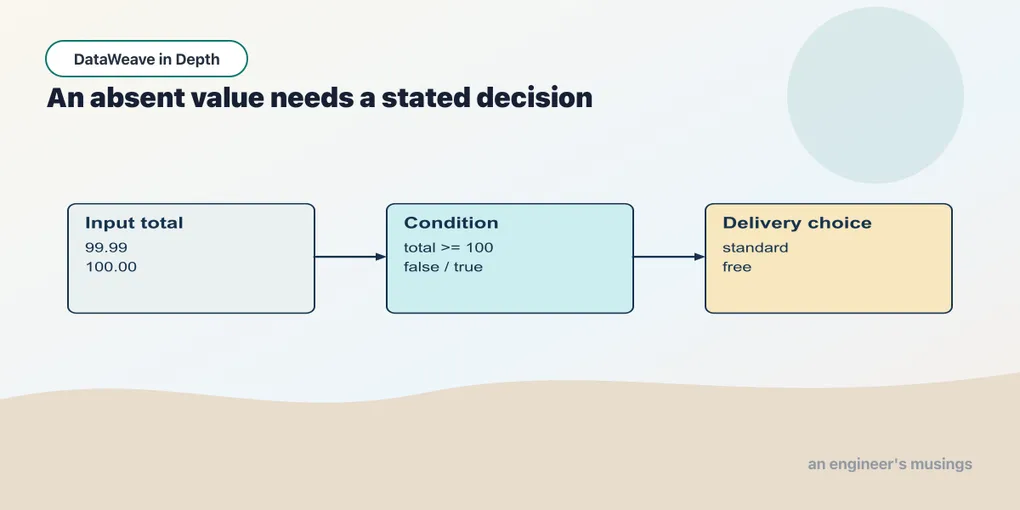
The order service offers free delivery at a stated threshold. That rule gives us a reason to choose between two values. Optional fields raise a related question: what should the result say when the source supplies nothing?
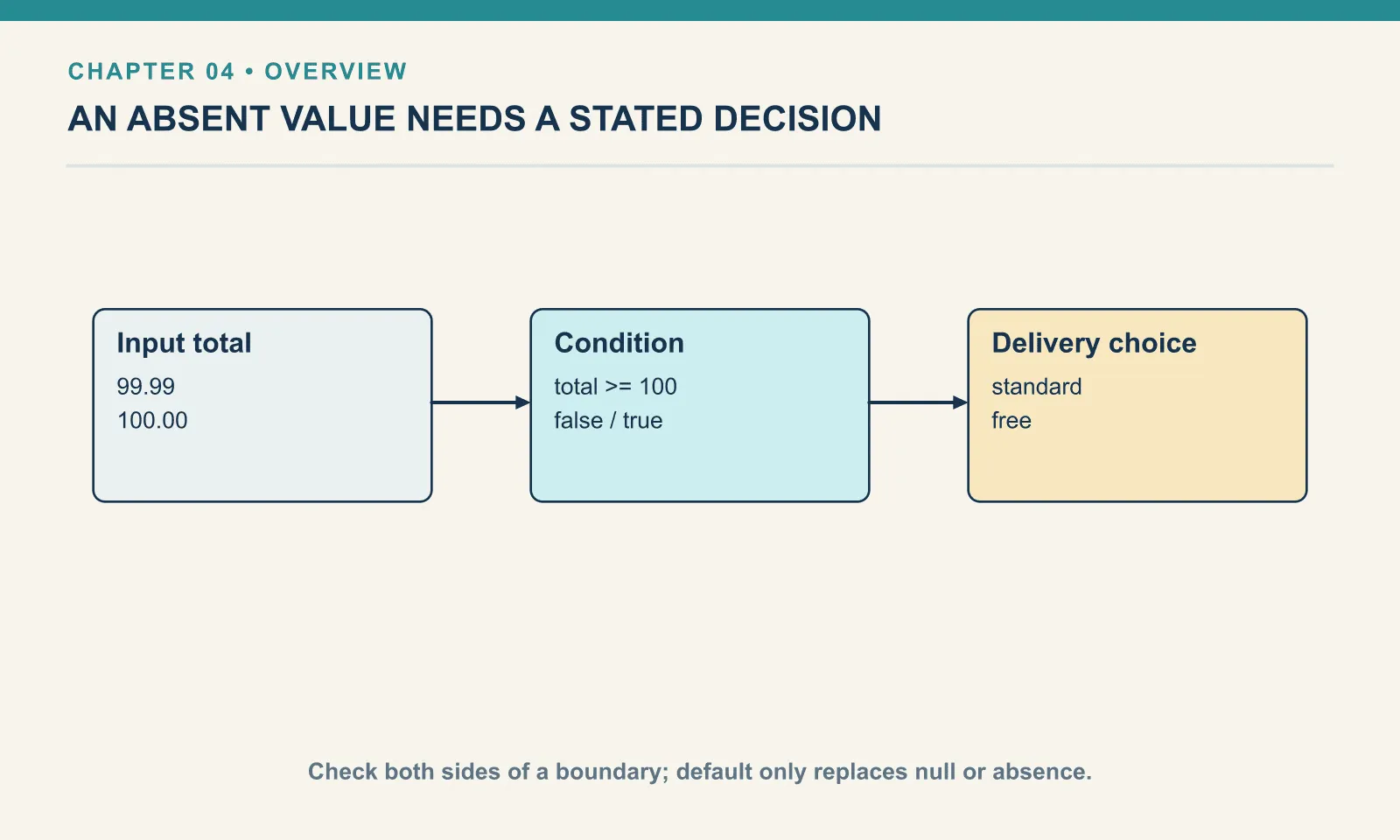
Example 20 — Choose a delivery label.
Input payload — choose-a-delivery-label-input.json:
{
  "orderId": "A-1001",
  "total": 32,
  "coupon": null,
  "notes": ""
}
%dw 2.0
output application/json
---
if (payload.total >= 100) "free" else "standard"Result:
"standard">= compares the total with the threshold and produces a Boolean. if evaluates that condition and returns one of two values. At 32 the result is "standard"; change the input total to 100 and it becomes "free". Equality belongs on the free side because the operator includes it.
Both alternatives are required. The result must exist whether the condition is true or false. The word else supplies the false alternative.
Example 21 — Use a decision in an object.
Use choose-a-delivery-label-input.json as payload, as above.
%dw 2.0
output application/json
---
{ orderId: payload.orderId, shipping: if (payload.total >= 100) 0 else 4.99, label: if (payload.total == 0) "empty" else "ready" }
Result:
{
  "orderId": "A-1001",
  "shipping": 4.99,
  "label": "ready"
}
Each conditional produces a field value. The first chooses a number and the second chooses text. Parentheses help when a conditional is part of a larger arithmetic or concatenation expression: they show where the entire choice ends.
Example 22 — Default only an absent value.
Use choose-a-delivery-label-input.json as payload, as above.
%dw 2.0
output application/json
---
{ coupon: payload.coupon default "NONE", giftWrap: payload.giftWrap default false, notes: payload.notes default "no notes", zero: 0 default 5, flag: false default true }
Result:
{
  "coupon": "NONE",
  "giftWrap": false,
  "notes": "",
  "zero": 0,
  "flag": false
}
default replaces null, including the null returned by a missing selection. It leaves an empty string, zero and false alone. These values often carry deliberate meaning: free delivery is zero, and declining gift wrap is false.
A default is a policy decision. It is reasonable for an omitted optional gift-wrap choice to mean false. It is usually unreasonable for a missing order identifier to become a made-up identifier.
Example 23 — Handle empty notes.
Use choose-a-delivery-label-input.json as payload, as above.
%dw 2.0
output application/json
---
{ notes: if (isEmpty(payload.notes)) "no notes" else payload.notes, couponPresent: payload.coupon?, giftWrapPresent: payload.giftWrap? }
Result:
{
  "notes": "no notes",
  "couponPresent": true,
  "giftWrapPresent": false
}
isEmpty supplies the wider test needed for the empty string. The postfix ? checks whether a key exists. coupon is present with a null value; giftWrap is absent. A plain selection returns null for both, but a presence check distinguishes them.
Example 24 — Require an order identifier.
Input payload — require-an-order-identifier-input.json:
{
  "customer": "Dana"
}
%dw 2.0
output application/json
---
{ orderId: payload.orderId! }Result (expected exit 255):
[ERROR] Error while executing the script:
[ERROR] There is no key named 'orderId'

4| { orderId: payload.orderId! }
              ^^^^^^^^^^^^^^^
Trace:
  at 024-require-an-order-identifier::main (line: 4, column: 12) at:

4| { orderId: payload.orderId! }
              ^^^^^^^^^^^^^^^
The postfix ! asks the selector to fail when the required field is missing. This fixture deliberately omits it. Requiring the field makes a broken input visible where it enters the result.
Example 25 — Guard a conversion.
Use choose-a-delivery-label-input.json as payload, as above.
%dw 2.0
output application/json
---
{ discount: if ((payload.discount != null) and (payload.discount is Number)) payload.discount else 0 }
Result:
{
  "discount": 0
}
and needs both conditions to hold and stops after a false left operand. or stops after a true left operand; not reverses a Boolean. This example accepts an existing numeric discount and otherwise uses zero. It deliberately does not accept numeric text: changing that contract would require an explicit conversion policy.
DataWeave conditions require Booleans. A quantity of 4 does not mean true. Write the comparison, such as qty > 0, that states the decision.
Try it
Test the delivery boundary with totals 99.99, 100 and 100.01. Then make notes containing only spaces count as empty. trim(text) removes surrounding whitespace; apply it after replacing a missing note with an empty string.
Show answer
Example 26 — Normalize an optional note.
Input payload — normalize-an-optional-note-input.json:
{
  "orderId": "A-1001",
  "total": 32,
  "coupon": null,
  "notes": "   "
}
%dw 2.0
output application/json
var note = trim(payload.notes default "")
---
{ notes: if (isEmpty(note)) "no notes" else note }Result:
{
  "notes": "no notes"
}
The default supplies text before trim is called. After trimming, the same empty-string decision covers an omitted note, an empty note and whitespace-only text.
Keep the ordinary, boundary and absent cases beside the fixture you first tested. A rule that works only for Dana’s ordinary order is not yet a rule you can safely reuse.
Comments